Octavian: worth it for WPBakery builds, not modern block sites
- Freelancers building agency websites
- Creative portfolios and studio sites
- WPBakery users who want many demos
- WooCommerce brochure stores
- Developers comfortable with classic themes
- You want Gutenberg or Full Site Editing
- You prefer Elementor
- You need a lightweight performance-first theme
- You want minimal plugin and theme lock-in
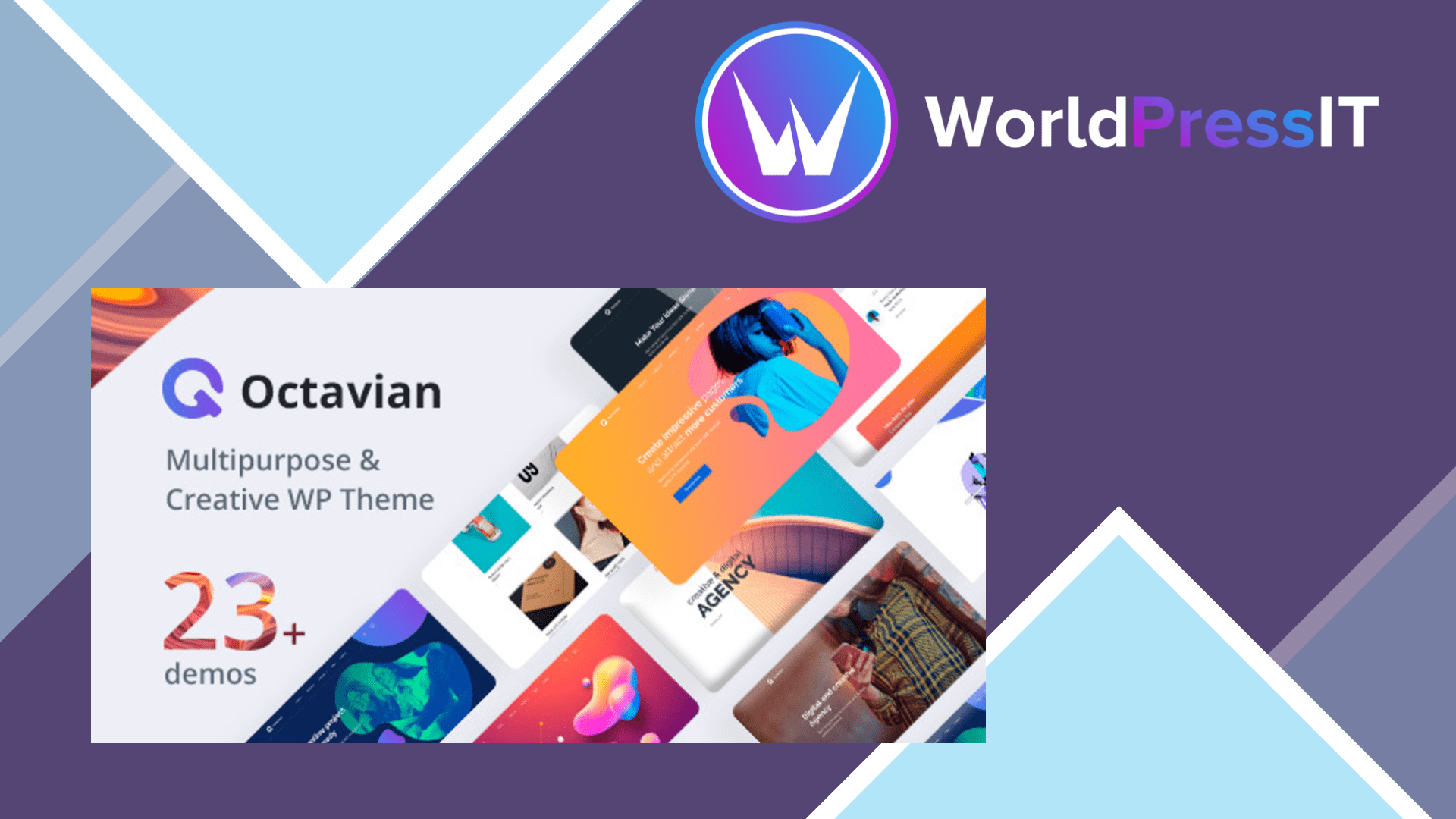
Octavian is worth it when your priority is getting a visually ambitious classic WordPress site assembled quickly. It is a multipurpose theme built around WPBakery, with more than 23 demos, over 70 custom WPBakery elements, WooCommerce styling, multiple headers, portfolio and gallery post types, one-page layouts, Contact Form 7 integration, and a bundled Revolution Slider installation. That makes it practical for agencies, creative studios, SaaS landing pages, portfolios, and small business sites that can start from one of the supplied designs rather than inventing every layout from scratch.
The strongest part is the breadth of its design system. The Customizer controls headers, colors, typography, page titles, layouts, menus, sidebars, and footer areas, while page-specific settings allow different header versions and layouts on individual pages. The developer’s documentation is unusually useful for a marketplace theme: it explains installation, demo importing, custom post types, one-page navigation, WPBakery editing, translation, Mailchimp, and child themes. Customer feedback also consistently praises the visual quality and responsive support, including help with CSS problems and setup questions.
There is a genuine productivity win if you already know WPBakery. The theme includes reusable elements and demo pages that expose how the layouts are built, and WooCommerce support means a small shop can inherit the same visual language. The developer also continues to publish compatibility updates and lists PHP 8 support, updated WPBakery and Revolution Slider packages, and compatibility with recent WordPress and WooCommerce releases. A regular license is currently listed at $59 with six months of support, while updates are advertised as ongoing.
Where Octavian becomes annoying
The one-click import is not completely one click. The documentation says the main demo content imports first, but Revolution Slider data must be imported separately from the downloaded demo files. The same documentation recommends unusually high server settings for difficult imports, including a 3,000M memory limit, 2,000M post size, 180-second execution time, and 3,000 max input variables. Those figures are a warning that some hosts will need configuration before the demo workflow is smooth.
Octavian is also explicitly marked as not Gutenberg optimized. Its core editing experience is WPBakery, and several features depend on theme-specific custom post types and custom elements. The support comments show predictable consequences: users have encountered demo imports that displayed shortcode-like code, missing sliders, WPBakery not appearing for project content, jQuery compatibility problems after WordPress updates, and full-page navigation settings that did not work as expected. Support appears willing to help, but needing support to untangle the builder and import system is still a cost.
How it compares
Compared with Astra, Kadence, or GeneratePress, Octavian gives you more prebuilt visual identity but less flexibility outside its chosen builder stack. Compared with Avada, it is smaller and cheaper but has a less mature all-in-one ecosystem. Compared with Elementor-focused themes, Octavian is the wrong purchase if your existing workflow is Elementor; its documented path is WPBakery, not Elementor. Buy it when a client wants one of its demo styles and you value bundled design components. Skip it when long-term portability, lean performance, or native WordPress editing matters more than immediate visual variety.
Questions people ask
- Does Octavian use Elementor?
- No. Octavian is built around WPBakery and includes more than 70 custom WPBakery elements. Elementor users should choose a theme designed specifically for that builder.
- Is Octavian compatible with Gutenberg?
- It can run on current WordPress installations, but the marketplace listing marks it as not Gutenberg optimized. Its documented editing workflow remains WPBakery and the Customizer.
- Does the Octavian demo import work automatically?
- The main demo content can be imported from the WordPress dashboard, but Revolution Slider data must be imported separately. Larger imports may also require increased PHP memory, upload, timeout, and input limits.
- Is Octavian good for WooCommerce?
- It includes custom WooCommerce shop layouts and is a reasonable fit for a small or presentation-led store. It is less attractive for a performance-critical shop that needs a minimal theme stack.
- Is Octavian still maintained?
- Yes. The developer continues to publish compatibility and bundled-plugin updates, including recent WordPress, WooCommerce, WPBakery, Revolution Slider, and PHP 8 support information.
Get Octavian: worth it for WPBakery builds, not modern block sites 1.28
Complete package, ready to install, via WorldPressIT.