Spotlight: worth it for magazines, not every modern WordPress site
- news and magazine publishers
- content-heavy blogs
- affiliate and ad-supported sites
- publishers using the WordPress Customizer
- sites needing built-in galleries and social tools
- you want a block-first Full Site Editing theme
- you need maximum theme portability
- you dislike bundled theme plugins
- you need guaranteed compatibility with third-party plugins
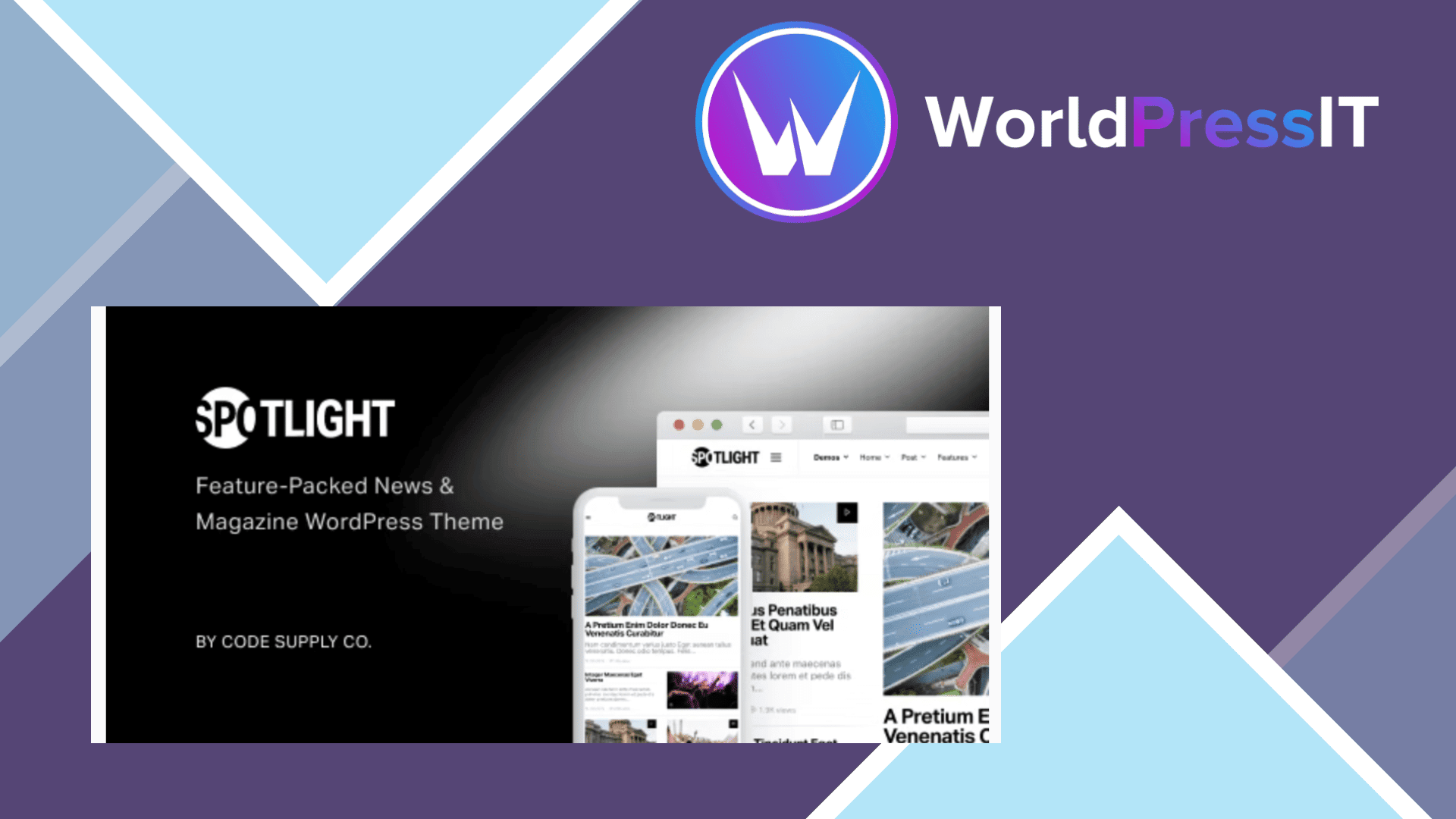
Spotlight is built for publishing volume, not for minimal brochure sites. It gives you a magazine-style homepage, featured-post grids, category filters, multiple article headers, related posts, live search, infinite loading, reading time, post-view support, ads, newsletters, galleries, lightboxes, social links, and share buttons. The theme also includes five installable demos, including layouts aimed at general publishing, viral magazines, automotive news, technology blogs, and traditional news sites.
Its strongest feature is the way it separates content from presentation. The developer documents that demos are presets inside the WordPress Customizer, so you can switch the visual configuration without importing duplicate posts or pages. That is genuinely useful for an established site that wants a redesign without rebuilding its content. Demo content can also be imported separately, and the documentation covers installation, typography, homepage layouts, archives, social integrations, advertising, performance, GDPR, WooCommerce, and translation.
Spotlight is also more practical for publishers than many attractive magazine themes. It supports featured posts filtered by category, tag, or post ID, with ordering by date or views. Its additional-content controls let you place banners, subscription forms, and other snippets in predefined template locations without editing theme files. The theme advertises support for 56 social networks, three custom gallery types, lazy loading with low-quality image placeholders, table of contents, numbered headings, and WPML and Polylang compatibility. Those features reduce the need to assemble a large stack of separate plugins.
The main drawback is that this convenience creates lock-in. Many of the useful features are delivered through the developer’s Powerkit plugin and Spotlight-specific modules, shortcodes, widgets, and Customizer settings. If you later change themes, the visual presentation and some editorial components will not migrate cleanly. The theme is described as Gutenberg optimized, but its workflow still centers on the classic Customizer and proprietary features rather than WordPress’s newer Site Editor approach. A block-first theme such as Kadence or GeneratePress is a better long-term foundation for sites expecting frequent redesigns or extensive block-based customization.
Performance claims also need context. Spotlight says it uses optimized CSS, limited thumbnail generation, lazy loading, and no Bootstrap dependency, but its own sales page warns that page-speed results depend on the demo, content, server, and enabled features. Social counts, Instagram feeds, and similar integrations rely on external services. In practice, the theme can be fast, but enabling every module will not automatically produce the advertised scores.
At $59, the package includes future updates and six months of support. Support is handled through the developer’s ticket system, while customization, hosting problems, and third-party plugin compatibility are explicitly excluded. Compared with Newspaper or Jannah, Spotlight is less sprawling and less builder-heavy; compared with GeneratePress, Kadence, or Blocksy, it offers more magazine features out of the box but less portability. Buy it when its editorial workflow matches your site. Skip it if your priority is a clean, block-native foundation that will outlive the theme.
Questions people ask
- Is Spotlight a good WordPress theme for a news website?
- Yes. Its featured-post grids, category filters, archive layouts, related posts, ads, social tools, and multiple article styles are designed specifically for news and magazine publishing.
- Does Spotlight include demo websites?
- Yes. Spotlight includes five theme demos, and its demo switcher can change the design configuration without importing duplicate content. Demo images and some site-specific settings still require manual setup.
- Is Spotlight fast?
- It has sensible performance features such as lazy loading, optimized image sizes, and CSS without a Bootstrap dependency. However, the developer notes that results vary with the chosen demo, enabled modules, hosting, and site content.
- Does Spotlight work with Gutenberg?
- Yes. Spotlight is marketed as Gutenberg optimized and styles core blocks in the editor and on the front end. Its broader design system still relies heavily on the WordPress Customizer and theme-specific features.
- What are the main alternatives to Spotlight?
- Newspaper and Jannah offer larger, more builder-driven magazine systems. GeneratePress, Kadence, and Blocksy are better alternatives if you prioritize portability, block-based editing, and a leaner foundation over built-in publishing features.
Get Spotlight: worth it for magazines, not every modern WordPress site 1.7.8
Complete package, ready to install, via WorldPressIT.