Bauer: worth it for construction sites, not modern block builds
- construction companies
- industrial businesses
- architects and renovation firms
- freelancers building client sites
- users starting from a demo
- you want native Gutenberg editing
- you need a lightweight theme
- you dislike WPBakery
- you want portable, plugin-independent content
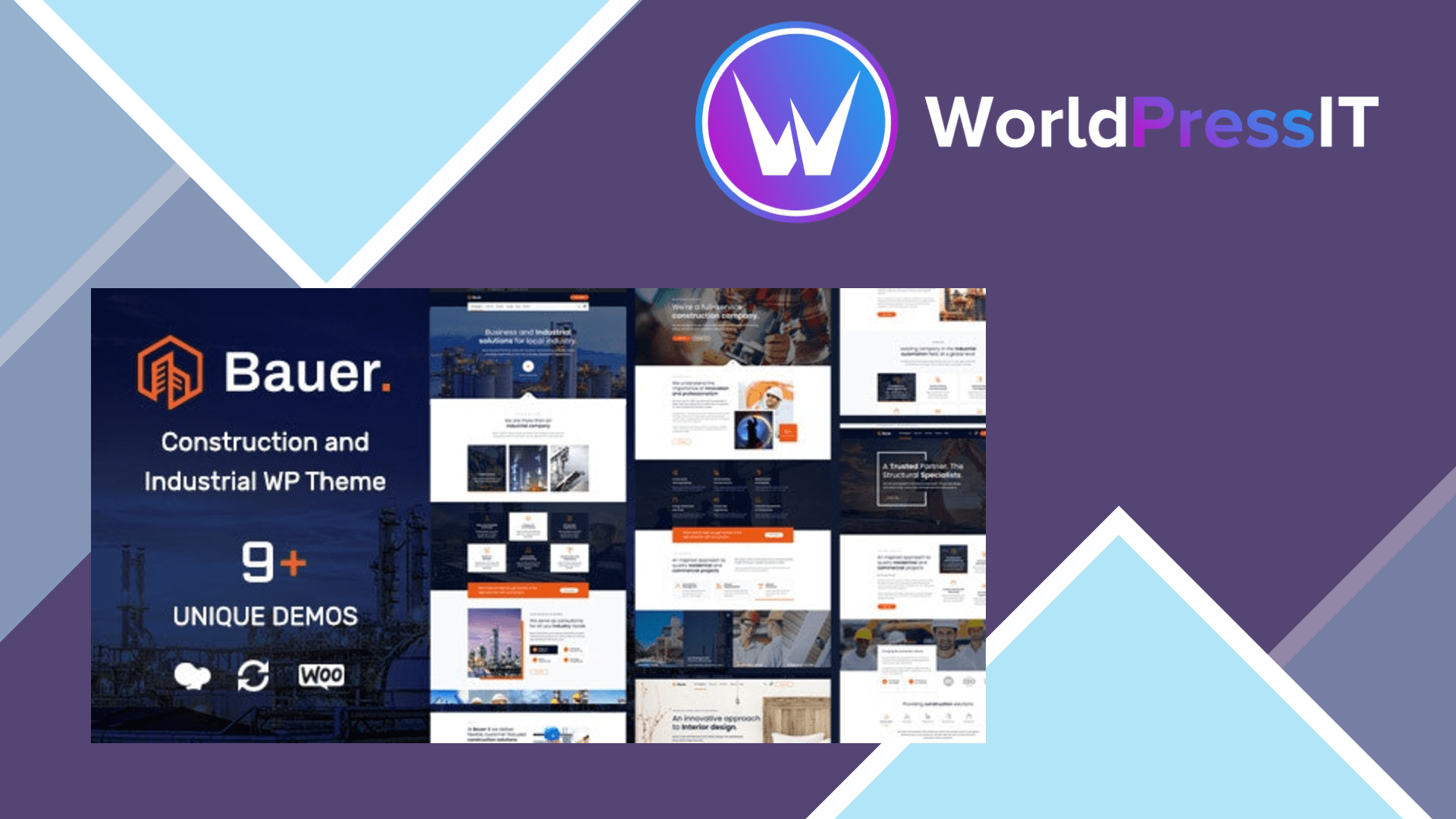
Bauer is a usable shortcut for a construction or industrial website, but it is not the WordPress theme I would choose for a new, lightweight build. Its main strength is that it gives contractors, factories, architects, renovation companies, and similar businesses a large amount of finished design work immediately. The current product page lists nine demos, more than 70 custom WPBakery elements, multiple header styles, portfolio and gallery layouts, custom post types for teams and testimonials, WooCommerce compatibility, Contact Form 7 integration, and WPML compatibility.
That combination is genuinely useful when the goal is to launch a conventional company website quickly. Bauer has dedicated structures for services, projects, staff, testimonials, partners, galleries, and blog content, rather than forcing everything into generic pages. The live Customizer handles many visual settings, while the supplied demos show how the theme expects its elements to be assembled. For an agency or freelancer who repeatedly builds websites for trades and industrial clients, that can save a meaningful amount of setup time.
The theme also has a better support story than many older marketplace themes. Its listing promises six months of support with the regular license, and recent customer feedback repeatedly praises quick answers and help with customization. The product has continued receiving compatibility updates, including recent updates for WooCommerce, Revolution Slider, WPBakery, and PHP 8.x. At the time of checking, the regular license was listed at $59, with future updates included.
Where Bauer falls short
The central drawback is its technology stack. Bauer is built around WPBakery and theme-specific elements, with Revolution Slider bundled as well. That is convenient while you use Bauer, but it creates lock-in: switching to another theme can leave pages full of builder shortcodes or require substantial rebuilding. The developer documentation also explains that WPBakery is disabled by default for custom post types such as portfolios, team members, and testimonials, so those areas need extra configuration before they can be edited visually.
There is also a mismatch between the marketing language and at least one customer experience. The listing presents a drag-and-drop builder, but a reviewer specifically complained that editing was backend-only rather than front-end editing and that customization was less extensive than expected. Bauer is also marked as not Gutenberg optimized, which matters if you want a block-first workflow or expect to use WordPress’s newer editing direction.
Demo importing may demand more from your hosting than a simple one-click label suggests. The official documentation recommends increasing max input variables to 3,000, max execution time to 180 seconds, and memory_limit as high as 3,000M for installation and demo imports. Those are unusually demanding settings, and smaller hosts may require support intervention. The documentation also requires importing Revolution Slider data separately for an exact demo replica.
How it compares
Compared with Astra, GeneratePress, or Kadence, Bauer is more visually complete for construction businesses but less flexible as a long-term foundation. Those alternatives are better suited to Gutenberg, Elementor, or a lean custom design system and keep more content independent of the theme. Compared with broad multipurpose themes such as Avada or The7, Bauer is narrower and easier to aim at an industrial client, but it offers a smaller ecosystem and the same general builder lock-in. Buy Bauer when its demos are close to the site you need; skip it when you are planning a custom, block-based site.
Questions people ask
- Is Bauer a good WordPress theme for a construction company?
- Yes, if you want a ready-made construction layout with project, service, team, testimonial, and contact sections. It is less suitable if you want to build everything with Gutenberg or a lightweight custom system.
- Does Bauer use Elementor?
- No. Bauer is built around WPBakery Page Builder and includes more than 70 theme-specific elements. Its official listing does not identify Elementor as the primary builder.
- Is Bauer compatible with WooCommerce?
- Yes. The theme includes WooCommerce integration and custom shop layouts, although a full store will still depend on WooCommerce and its extensions rather than the theme alone.
- Is Bauer Gutenberg compatible?
- It may run on current WordPress installations, but the marketplace listing marks Bauer as not Gutenberg optimized. Choose Kadence, GeneratePress, or Astra instead if block editing is a priority.
Get Bauer: worth it for construction sites, not modern block builds 1.35
Complete package, ready to install, via WorldPressIT.