Byron: worth it for construction sites, not for modern WordPress builds
- construction companies
- engineering firms
- contractors and handymen
- architecture studios
- freelancers building client sites
- you want a Gutenberg-first workflow
- you need a lightweight performance-focused theme
- you want minimal plugin dependencies
- you expect easy theme switching later
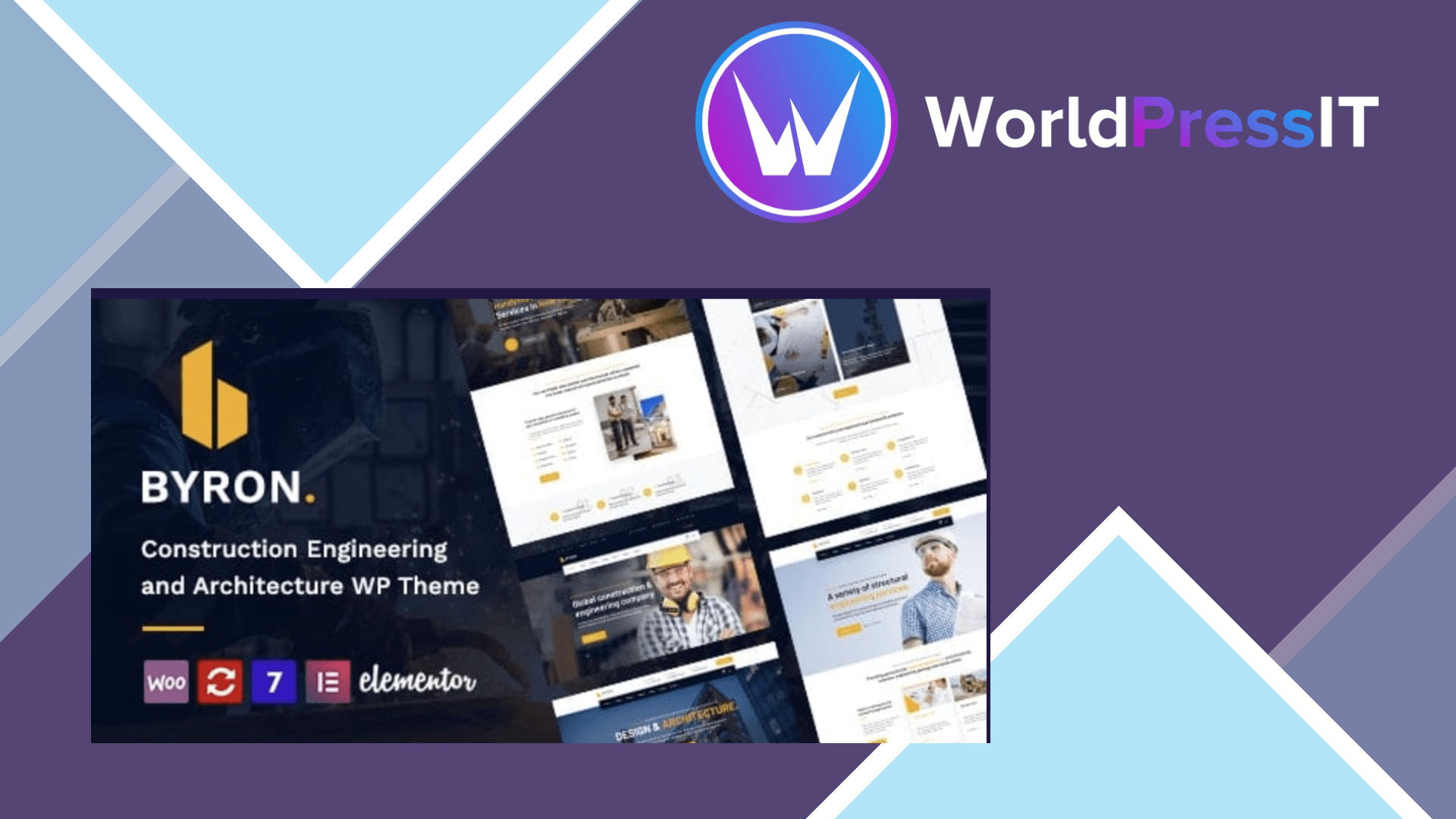
Byron is a practical niche theme, but it is not a future-proof general-purpose WordPress foundation. Its real selling point is speed to launch: the developer provides 9+ construction, engineering, factory, architecture, interior design, and handyman demos, along with ready-made inner pages, project layouts, blog designs, gallery templates, and shop pages. If your client wants a credible building-trades website that resembles the demo quickly, Byron gives you a useful head start.
The theme is built around Elementor rather than the WordPress block editor. The official listing says it includes more than 70 custom Elementor elements, including theme-specific content blocks, and supports one-click demo import. That is genuinely useful for service pages, project showcases, testimonials, team sections, pricing tables, and contact layouts that would otherwise take time to assemble. The live Customizer-based options panel also gives you control over colors, typography, headers, footers, menus, mobile headers, sidebars, and page-title areas without editing code.
Its WooCommerce integration, Contact Form 7 compatibility, WPML and Polylang support, child-theme compatibility, and bundled Revolution Slider make it flexible enough for a small contractor shop or multilingual company site. The developer is still publishing compatibility updates, and the current listing identifies PHP 8.x support and recent updates for Elementor, WooCommerce, and Revolution Slider. A regular purchase is listed at $59 and includes six months of support, while the developer promises lifetime theme updates.
The main weakness is the amount of machinery behind the attractive demos. Byron is not Gutenberg Optimized, and much of its visual identity relies on Elementor, the developer’s custom add-on plugin, and bundled slider functionality. The documentation instructs users to install the required plugins after activating the theme, import the main demo content, and then import Revolution Slider data separately. That is manageable for an experienced WordPress user, but it is not the cleanest setup for a client who wants a simple dashboard. It also means more pieces can break after plugin or WordPress updates.
The documentation is useful for installation, demo import, FTP updates, and child themes, but the update instructions are fairly hands-on: replacing theme and bundled-plugin folders through FTP is specifically described. That is a warning sign for teams that expect seamless updates. The theme’s legacy approach also means content created with custom widgets may need substantial rebuilding if you later move to Astra, Kadence, GeneratePress, or Hello Elementor.
Compared with Astra or Kadence, Byron offers more industry-specific design out of the box but fewer reasons to choose it for a long-lived, flexible site. Compared with Hello Elementor, it supplies far more theme styling and ready-made templates, but Hello is simpler and leaves you less tied to a proprietary theme system. Compared with Avada, Byron is narrower and less ecosystem-heavy, which can be an advantage for one construction website but a disadvantage for a larger agency workflow.
Verdict: choose Byron when its demos closely match the business and launch speed matters more than a minimal stack. Skip it for content-heavy, Gutenberg-led, performance-sensitive, or long-term platform projects.
Questions people ask
- Is Byron a good WordPress theme for a construction company?
- Yes, especially if you want to start from a construction or engineering demo and customize it with Elementor. Its layouts are much more relevant to contractors than those of a general-purpose theme.
- Does Byron work with Elementor?
- Yes. Elementor is the theme's primary page-building workflow, and Byron includes more than 70 custom Elementor elements according to the developer's listing.
- Is Byron compatible with Gutenberg?
- It may work alongside WordPress blocks, but the official listing does not mark Byron as Gutenberg Optimized. It is designed primarily around Elementor and the classic theme-customization model.
- Does Byron include Revolution Slider?
- Yes, Revolution Slider is bundled. However, the documentation says its slider data must be imported separately after the main demo content, so the demo setup is not entirely one click.
- Is Byron easy to update?
- Theme updates are available, but the documentation describes manually replacing the theme and bundled plugin folders through FTP. That is less convenient than the update workflow offered by many modern theme frameworks.
Get Byron: worth it for construction sites, not for modern WordPress builds 1.28
Complete package, ready to install, via WorldPressIT.