WPMU DEV Branda Pro: worth it for agencies, excessive for simple branding
- WordPress agencies managing client sites
- Multisite network administrators
- White-label SaaS and membership platforms
- Teams needing branded system emails
- Developers replacing several branding plugins
- You only need a custom login logo
- You manage one simple brochure site
- You need a visual email builder
- You want a standalone one-purpose plugin
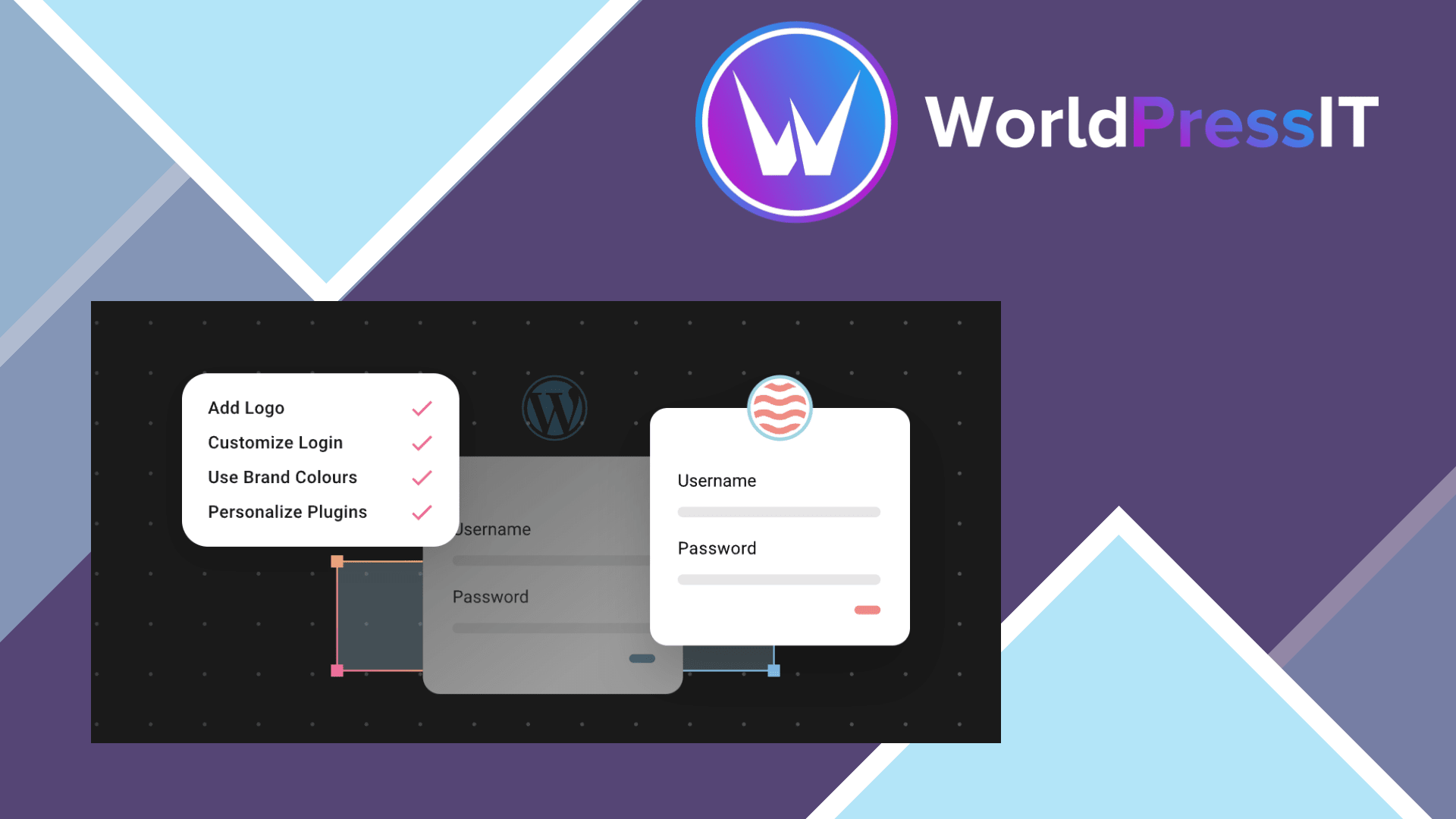
Branda Pro is one of the few WordPress branding plugins that aims to cover the whole client-facing administration experience rather than just the login screen. It can replace WordPress branding in the login page, admin bar, dashboard widgets, menus, footer, maintenance pages, registration screens, and system emails. It also includes text replacement, custom admin CSS, SMTP settings, email logging, tracking-code fields, and multisite branding controls. The official documentation describes the plugin as a modular system, so you can activate only the areas you need instead of turning on every feature.
Its strongest use case is an agency handing WordPress to clients. Branda can make the dashboard look like an agency-built platform, hide or rename parts of the WordPress interface, add branded dashboard content, and give the login, password-reset, and registration screens a consistent appearance. On multisite, WPMU DEV documents that active module settings apply across the network by default, with site-level configuration available when individual sites need different branding. That is a meaningful advantage over narrower tools that must be configured separately on every installation. ([wpmudev.com](https://wpmudev.com/docs/wpmu-dev-plugins/branda/?utm_source=openai))
The plugin is also unusually broad compared with its obvious alternatives. LoginPress is a better fit if the only requirement is a polished login page. Admin Menu Editor Pro is more focused when you mainly need to rearrange or hide admin menus. White Label CMS offers a simpler white-labeling workflow, while UiPress is often the more appealing choice when the priority is redesigning the WordPress dashboard interface. Branda wins when you want these surfaces in one system, particularly when emails, maintenance pages, and multisite settings matter alongside the dashboard.
The weaknesses are mostly about depth and polish. Branda exposes many modules and settings, which makes the interface less focused than a dedicated login customizer. Its prebuilt login templates are not always perfect out of the box: WPMU DEV support has acknowledged cases where a template needed custom CSS because the layout or login button rendered incorrectly. The plugin also works with WordPress-generated emails, but support discussions make clear that it cannot automatically brand messages sent by external services such as Zapier or ClickSend. That limitation matters if your site uses third-party authentication, marketing, or transactional-email systems. ([wpmudev.com](https://wpmudev.com/forums/topic/styling-my-login-screen/?utm_source=openai))
Email logging is useful but deserves operational attention. The documentation says setting the log limit to 0 keeps the entire history, so leaving that option unrestricted can create unnecessary database growth on a busy store or membership site. Branda is also not a magic replacement for every white-labeling layer: WPMU DEV’s separate Dashboard plugin handles branding for supported WPMU DEV plugin interfaces, and the developer has acknowledged that broader global configuration across sites has been a requested feature. ([wpmudev.com](https://wpmudev.com/docs/wpmu-dev-plugins/branda/?utm_source=openai))
The pricing decision is really a suite decision. The official page currently lists Pro Basic for one site at $5 per month or $36 per year on the displayed annual promotion, while the subscription also includes the wider WPMU DEV plugin suite and support. That is reasonable for an agency already using several of those products, but poor value if Branda is the only feature you want. The free WordPress.org version has a 4.5-star average from 30 reviews, making it sensible to test the workflow before committing. ([wpmudev.com](https://wpmudev.com/project/ultimate-branding/?utm_source=openai))
Verdict: Branda Pro is worth it for agencies and multisite operators who will use several of its modules. For a one-off login redesign, choose LoginPress or a simpler alternative instead.
Questions people ask
- Is Branda Pro worth paying for?
- Yes, if you need coordinated branding across the login screen, dashboard, emails, maintenance pages, and multiple sites. It is not good value for a single logo or color change.
- Can Branda Pro white-label the WordPress dashboard?
- Yes. It can customize dashboard widgets, admin-bar elements, menus, footer content, colors, text, and CSS, although some advanced visual changes may still require custom CSS.
- Does Branda Pro work with WordPress multisite?
- Yes. Its documentation supports network-wide settings, with individual site configuration where needed. Test each site when using admin color schemes or plugins with heavily customized interfaces.
- Can Branda Pro customize every email from my website?
- No. It is designed to style emails generated through WordPress, but messages sent by external services or custom authentication systems may require separate integration or code.
- What is better than Branda Pro for only customizing the login page?
- LoginPress is the more focused choice for login-only work. Branda Pro becomes the stronger option when you also need dashboard, multisite, maintenance-page, text-replacement, or email-branding features.
Get WPMU DEV Branda Pro: worth it for agencies, excessive for simple branding 3.4.32
Complete package, ready to install, via WorldPressIT.