Keeway: worth it only for a basic one-page agency site
- small digital agencies
- freelancers building one-page sites
- portfolio and services websites
- buyers who already use Elementor
- you want a block-first WordPress site
- you need extensive documentation
- you expect polished plugin compatibility
- you are building a complex business website
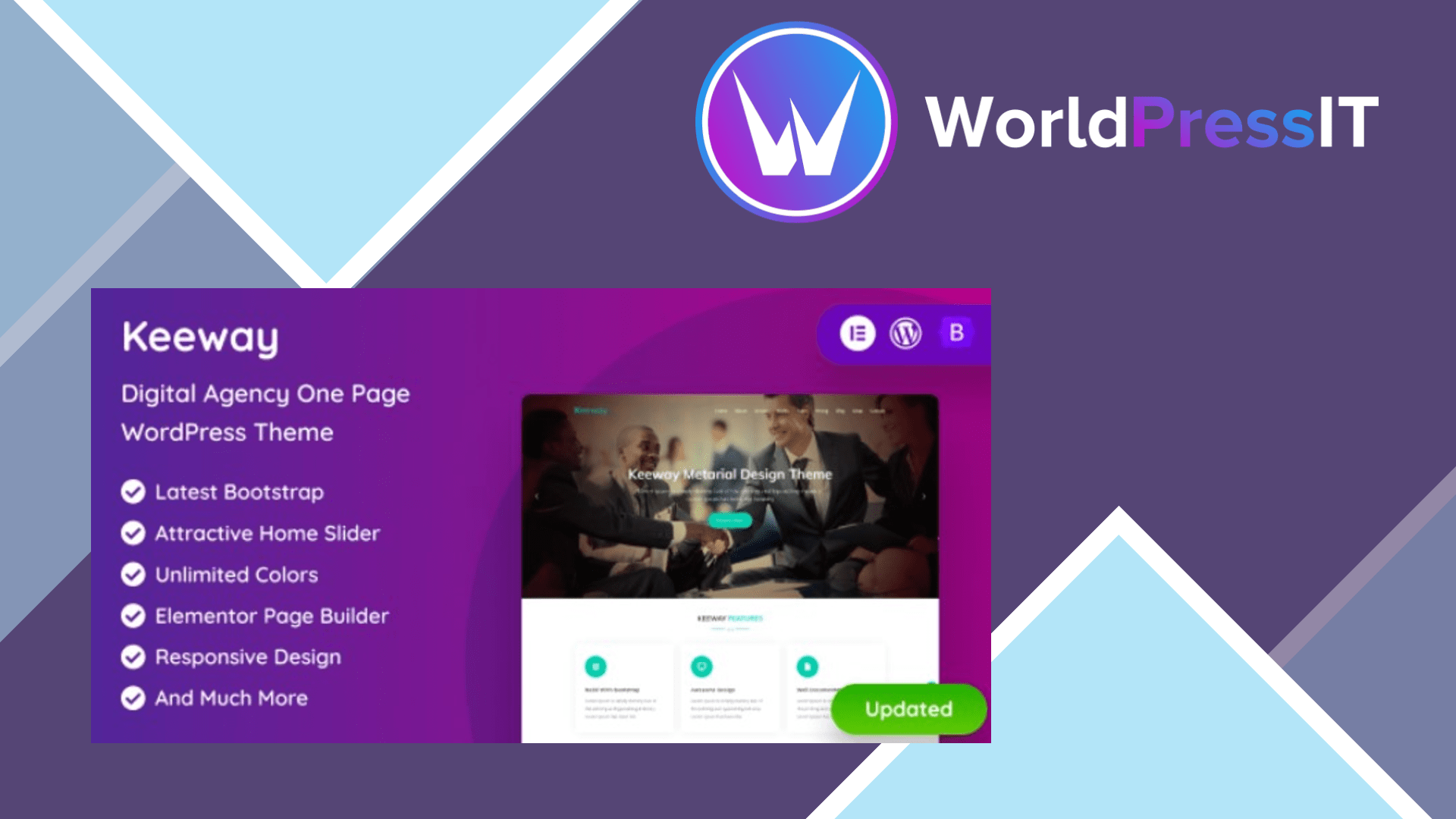
Keeway is a narrowly useful theme, not a strong all-purpose WordPress choice. It is built around a one-page digital-agency layout with sections for services, portfolio work, team members, testimonials, contact details, and blog content. The design is clean and spacious, and the live examples make it easy to see the intended use: replace the sample copy and images, adjust the colors, and launch a small agency or freelancer site.
The feature list is respectable for a budget theme. The current marketplace listing advertises Elementor support, one-click demo import, Contact Form 7 compatibility, WooCommerce support, responsive layouts, Bootstrap, animations, and unlimited theme colors. The developer’s changelog says Elementor was added in version 2.1 alongside Bootstrap 5.3, while a later update refreshed Font Awesome icons and the demo. The listed price is $14, which makes Keeway inexpensive if the layout is already close to what you want. ([themeforest.net](https://themeforest.net/item/keeway-digital-agency-one-page-wordpress-theme/21217026))
Where Keeway is genuinely strong
Keeway’s main advantage is speed of visual setup. You get a pre-arranged agency homepage rather than a blank theme, and Elementor gives non-developers a familiar way to edit the page. The theme also includes color controls and supports common tools such as Contact Form 7 and WooCommerce, so a small services business can add a contact form, basic shop, or portfolio without immediately commissioning custom development.
It is also a reasonable fit for a deliberately simple site. If the business has a short list of services, a compact portfolio, and one primary call to action, Keeway’s single-page structure can focus visitors better than a sprawling multipurpose theme. The author provides support through a help desk and reports a response time of up to one business day on the marketplace. ([themeforest.net](https://themeforest.net/item/keeway-digital-agency-one-page-wordpress-theme/21217026/comments))
Where it falls short
The biggest concern is that Keeway feels like an older theme that has been updated rather than rebuilt for modern WordPress. The marketplace listing explicitly says it is not Gutenberg optimized, and the product is still presented as a classic Underscores-based theme. That does not make it unusable, but it means the editing experience is centered on Elementor and theme-specific controls rather than WordPress’s block editor and Site Editor.
The public support discussion shows practical friction. A buyer reported that the mobile menu stopped displaying after a WordPress update. Another could not install the bundled Keeway plugin because WordPress reported that a valid download URL was unavailable; the author’s workaround was to locate the ZIP file inside the theme folder and install it manually. The same discussion includes reports of an uneditable Slider Revolution setup, non-clickable tabs, and requests for basic features such as a top bar or phone number that required custom work. These are not theoretical limitations: they are signs that routine setup can become a support task. ([themeforest.net](https://themeforest.net/item/keeway-digital-agency-one-page-wordpress-theme/21217026/comments))
Keeway versus the alternatives
Astra and Kadence are better general-purpose purchases because they provide broader layout systems, stronger block-editor support, and more room to grow beyond a single landing page. GeneratePress is the better choice when performance, maintainable customization, and a clean foundation matter more than a ready-made agency look. Hello Elementor is preferable if you specifically want Elementor with minimal theme interference and plan to build the design yourself. Keeway wins only when its supplied one-page structure saves you enough design time to justify accepting the older workflow.
Verdict: buy Keeway for a small, uncomplicated agency or portfolio site when its demo is already 80 percent of the desired result. For anything expected to evolve, use Astra, Kadence, GeneratePress, or Hello Elementor instead.
Questions people ask
- Is Keeway a good WordPress theme for an agency website?
- It is suitable for a small one-page agency website, especially if you like its demo layout. It is less suitable for an agency that needs a flexible, block-based site or many custom content types.
- Does Keeway work with Elementor?
- Yes. Elementor support was added in a later theme update, and it is now one of the theme's primary editing tools.
- Is Keeway compatible with Gutenberg?
- The marketplace listing says Keeway is not Gutenberg optimized. It can run on modern WordPress, but its workflow is centered on the classic theme structure and Elementor rather than full block editing.
- Does Keeway support WooCommerce?
- Yes, WooCommerce compatibility is listed. However, Keeway is primarily a one-page agency theme, so it should not be your first choice for a large or heavily customized store.
- What is the main problem with Keeway?
- The main problem is setup and maintenance friction. Public support discussions mention mobile-menu issues, manual installation of the bundled plugin, and older bundled components that were difficult to edit or update.
Get Keeway: worth it only for a basic one-page agency site 2.5
Complete package, ready to install, via WorldPressIT.