Larch: worth it for WPBakery sites, not new builds
- WPBakery users
- agency and portfolio sites
- creative studios
- WooCommerce brochure shops
- existing Larch site owners
- you want Gutenberg-first editing
- you prefer Elementor
- you need a lightweight theme
- you want easy theme switching
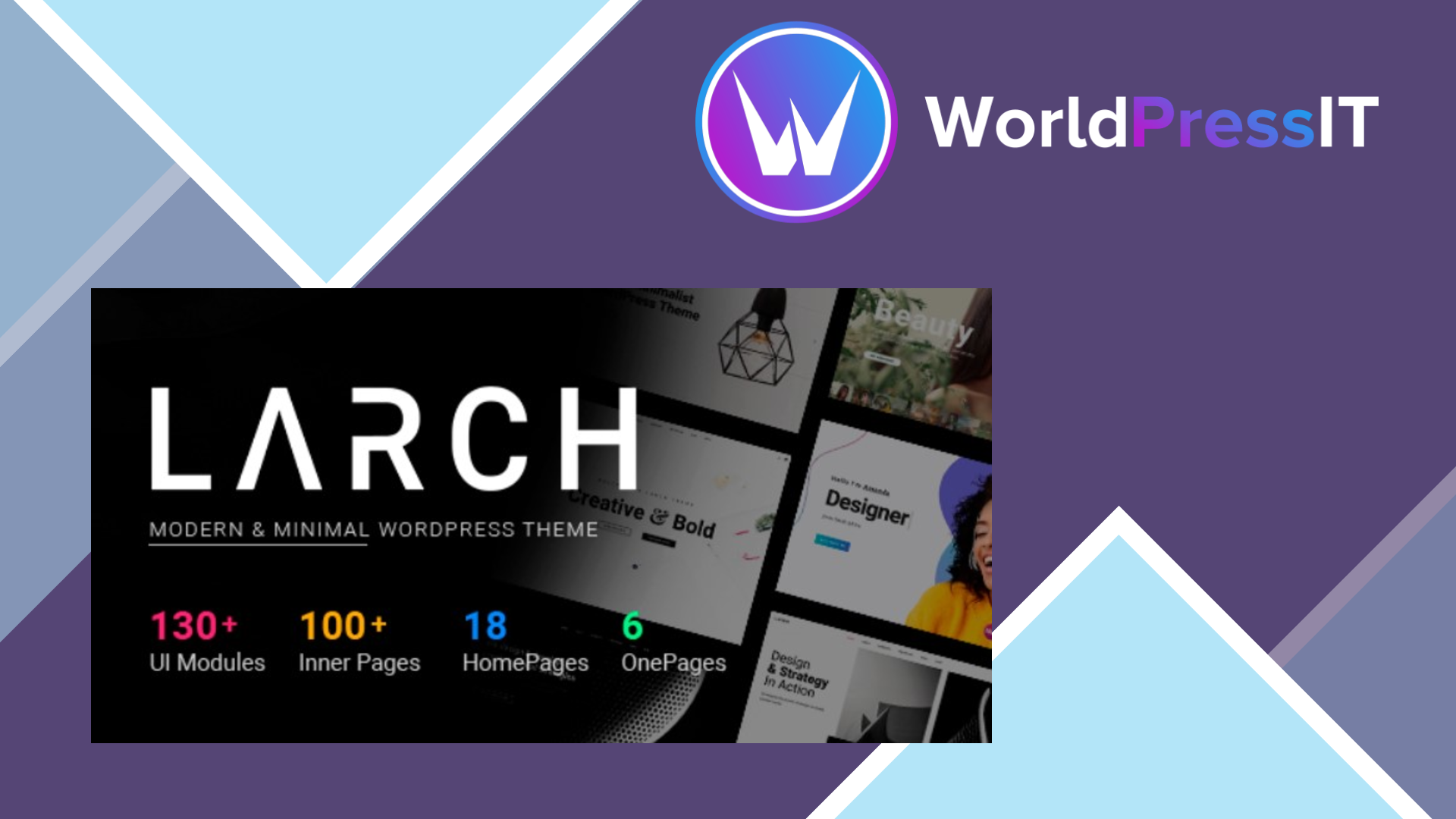
Larch is a classic multipurpose WordPress theme with a clear visual identity: lots of portfolio layouts, one-page templates, sliders, custom post types, mega menus, WooCommerce styling, and a large collection of prebuilt sections. Its appeal is speed during the initial build. The current listing claims seven included website concepts and more than 150 UI blocks, while the documentation describes one-click demo importing, six page templates, portfolio tools, testimonials, team members, newsletter forms, and multiple homepage formats.
That feature density is where Larch is genuinely strong. A designer building a creative agency, architecture, photography, marketing, or portfolio site can get close to the desired look without assembling every component from separate plugins. The theme also includes WPBakery Page Builder and Revolution Slider, has a child theme, supports WooCommerce, and offers unusually granular header, menu, typography, footer, and color controls. Its AJAX search, built-in mega menu, portfolio integrations, and one-page system are useful when the design depends on presentation rather than a simple blog layout.
There is also evidence that the product is not abandoned. Ownership moved from Upper Themes to Boldway, and the current changelog shows updates in 2025 and 2026. Version 2.5 specifically addressed a PHP 8 fatal error, while version 2.7 added WordPress 7.1 support and updated WPBakery, Ultimate Addons, Cube Portfolio, and Contact Form 7. The current regular price is $69 and includes six months of support, which is reasonable if you will actually use the bundled components.
The main problem is that Larch feels like an older theme that has been brought forward rather than redesigned around modern WordPress. The documentation still calls WPBakery “Visual Composer,” references older WordPress menu conventions, and relies heavily on theme options, shortcodes, and custom post types. One documented limitation is that some elements, including special tabs, Cube Portfolio, and sliders, can only be edited in WPBakery’s backend editor rather than the frontend editor. That is slower and less intuitive than Elementor or the block editor.
Independent buyer feedback reinforces the concern. Reviews mention an external portfolio plugin that is difficult to configure, imperfect Gutenberg integration, premade blocks that are not consistently responsive, outdated documentation, and long-running support frustrations. Recent comments also show real maintenance overhead: users have needed help with PHP compatibility, bundled Slider Revolution updates, fatal errors, and migrating customizations into a child theme. The developer has responded more actively since the ownership change, but the transition itself is a warning that support history has not been consistently dependable.
Compared with Astra or GeneratePress, Larch offers more ready-made visual styling but less flexibility with a modern, lightweight stack. Compared with Elementor-focused themes, it gives you fewer contemporary editing options and locks more content into WPBakery shortcodes. Compared with a modern block theme, it is much more elaborate out of the box but harder to replace or maintain later. Buy Larch when its demos save you substantial design time; otherwise, choose Astra, GeneratePress, or an Elementor or block-based theme instead.
Questions people ask
- Is Larch still supported?
- Yes, the theme has received updates through 2026 and is now maintained by Boldway. However, its support history includes gaps and ownership changed, so buyers should not expect the consistency of a long-established modern theme.
- Does Larch use Elementor?
- No. Larch is built around WPBakery Page Builder, formerly referred to in its documentation as Visual Composer. Switching to Elementor would mean rebuilding much of the site's page content.
- Is Larch compatible with PHP 8?
- The developer says recent updates address PHP 8 compatibility, and the changelog lists a PHP 8 fatal-error fix in version 2.5. Test updates on staging because bundled plugins and customized theme files can still create conflicts.
- Is Larch good for WooCommerce?
- It includes WooCommerce design integration and can work for a visually focused shop. It is better suited to a small catalog or branded storefront than to a performance-critical, heavily customized store.
- Can I edit Larch without coding?
- Yes, the theme options and WPBakery provide a mostly visual workflow. The learning curve is higher than modern editors because some portfolio, slider, and special elements are configured through backend panels and separate plugins.
Get Larch: worth it for WPBakery sites, not new builds 2.6
Complete package, ready to install, via WorldPressIT.