MEC Advanced Importer Addon: worth it for recurring event sync
- MEC-powered event directories
- Organizations syncing several calendars
- Agencies managing multiple MEC sites
- Sites replacing another event plugin
- Teams needing scheduled event updates
- You only need a one-time CSV import
- You do not already use MEC
- You want a no-API setup
- Your hosting struggles with large imports
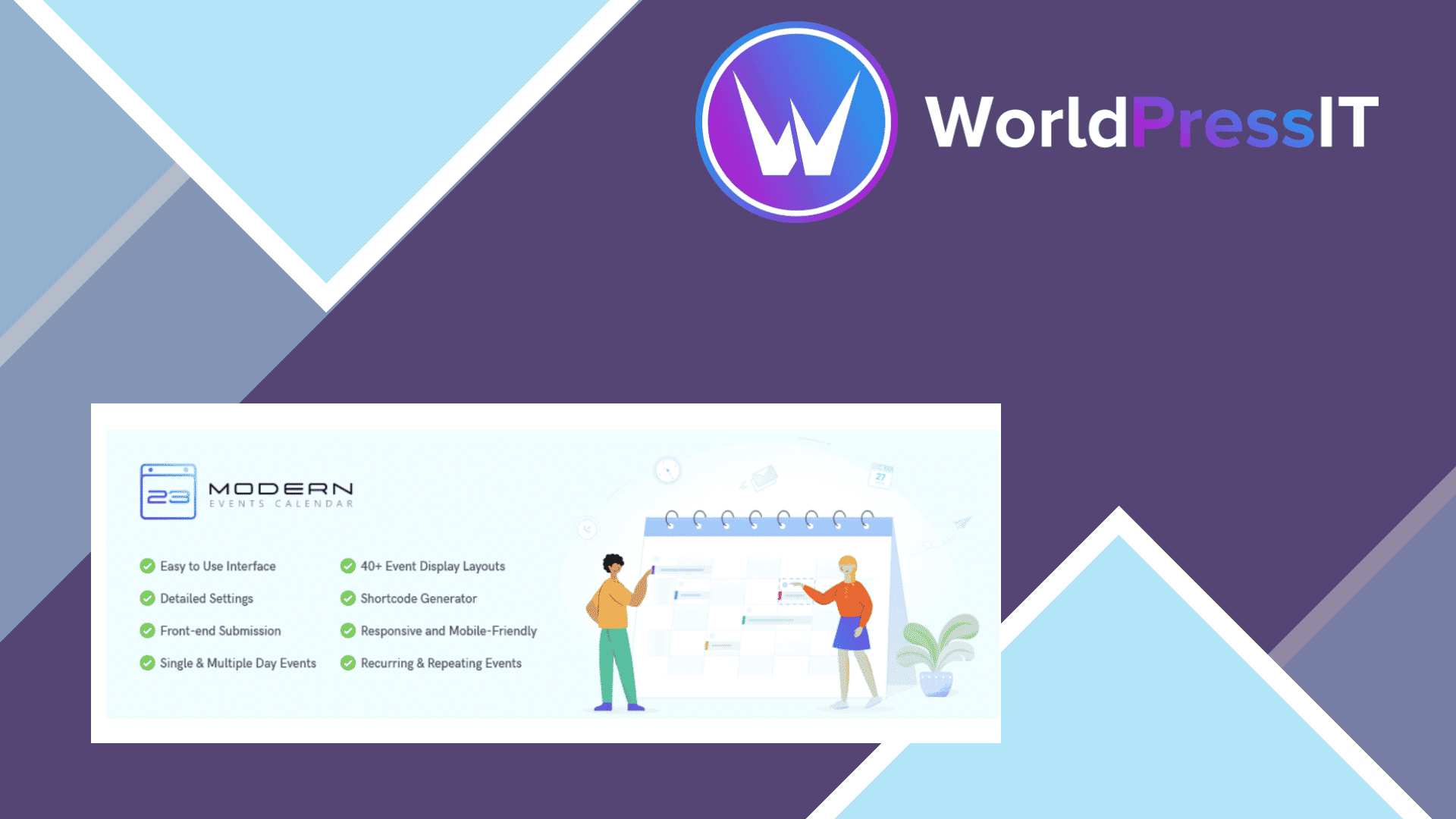
Verdict: the MEC Advanced Importer Addon solves a real problem, but only for a fairly specific kind of Modern Events Calendar site. It connects MEC to Facebook, Google Calendar, Meetup, Eventbrite, ICS files, CSV files, other MEC installations, and selected third-party WordPress event plugins. The important distinction is that it is an importer and synchronizer for MEC, not a standalone event calendar. You need Modern Events Calendar Lite or Pro active first.
Its strongest feature is scheduled synchronization. You can create a one-time import or recurring jobs with intervals ranging from hourly to monthly, then choose whether later syncs should preserve local edits or overwrite them with the source data. That makes it useful for schools, venues, community organizations, and event directories where staff maintain events in an external calendar and want WordPress to stay current automatically. Category assignment, date-range filtering, import history, status selection, and MEC-to-MEC transfers add practical control rather than just dumping events into the database.
The migration support is also broader than the short sales description implies. The documentation covers importing from Event Organiser, My Calendar, and Eventum, while MEC’s wider import tools support migrations from other event plugins such as The Events Calendar, EventON, Amelia, Bookly, and Event Espresso. For a site moving into MEC, this can save substantial manual entry, especially when importing a large existing event catalogue.
The catch is that “quick authentication” is optimistic. Google requires an API key and an authorized redirect URI; Meetup requires OAuth client credentials and may take up to two hours to activate; Eventbrite requires an API key; Facebook requires developer-console configuration. These are manageable for a developer, but they are not beginner-friendly connections. The documentation also notes that Google authentication may need attention after roughly 30 minutes in some situations, which undermines the idea of a completely hands-off integration.
There are concrete operational limits. CSV imports cannot be scheduled or synchronized; only ICS URLs support recurring automation. The importer uses an exclusive end date, so an event on the selected final day is omitted unless you extend the range by one day. The documentation warns that displaying more than 50 events at once can cause timeouts on weaker hosting, and large imports can strain server resources. Long-running scheduled imports can also accumulate importer metadata, requiring manual cleanup; each cleanup action removes up to 1,000 database entries.
At the developer’s listed price of $39 for one site, $99 for five sites, or $179 for ten sites, including one year of updates and premium support, the addon is reasonably priced when it replaces repeated manual work. However, the value is less obvious for occasional imports. MEC already includes import and export capabilities, and alternatives such as WP Event Aggregator offer broader source coverage and can work with multiple calendar systems, while The Events Calendar has its own established importer ecosystem. Those alternatives may be a better fit if you are not committed to MEC.
Bottom line: buy it when MEC is already your platform and scheduled multi-source syncing is central to the site. Skip it for a single migration, basic ICS display, or a client who cannot maintain API credentials and background imports.
Questions people ask
- Does MEC Advanced Importer work with MEC Lite?
- Yes. The developer's documentation lists compatibility with both Modern Events Calendar Lite and Pro.
- Can MEC Advanced Importer automatically sync CSV files?
- No. CSV files support manual imports only. Scheduled imports and synchronization are supported for ICS URLs, not uploaded or remote CSV files.
- What services can MEC Advanced Importer connect to?
- It supports Facebook, Google Calendar, Meetup, Eventbrite, ICS sources, and MEC-to-MEC transfers. It also supports migrations from selected third-party WordPress event plugins.
- Is MEC Advanced Importer beginner-friendly?
- Only partly. The WordPress interface is organized around import profiles and schedules, but Google, Facebook, Meetup, and Eventbrite connections require API keys, OAuth credentials, redirect URLs, or developer-console setup.
- How much does MEC Advanced Importer cost?
- The developer lists plans at $39 for one site, $99 for five sites, and $179 for ten sites. Each includes one year of automatic updates and premium support.
Get MEC Advanced Importer Addon: worth it for recurring event sync 1.8.0
Complete package, ready to install, via WorldPressIT.