Expertly: worth it for magazine sites, not lean blogs
- online magazines and news sites
- professional bloggers
- content-heavy business sites
- publishers needing multiple homepage layouts
- WooCommerce-enabled editorial sites
- you want a minimal blogging theme
- you need native dark mode
- you build everything with Elementor
- you want full-site editing and block templates
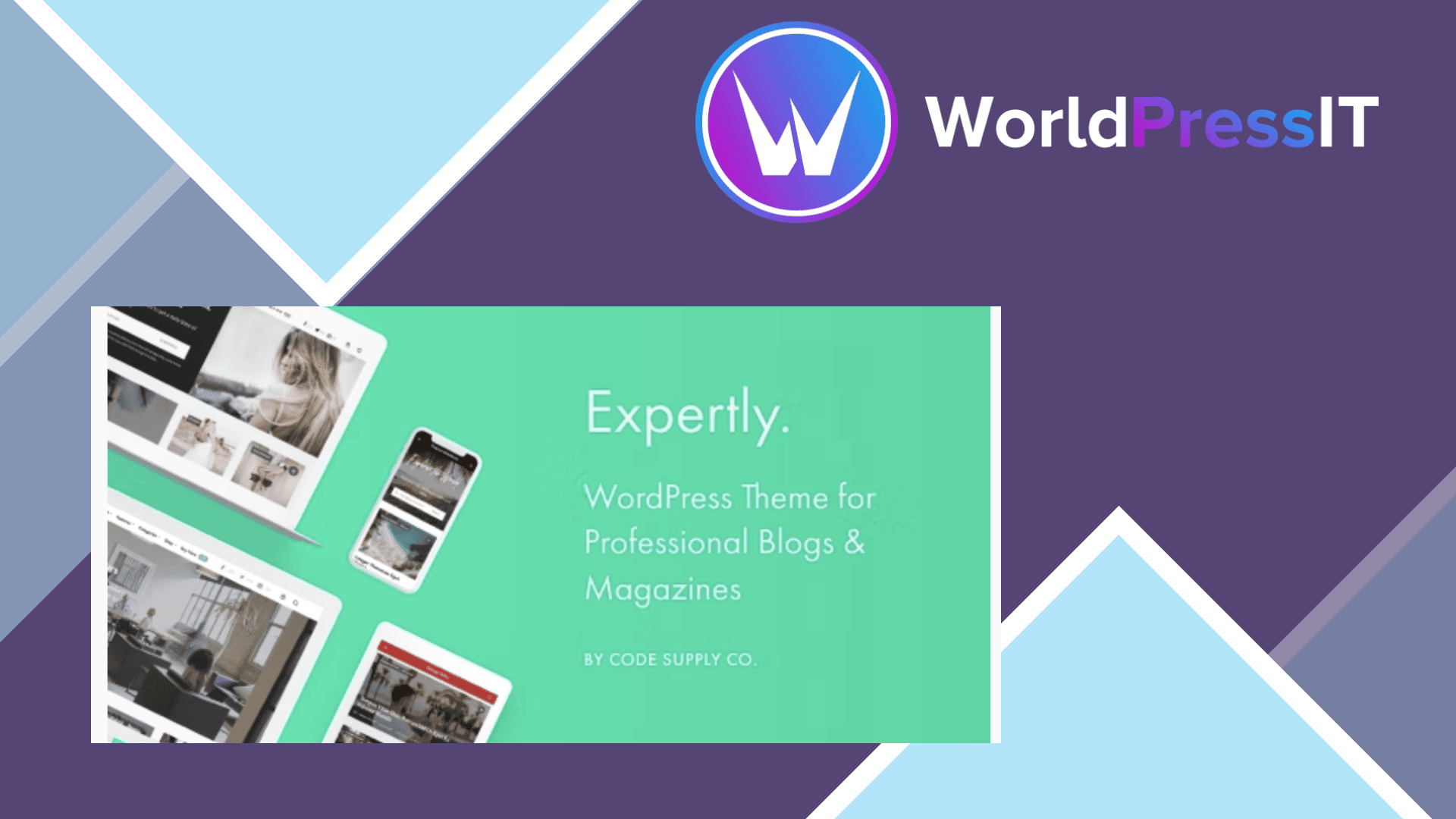
Expertly is a real publishing theme rather than a generic corporate skin. Its focus is blogs, magazines, news sites, professional publications, and personal brands that need more than a chronological post list. The theme includes 12 importable demos, hero sections, featured-post and featured-category blocks, multiple archive layouts, author widgets, advertising locations, related posts, reading time, live search, galleries, social integrations, and WooCommerce support. It is built around the WordPress Customizer and the developer’s Powerkit plugin, not Elementor.
The strongest feature is the demo system. Expertly separates demo content from demo settings, so you can apply a different visual preset to an existing site without importing duplicate posts and pages. That is genuinely useful for an established publication or a client site that needs a redesign without rebuilding its content. The documentation confirms that demos are configuration presets in the Customizer, while demo posts are optional. The theme also supports the block editor, WPML, Polylang, RTL languages, Contact Form 7, and standard WooCommerce templates.
Its editorial controls are unusually broad for a one-time theme purchase. Featured content can be filtered by category, tag, post IDs, date, or view count, and homepage sections can be arranged into grid, list, blog, masonry, or mixed layouts. The Powerkit integration adds share buttons, social links, newsletter forms, author components, lazy loading, lightboxes, and other magazine staples. The plugin is modular, so unused modules can be disabled, which is preferable to a theme that forces every feature on.
There are meaningful drawbacks. Expertly does not provide native dark mode, and the developer has explicitly confirmed that it is not supported. The impressive demo designs can also create the wrong expectations: the sample images are not included, the landing page shown on the product site is not part of the theme, and the advertised page-speed result depends on the selected demo, content, server, and enabled features. Social follower counts, share counts, and Instagram feeds depend on outside services, so those integrations are not entirely under the developer’s control.
The theme’s support record is mostly positive, with many buyers praising quick, useful replies, but support is handled through a ticket system rather than ordinary ThemeForest comments. Older discussions also document a Kirki activation error, a ticket-portal login problem, and an issue where automatically loaded posts could leave sidebar information showing the previous article. Those problems appear to have been addressed or require individual support, but they show that Expertly is not maintenance-free.
Compared with Astra, GeneratePress, Kadence, or Neve, Expertly is the better choice when you specifically want a finished magazine aesthetic and editorial modules out of the box. Those alternatives are usually better foundations for lightweight custom builds and block-first workflows. Expertly is also a poor fit beside Elementor-centric themes because its value comes from its own layout system. At the listed $59 price, with future updates and six months of support included, it is a sensible purchase for a publication that will use its magazine features; for a basic blog, choose a leaner theme.
Questions people ask
- Is Expertly a good WordPress theme for a magazine?
- Yes. Its featured-post sections, archive layouts, author tools, advertising areas, demos, and social features make it especially well suited to magazine and news-style sites.
- Does Expertly work with Elementor?
- Expertly is designed around the WordPress Customizer, block editor, and its Powerkit plugin rather than Elementor. It may coexist with Elementor, but Elementor is not the reason to buy this theme.
- Does Expertly have dark mode?
- No. The developer has confirmed that Expertly does not provide a native dark-mode feature.
- Does Expertly support WooCommerce?
- Yes. The theme supports standard WooCommerce templates, hooks, and filters, so ordinary shops and many WooCommerce extensions should work with it.
- Are Expertly demo images included?
- No. The sample images shown in the demos are for presentation and are not included with the theme. You will need to supply or license replacement images.
Get Expertly: worth it for magazine sites, not lean blogs 1.8.9
Complete package, ready to install, via WorldPressIT.