Divi Essential: worth it for serious Divi builds, not simple sites
- Divi freelancers and agencies
- Design-heavy business websites
- Sites needing advanced visual modules
- Users who want prebuilt Divi layouts
- Long-term Divi users
- You use Elementor or Gutenberg
- You only need basic Divi modules
- Performance budgets are extremely tight
- You dislike annual plugin renewals
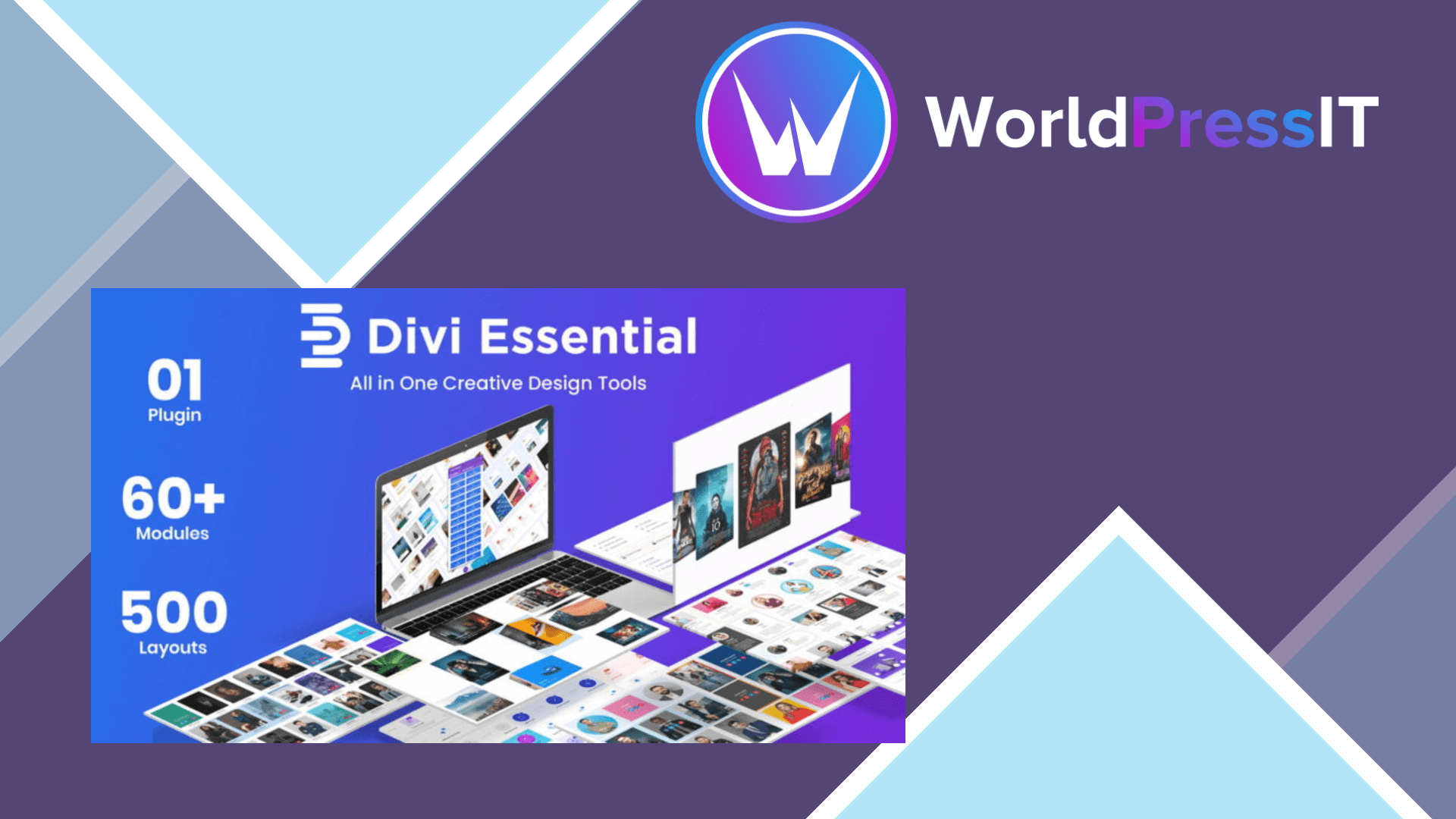
Divi Essential is a module expansion pack for the Divi Builder. Its job is not to replace Divi, but to fill in the design features Divi does not provide natively. The current product page lists more than 115 modules, over 30 extensions, 730-plus section layouts, 40-plus starter templates, and several prebuilt websites. The collection covers practical components such as post grids, pricing tables, FAQs, timelines, carousels, galleries, tables, social proof, payment buttons, and form stylers, alongside more decorative features such as text masks, flip boxes, image effects, Lottie animation, SVG animation, and 3D elements.
That breadth is the real reason to buy it. A Divi freelancer can build a branded service page, comparison section, testimonial block, team layout, or product showcase without hunting for separate plugins or writing custom CSS for every interaction. The documentation is unusually extensive for a third-party Divi extension, with individual guides for modules and extensions, installation instructions, troubleshooting notes, layout-import instructions, and a dedicated Divi 5 compatibility section. The official site currently presents Divi Essential as compatible with both Divi 4 and Divi 5.
The strongest feature is not any single module; it is the concentration of options inside the familiar Divi interface. Divi Plus, Divi Supreme, and Divi Flash offer similar collections, so Divi Essential is competing in a crowded category where feature overlap is substantial. Compared with native Divi, it gives you more ready-made visual patterns and specialty modules. Compared with Elementor Pro, it is the more natural choice if the site is already built with Divi, but Elementor still has the broader independent ecosystem and avoids locking new projects into the Divi workflow.
There are meaningful drawbacks. The product’s own performance documentation says enabled modules load their CSS and JavaScript site-wide by default, even when a module is not used on a particular page. Its Module Manager can disable unused modules, and disabling one removes its assets and builder entry, but that requires an audit after installation. The documentation also warns that disabling a module already used on a page leaves the content in the database but stops it rendering correctly until the module is re-enabled. That is a manageable setting, not a reason to reject the plugin, but it makes Divi Essential a poor choice for hands-off site owners.
Pricing also changes the value calculation. The developer currently lists a one-site plan at $49 per year and a lifetime plan at $199, with the lifetime option covering unlimited websites and future updates. The annual plan is sensible for a single client project; agencies and repeat Divi builders get a much better long-term proposition from lifetime access. Still, if you need only one carousel, popup, or content toggle, buying a large bundle is inefficient. Choose Divi Essential when several of its modules will save real production time. Otherwise, native Divi or a narrower alternative such as Divi Supreme or Divi Plus is the cleaner purchase.
Questions people ask
- Is Divi Essential compatible with Divi 5?
- The developer states that Divi Essential supports Divi 5 as well as Divi 4. You should still update Divi Essential and Divi together on a staging site before changing a production website.
- Does Divi Essential slow down WordPress websites?
- It can add unnecessary front-end assets because enabled modules load CSS and JavaScript site-wide by default. Use its Module Manager to disable modules you are not using, then clear your caching layers and test key pages.
- Is Divi Essential better than Divi Supreme?
- Neither is automatically better. Divi Essential is attractive when its specific modules, extensions, and layouts match your projects; Divi Supreme may be preferable if you want a different feature mix or already use its ecosystem.
- Is Divi Essential worth it for one website?
- It is worth it for one site if you will use several advanced modules or the layout library. For a basic business site using standard headings, buttons, forms, and galleries, native Divi is usually enough.
Get Divi Essential: worth it for serious Divi builds, not simple sites 5.8.3
Complete package, ready to install, via WorldPressIT.