Monst: worth it for fast SaaS launches, not long-term simplicity
- SaaS startup landing pages
- Software and app marketing sites
- Agencies needing ready-made demos
- Elementor freelancers
- Businesses launching quickly
- You want a Gutenberg-first workflow
- Performance and minimal dependencies are priorities
- You need complex product functionality
- You dislike theme-specific widgets
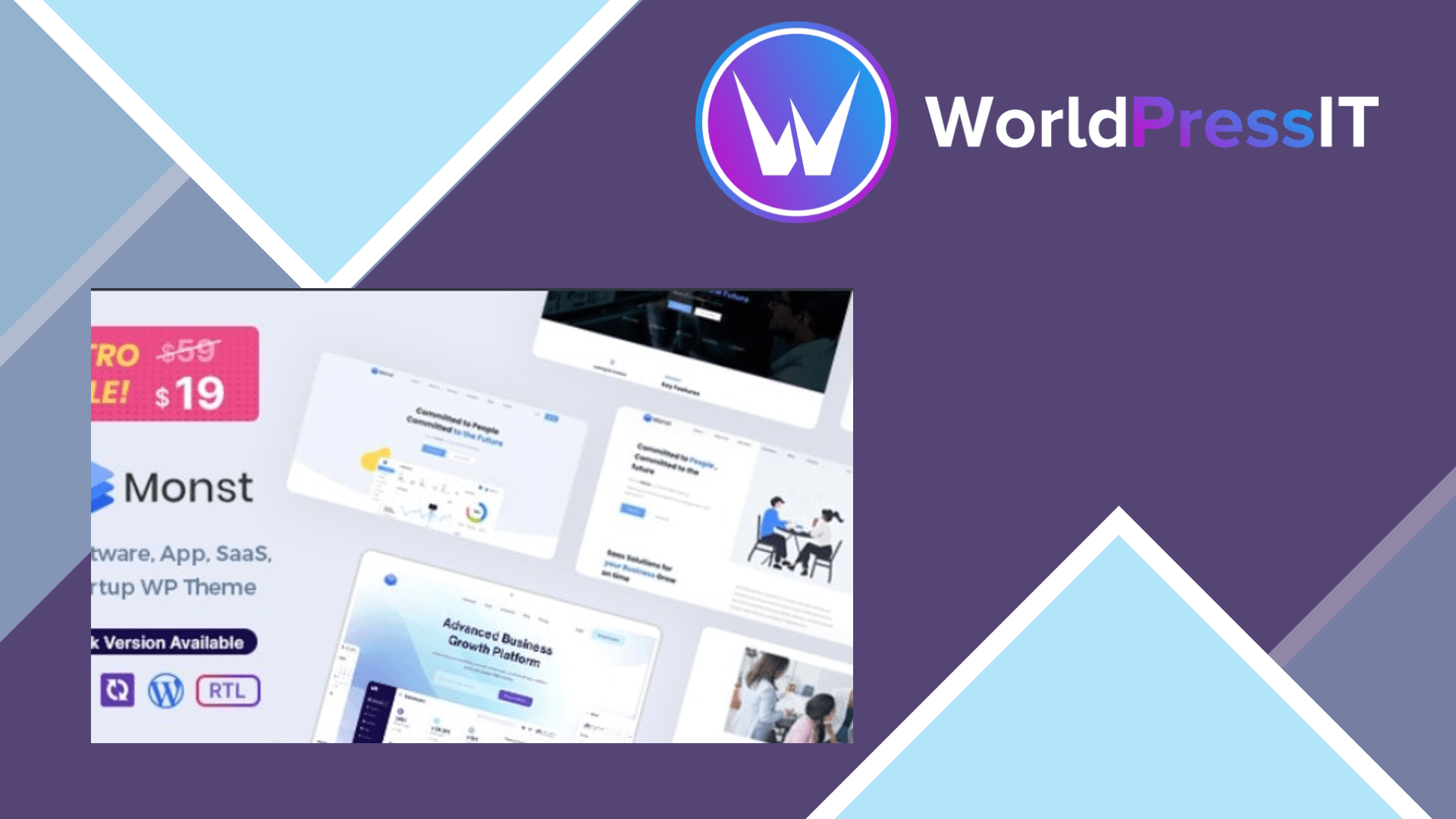
Monst is a competent shortcut, not a particularly future-proof WordPress foundation. It gives SaaS companies, software businesses, agencies, and app developers a polished starting point with five predesigned homepages, dark and light variations, portfolio and service layouts, testimonials, blog templates, contact forms, and Elementor-based editing. If the goal is to replace a blank WordPress install with a credible marketing site quickly, Monst does that job well.
The strongest part is its presentation layer. The demos are clearly aimed at technology companies, and the Elementor integration makes it practical to replace the stock copy, colors, images, and sections without writing PHP. Monst also includes Elementor header and footer editing, custom widgets, Contact Form 7 support, Slider Revolution, Mailchimp integration, and one-click demo import. A child theme is included, which is important if you expect to make code-level changes. The developer has also continued publishing compatibility updates, including support for recent WordPress releases.
The documentation is useful enough for a normal installation, but it exposes the setup burden. The documented minimum is 128 MB of PHP memory, while the one-click import instructions recommend 256 MB, unlimited execution time, and a 64 MB post size. That is not unusual for an Elementor theme, but it means demo installation can fail on restrictive shared hosting. The documentation also tells users to enable all Elementor custom post types before editing headers and footers, an extra step that is easy for beginners to miss.
There are more important weaknesses than the marketing copy admits. Monst is explicitly not Gutenberg optimized, so it is a poor fit for teams trying to build around the block editor. It relies on Elementor, Redux Framework, theme-specific widgets, and custom content types, which makes the site harder to migrate cleanly if you later change themes. Buyer discussions also identify practical problems: a custom header appearing correctly on desktop but being replaced on tablet and mobile, full-width Elementor settings failing on portfolio, service, and team pages, and installation errors involving the theme archive. These issues appear supportable rather than universally fatal, but they show that “no coding required” does not mean “no troubleshooting required.”
Compared with Astra or GeneratePress, Monst gives you a more complete SaaS visual system out of the box, while those themes are lighter, less locked into a particular design, and better suited to long-term customization. Hello Elementor is a cleaner choice if you already plan to build everything yourself with Elementor. A specialized theme such as SaaSland may offer a broader set of startup layouts, but Monst is a reasonable lower-cost alternative when its five demos match your brand.
Verdict: buy Monst for a fast, design-led SaaS brochure site where the demo structure is close to what you need. Skip it for a content-heavy, Gutenberg-led, performance-sensitive, or highly custom project; in those cases, Astra, GeneratePress, or Hello Elementor will leave you with fewer theme-specific constraints.
Questions people ask
- Is Monst a good WordPress theme for SaaS websites?
- Yes, Monst is a good fit for SaaS landing pages and software marketing sites because its demos, layouts, and Elementor widgets are designed around that use case. It is less suitable when the site needs to function as a complex SaaS application.
- Does Monst work with Elementor?
- Yes. Elementor is the main editing experience, and Monst includes custom Elementor widgets plus support for building headers and footers with Elementor.
- Is Monst compatible with Gutenberg?
- It may run alongside Gutenberg, but it is not Gutenberg optimized. Choose a block-first theme instead if you want to build primarily with the WordPress editor.
- Why can Monst demo import fail?
- The documentation recommends 256 MB of memory, unlimited execution time, and a 64 MB post size for importing the demo. Hosts with lower limits can produce incomplete imports or installation errors.
- Is Monst easy to customize?
- It is easy to customize visually when you stay inside Elementor and the supplied widgets. Deeper changes can be more difficult because the theme depends on Redux settings, custom post types, and theme-specific templates.
Get Monst: worth it for fast SaaS launches, not long-term simplicity 1.3
Complete package, ready to install, via WorldPressIT.