UIXpress: worth it for polished client dashboards, not fragile sites
- WordPress agencies branding client dashboards
- Developers managing multiple client sites
- Teams wanting a dark-mode admin interface
- Sites with non-technical content editors
- You need guaranteed compatibility with many plugins
- You manage a WooCommerce-heavy admin
- You cannot maintain a staging environment
- You expect fast hands-on support
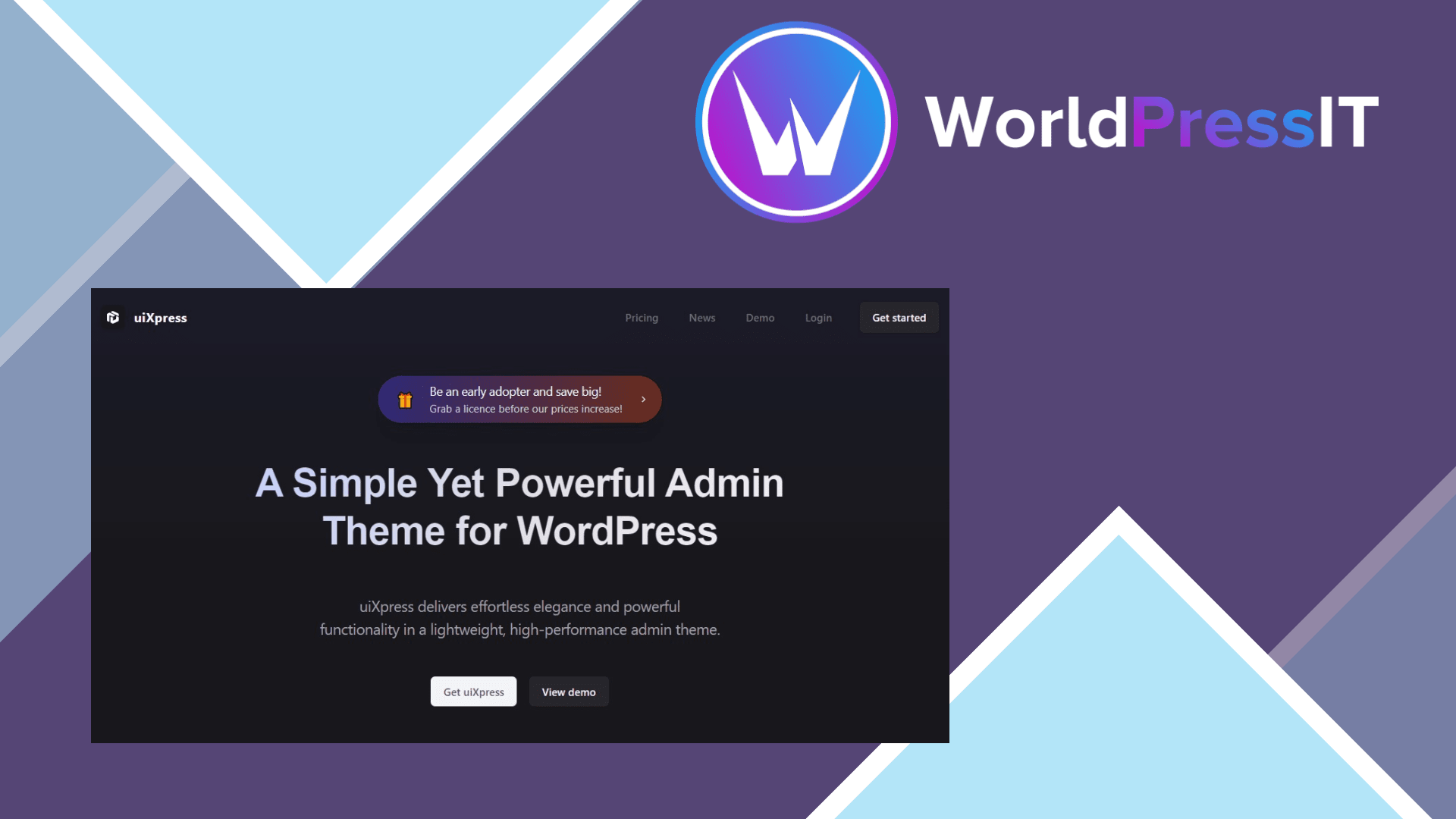
UIXpress is a visual overhaul for the WordPress dashboard. It replaces much of the familiar wp-admin interface with a modern admin theme, custom navigation, dark mode, branded colors, custom dashboards, improved tables, global search, and tools for controlling what different users see. The appeal is obvious: a client can log in to a dashboard that looks like a focused business application instead of a developer-oriented WordPress installation.
The strongest part is the presentation layer. Agencies can hide irrelevant menu items, organize navigation, add dashboard cards, apply white-label branding, and give editors a more focused workspace. The documentation also exposes developer APIs for dashboard cards, sidebar components, toolbar elements, and quick actions, with support for WordPress hooks and modern JavaScript frameworks. That makes UIXpress more useful than a simple color-scheme plugin when you are standardizing the back end across client sites.
It is also unusually broad for an admin customization plugin. Current documentation lists enhanced areas for the dashboard, media library, users, posts, comments, plugins, global search, activity logging, role editing, database exploration, and remote site switching. Those features can reduce the need for several smaller admin plugins, although they also increase the amount of code sitting between WordPress and the administrator.
That extra layer is the main reason not to buy blindly. WordPress.org support threads document blank builders, white screens, broken Gutenberg screens, conflicts with Formidable Forms, Elementor, Bricks, Wordfence, WooCommerce-related extensions, and third-party menu editors. Users have also reported slow admin pages and duplicate asset loading, particularly when dynamic loading is disabled. Some problems are resolved, but the pattern matters: UIXpress changes how admin pages are rendered, so a plugin that assumes the normal WordPress admin structure can misbehave.
Support quality is another weakness. Reviews praise the interface and describe it as a favorite admin tool, but other users report waiting weeks or months for replies. The developer’s own feedback board advises testing with other plugins disabled, a default theme, and all caches cleared, which is sensible troubleshooting but also an indication that compatibility issues are a normal part of using the product.
Security deserves a migration warning. The older UiPress Lite plugin had a serious remote-code-execution vulnerability in versions up to 3.5.07, fixed in 3.5.08. That issue is not proof that every current UIXpress release is vulnerable, but anyone moving from an old UiPress installation should update, audit the site, and avoid carrying forward abandoned files or outdated versions.
Compared with Adminify, UIXpress offers a deeper admin replacement, including a role editor, activity log, database explorer, and remote-site features. White Label CMS is simpler and safer if you only need branding and menu hiding. Ultimate Dashboard is a better fit when custom dashboard widgets are the priority rather than a complete admin redesign. The current Solo plan is listed at $97 for one site with lifetime access and a 14-day money-back guarantee, so the price is reasonable for an agency that will use the interface repeatedly, but hard to justify for a single ordinary blog.
Questions people ask
- Is UIXpress worth buying for one WordPress website?
- Usually not. It is most valuable when you need a branded, simplified admin for clients or editors; for one personal site, WordPress's native dashboard or a lighter white-label plugin is usually enough.
- Does UIXpress work with WooCommerce?
- It can, but WooCommerce and extension screens should be tested individually. User reports include broken or awkward third-party admin pages, so do not assume that every WooCommerce workflow will look or behave normally.
- Can UIXpress hide WordPress menus for specific users?
- Yes. Its customization tools are designed to control navigation, branding, dashboard content, and visibility by user or role, although conflicts with separate menu-management plugins have been reported.
- Does UIXpress slow down WordPress?
- It can make the admin heavier because it replaces and restructures WordPress screens. Reports mention duplicate asset loading and slow first loads, so test with your real plugin stack and consider its dynamic-loading options.
Get UIXpress: worth it for polished client dashboards, not fragile sites 1.5.2
Complete package, ready to install, via WorldPressIT.