Admin and Site Enhancements: worth it for practical WordPress cleanup
- freelancers managing multiple sites
- agencies building client sites
- site owners wanting cleaner WordPress admin
- developers replacing small utility plugins
- content-heavy sites needing better media and admin controls
- you only need one narrowly focused feature
- you require officially supported multisite compatibility
- you need enterprise-grade security or performance tools
- you want a full-featured forms or custom-fields platform
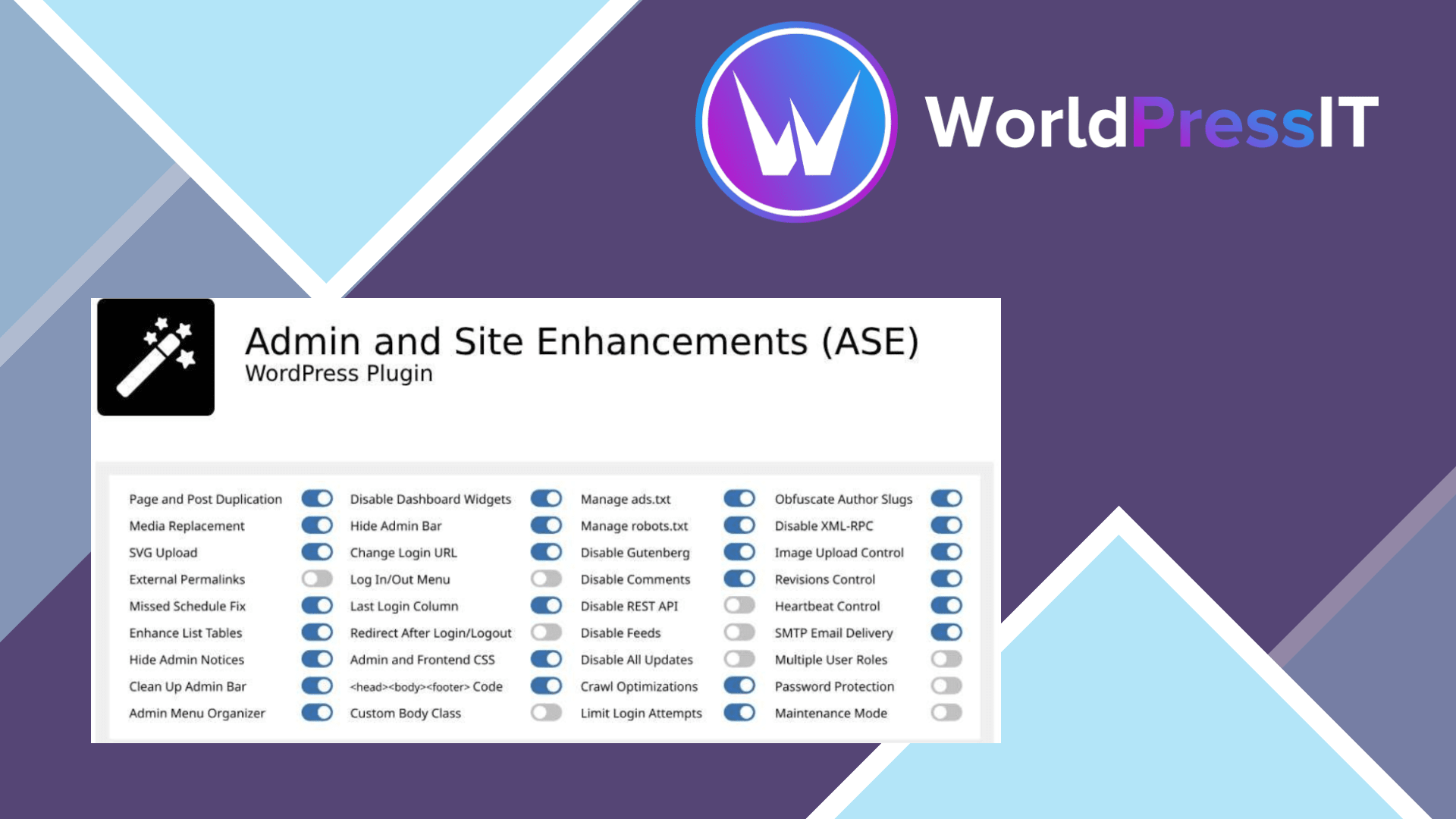
Admin and Site Enhancements (ASE) is worth it because it solves a large number of irritating WordPress problems without forcing you to assemble a toolbox of tiny plugins. Its modules cover admin cleanup, content management, media handling, login behavior, code insertion, disabling unwanted WordPress features, basic security controls, and performance-oriented tweaks. The important detail is that the plugin is modular: you enable the features you want instead of activating every option by default.
The free version is the real reason ASE has earned its reputation. WordPress.org currently lists 78 modules in total, including 60 free modules, with Pro features added to 32 of those and 18 modules reserved for Pro. Useful free features include content duplication, SVG and AVIF uploads, media replacement, admin-bar cleanup, admin menu organization, custom CSS, robots.txt editing, login URL changes, XML-RPC controls, comment disabling, and selected frontend cleanup. That is a substantial amount of functionality before paying anything.
ASE is particularly strong on client and editorial workflows. You can hide distracting dashboard widgets, reorganize menus, improve list tables, add useful media controls, restrict what non-administrators see, and make WordPress feel less like a raw developer interface. Pro extends that with custom post types, taxonomies, custom fields, options pages, a code snippets manager, more granular admin controls, two-factor authentication, CAPTCHA integrations, form-related tools, and additional role-based settings. For a freelancer maintaining many ordinary brochure, publishing, or business sites, consolidating several small utilities can make updates and troubleshooting simpler.
The pricing is also reasonable if you will actually use several Pro modules. The official pricing page lists a one-site annual license at $39 and a one-site lifetime license at $99, with lifetime updates but only one year of included support. After that, ongoing support requires a separate support plan. That policy is easy to overlook, and it makes the annual plan more attractive for users who expect regular hands-on help.
Where ASE is weaker
ASE’s breadth is also its main weakness. A plugin that touches menus, login behavior, REST API access, media, code, frontend output, and security can create confusing interactions with themes and other plugins. The WordPress.org support forum includes reports involving SMTP behavior, Elementor menu positioning, media-category sorting, a dashboard layout problem after a Pro update, and a Disable Gutenberg setting that broke the media uploader. These reports do not prove the plugin is unreliable, but they do show why you should enable modules selectively and test after updates.
ASE is also not officially supported for WordPress multisite. If you need a dedicated admin-menu tool, Admin Menu Editor is more focused. For advanced custom fields and content modeling, ACF Pro or Meta Box is usually the safer specialist choice. Gravity Forms or Fluent Forms will generally beat ASE for serious forms, while Wordfence, Patchstack, WP Rocket, and dedicated backup plugins provide deeper security, performance, and recovery features. Verdict: install the free version first; buy Pro when its specific modules replace enough paid plugins or manual work to justify the license.
Questions people ask
- Is Admin and Site Enhancements worth paying for?
- Yes, if you need several Pro modules such as custom content types, advanced admin controls, code snippets, or role-based settings. It is not worth paying for if you only need one small utility feature.
- Is ASE better than Admin Menu Editor?
- ASE is better as a broad WordPress utility suite. Admin Menu Editor is the better choice when menu organization and permissions are your main requirement.
- Can ASE replace ACF Pro?
- ASE Pro can handle basic custom post types, taxonomies, fields, and options pages, but ACF Pro remains the stronger choice for complex field structures, mature integrations, and specialist custom-content workflows.
- Does ASE work with WordPress multisite?
- It is not officially supported for multisite. Some users report that it works when activated separately on each subsite, but the developer does not provide support for multisite problems.
- What happens when an ASE Pro license expires?
- Existing Pro features continue working on the last installed version, but you lose new updates, automatic updates, support, and activation on new sites. Older versions may eventually develop compatibility problems with WordPress or other software.
Get Admin and Site Enhancements: worth it for practical WordPress cleanup 9.2.2
Complete package, ready to install, via WorldPressIT.