Kester: worth it for a SportsPress club site, not a general sports blog
- Soccer and football clubs
- Small sports leagues
- SportsPress users
- Elementor-based agency projects
- Clubs needing fixtures and standings
- You want a Gutenberg-first theme
- You only need a sports news blog
- You want a minimal plugin stack
- You need built-in tournament or registration tools
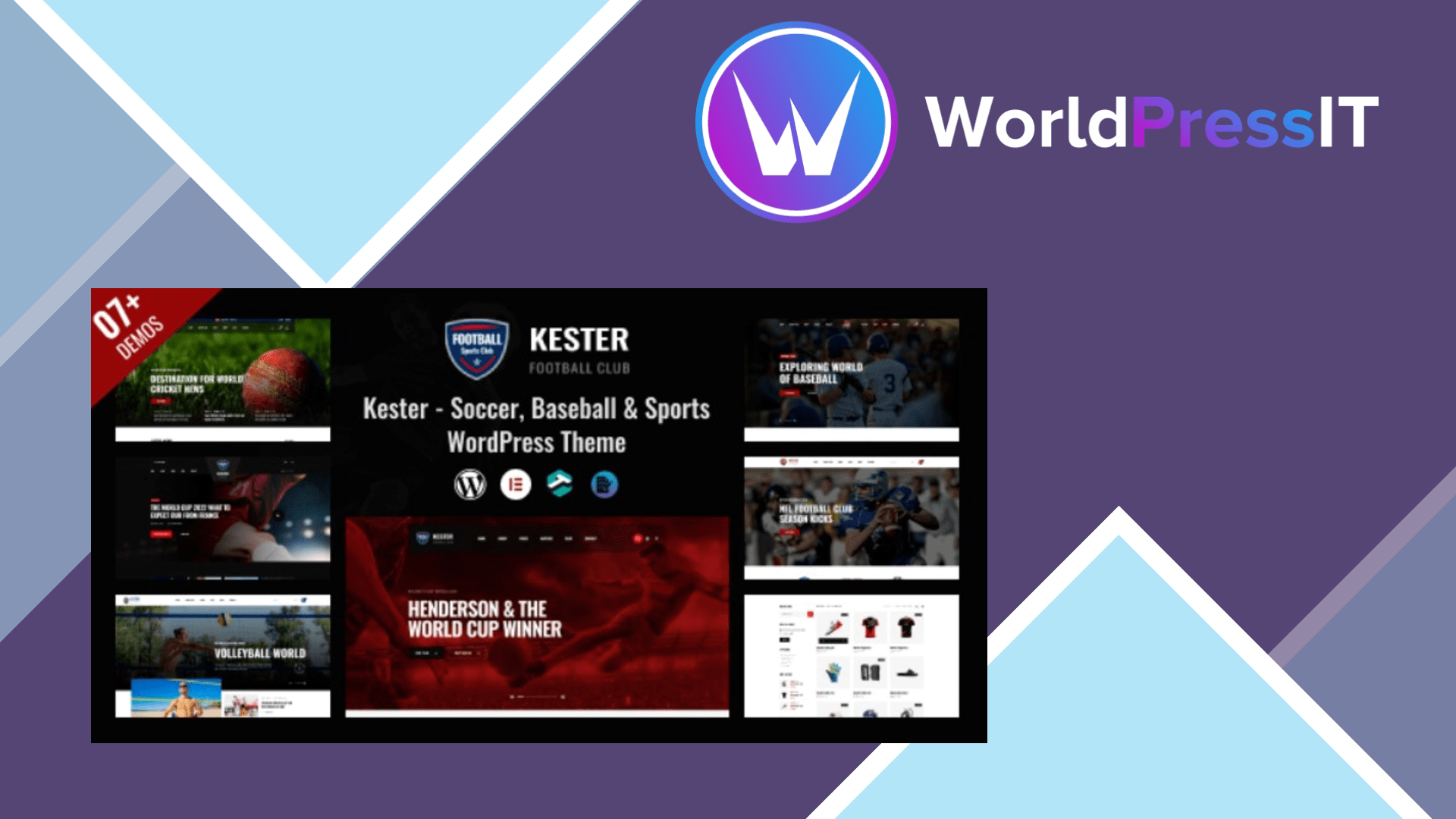
Kester is a specialist sports theme, not a broadly useful WordPress theme. Its main job is to give a soccer club, football team, league, or similar organization a polished front end for SportsPress content. The package includes layouts for teams, players, staff, fixtures, results, schedules, league tables, news, and contact pages, with seven advertised demos covering soccer, soccer news, NFL, cricket, volleyball, basketball, and baseball. Elementor handles the visual editing, while SportsPress supplies the actual sports data.
That combination is Kester’s genuine strength. SportsPress is a mature, dedicated plugin with fixtures, results, automated standings, player profiles, staff profiles, seasons, venue details, and CSV import. The free plugin does not impose limits on the number of teams, players, events, or leagues. Kester gives that functional data a more presentable club-site design than a generic theme would, and the ready-made layouts can save substantial setup time for a small organization without a designer.
The theme is also being maintained rather than abandoned. Its published changelog records compatibility work for WordPress 6.9 in December 2025 and a May 2026 update that fixed Revolution Slider issues and updated bundled plugins. The marketplace listing also includes lifetime updates and six months of support with the regular $59 license. Those are useful positives for a niche theme that launched in 2023.
Where Kester is weak
The installation is more involved than the sales page suggests. The developer’s documentation lists nine required or expected plugins, including RT Custom Framework, RT Elements, Elementor, Slider Revolution, MetForm, the one-click importer, WooCommerce, SportsPress, and Redux Framework. That is a substantial dependency chain for a theme whose core purpose is presentation. It creates more update points, more chances for plugin conflicts, and more theme-specific data to understand when you eventually move away from Kester.
The documentation also explicitly says that white screens, 400 and 500 errors, empty page content, and failed demo imports can result from low PHP limits. It recommends a 256M memory limit, 300 seconds of execution time, a 54M post limit, and a 128M upload limit. That is a concrete warning that the one-click demo experience may require hosting changes rather than simply clicking a button. The documentation is useful, but some of it is dated and inconsistent: one page says PHP 7.4 or greater while also recommending PHP 7.3 or greater.
Kester is not Gutenberg optimized, according to its marketplace details, and its design depends heavily on Elementor widgets and the RT Elements plugin. The developer page also contains obvious recycled copy about car-detailing and repair-shop homepages, which weakens confidence in how carefully the product documentation is maintained. The theme can support WooCommerce, but it is not a dedicated store theme, and SportsPress Pro features such as tournaments, sponsors, team access, and advanced league tools are separate considerations.
How it compares
Compared with Real Soccer, Kester offers a more current Elementor-oriented workflow and broader multi-sport demos, while Real Soccer has a longer sales history and a more established soccer-specific feature set. Compared with using SportsPress with a generic Elementor theme such as Astra or Kadence, Kester gets you closer to the finished visual result faster, but the generic route is cleaner and easier to replace later. If the site is mainly articles, match reports, and photos, a lightweight magazine theme plus SportsPress is the better long-term choice.
Verdict: buy Kester when SportsPress data and a ready-made club design are the point. Skip it when you want a lean site, native block editing, or a theme that will remain easy to change after the initial launch.
Questions people ask
- Is Kester good for a soccer club website?
- Yes. It is most useful for soccer clubs that need SportsPress-powered fixtures, results, standings, teams, players, and staff pages wrapped in ready-made Elementor layouts.
- Does Kester include SportsPress?
- The theme documentation lists SportsPress as a required plugin, and the marketplace description says it is included with the theme setup. SportsPress itself handles the sports data and can be used with other themes.
- Is Kester compatible with Gutenberg?
- It is not marked as Gutenberg optimized. Kester is built around Elementor and theme-specific widgets, so it is a better fit for visual page-builder users than block-editor users.
- Why can Kester demo imports fail?
- The developer says failed imports, empty pages, white screens, and server errors can result from low PHP limits. Its documentation recommends 256M memory, 300 seconds of execution time, a 54M post limit, and a 128M upload limit.
Get Kester: worth it for a SportsPress club site, not a general sports blog 1.2.1
Complete package, ready to install, via WorldPressIT.