MotoPress Hotel Booking: worth it for serious rental sites
- small hotels and guesthouses
- vacation-rental operators
- WordPress agencies building direct-booking sites
- properties listed on multiple iCal-enabled OTAs
- you only need one simple booking form
- you need bookings and physical products in one cart
- you require advanced channel-manager APIs
- you want a fully native WooCommerce checkout
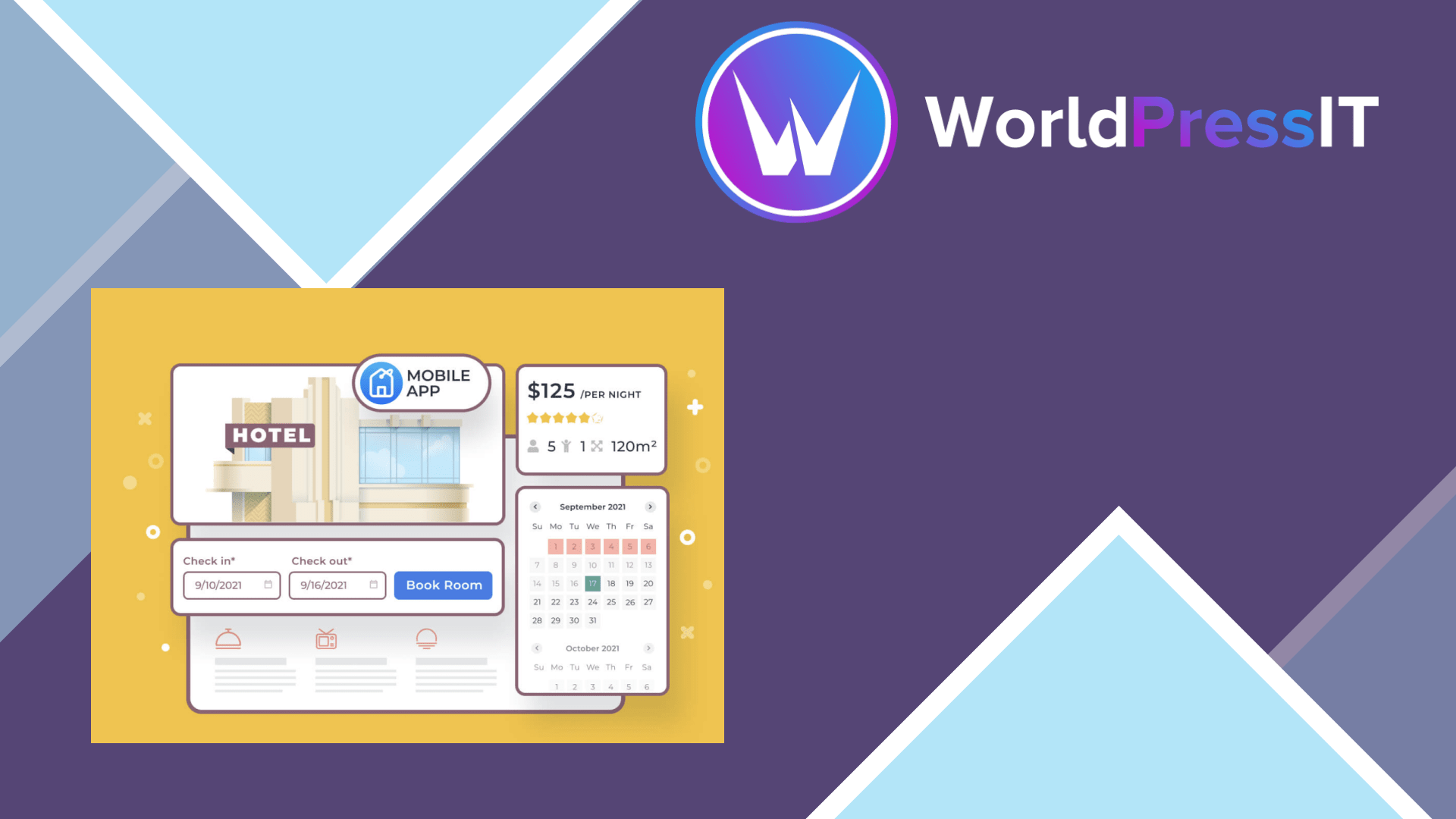
MotoPress Hotel Booking is a real accommodation-management plugin, not just a calendar with a payment button. You create accommodation types, generate individual rooms, define seasons and rates, add services, set booking rules, collect deposits and manage reservations from the WordPress dashboard. That makes it a credible choice for hotels, guesthouses, hostels, apartments and vacation rentals that want direct bookings on their own site.
Its strongest feature is the way it models inventory. A property can have several rooms of the same type, different prices for different seasons, and separate rate conditions such as refundable and non-refundable offers. The plugin also supports taxes, fees, coupons, customer emails, reports and manual bookings. Admins can modify existing reservations and add future bookings from the dashboard, which is much closer to a small property-management system than a generic WordPress booking form.
The iCal synchronization is useful for smaller operators selling through Airbnb, Booking.com, HomeAway and other services that expose iCal calendars. MotoPress says synchronization can run as frequently as every 15 minutes, which is helpful for reducing double-booking risk. The limitation is just as important: this is iCal synchronization, not the same thing as a full API-based channel manager. Complex rate parity, instant status updates, messaging and advanced multi-channel controls may require a dedicated hospitality platform.
Where it becomes annoying
The payment story is less elegant. The core plugin includes several gateways, including Stripe, PayPal, Braintree, 2Checkout and offline payment options, but businesses needing another WooCommerce gateway must buy and configure the separate Hotel Booking WooCommerce Payments extension. That extension lets WooCommerce gateways process reservations, but a booking and another WooCommerce product cannot be placed in the same shopping cart. WooCommerce Subscriptions are also not supported for reservations.
The WooCommerce setup can create a two-stage checkout experience. MotoPress has an option to use its own checkout endpoints instead of WooCommerce’s success and failure pages, but it does not remove every duplicated step. Customers may still enter booking details and then pass through WooCommerce checkout. Support discussions also show recurring questions around missing payment methods, duplicated fields and theme compatibility. These are solvable issues, but they mean the integration needs testing rather than blind activation.
Compared with the alternatives
Compared with WooCommerce Bookings, MotoPress is the better fit when accommodation inventory, seasonal pricing and OTA calendar syncing are central. WooCommerce Bookings is more natural when the site already revolves around products and standard WooCommerce checkout. HBook can be a simpler choice for a small hotel with fewer operational requirements, while VikBooking deserves consideration when you need a more hospitality-focused ecosystem and broader channel-management ambitions.
The current official single-site plan is listed at $139 per year, with a lifetime option also available. That is reasonable for a property that will actually use its inventory, rates and synchronization tools, but expensive for a one-room site that only needs an enquiry form. Verdict: buy MotoPress Hotel Booking for a serious WordPress-based lodging operation; skip it if WooCommerce simplicity or advanced OTA connectivity matters more than having a capable on-site booking engine.
Questions people ask
- Is MotoPress Hotel Booking worth it?
- Yes, for hotels, guesthouses and vacation rentals that need real room inventory, seasonal pricing and direct reservations. It is overkill for a simple enquiry or appointment form.
- Does MotoPress Hotel Booking work with WooCommerce payment gateways?
- Yes, but the WooCommerce payments integration is a separate extension. Reservations also cannot be purchased in the same cart as ordinary WooCommerce products.
- Can MotoPress Hotel Booking sync with Airbnb and Booking.com?
- It can synchronize availability and bookings through iCal calendars from supported channels. This is useful for smaller operators, but it is not equivalent to a full API-based channel manager.
- Does MotoPress Hotel Booking support deposits?
- Yes. The plugin supports full-payment or deposit-based booking rules, including percentage or fixed deposits and deposit conditions based on how far in advance the guest books.
Get MotoPress Hotel Booking: worth it for serious rental sites 6.3.0
Complete package, ready to install, via WorldPressIT.