Globax: worth it for a legacy logistics site, not a modern build
- Small freight and transport companies
- Agencies using WPBakery
- Sites based closely on the demo layouts
- Businesses needing quote and tracking forms
- Legacy WordPress installations
- You want Elementor or native blocks
- You need a lightweight theme
- You expect theme-independent content
- You are building a complex logistics application
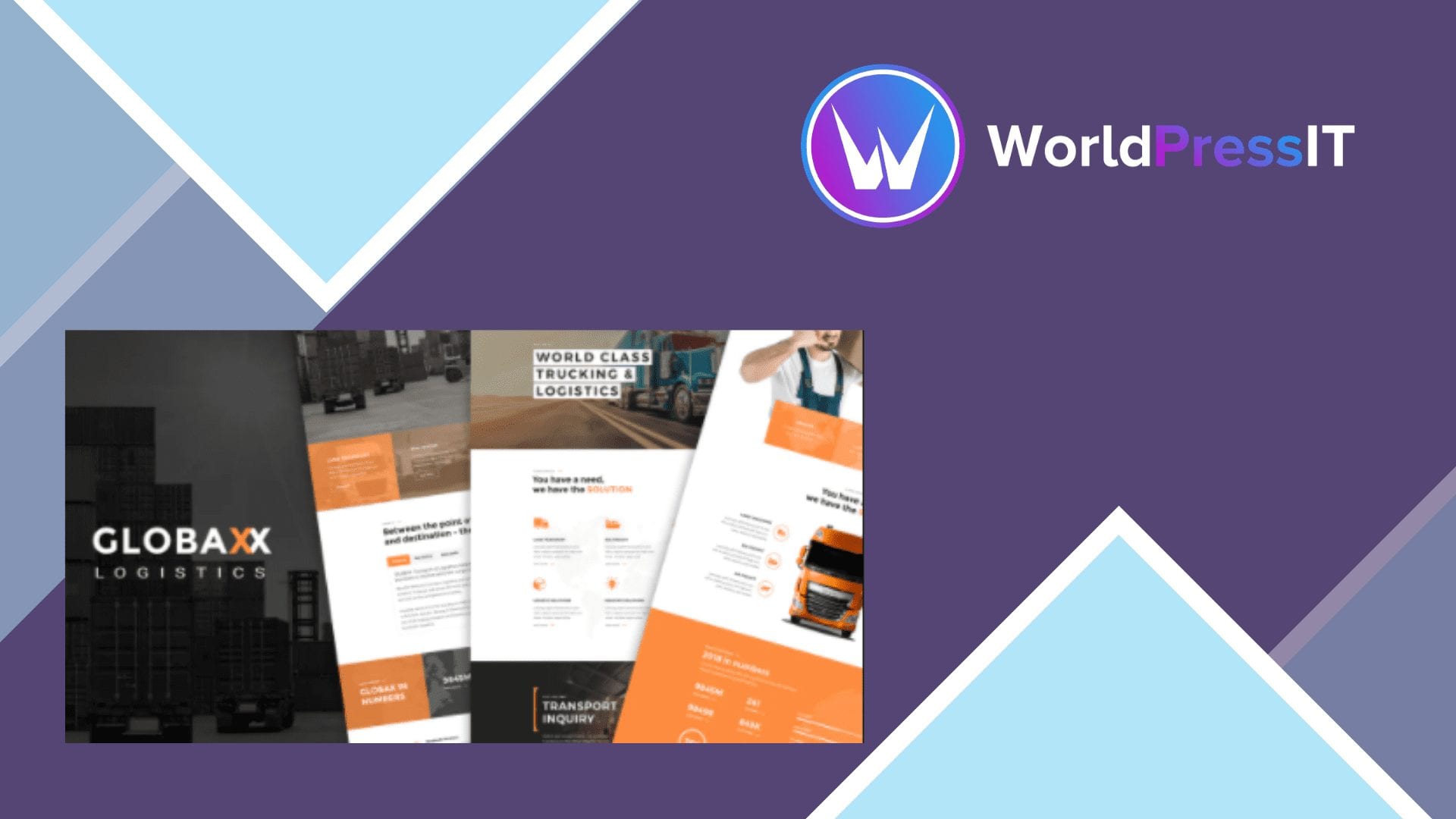
Globax is a theme for making a transport or logistics company look established quickly. Its demos cover freight, warehousing, shipping, air and sea transport, and related corporate services. The package includes a quote-style transport inquiry layout, tracking form styling, WooCommerce compatibility, multilingual integrations, portfolio templates, blog layouts, sliders, and a large collection of custom page-builder elements.
The strongest reason to choose Globax is speed when your requirements match the demo. The developer documents one-click demo importing, a child theme, header and footer builders, extensive navigation controls, custom form styling, and separate mobile-header options. The feature list is unusually specific: the portfolio system includes four project formats, nine project layout types, and more than 17 gallery versions. That makes it useful for a design agency or small carrier that wants a polished brochure site without designing every section from scratch.
There is also evidence that the product is still maintained rather than abandoned. The public changelog shows updates through August 19, 2026, including refreshed bundled plugins, and the marketplace page lists compatibility with current WooCommerce releases. That does not guarantee a trouble-free upgrade, but it is a meaningful advantage over older logistics themes that have stopped receiving maintenance.
The main weakness is the technology underneath. Globax is built around Visual Composer, now generally known as WPBakery Page Builder, rather than the WordPress block editor or Elementor. The manual identifies Visual Composer as a required plugin and includes bundled copies of both the page builder and Revolution Slider. That makes the theme convenient at first but creates a dependency-heavy site: layouts rely on builder elements, theme-specific options, and bundled plugin versions. If you later move to Astra, Kadence, GeneratePress, or an Elementor theme, much of the page content will need rebuilding rather than simply restyling.
The setup is also more involved than the phrase “one-click demo” suggests. The documentation says to install One Click Demo Import and Regenerate Thumbnails, import the demo, regenerate images, separately import the Revolution Slider content, and then assign the footer. That is manageable for an experienced WordPress user, but it is not a genuinely frictionless setup for a beginner. The large settings panel, custom header systems, megamenu controls, portfolio post type, and theme-specific elements add power while increasing the learning curve.
Compared with Elementor-based logistics themes, Globax offers a more mature collection of traditional corporate layouts but a less familiar editing experience for new WordPress users. Compared with Astra or Kadence paired with Elementor or Gutenberg, it provides more industry-specific pieces out of the box but is heavier and less portable. Compared with newer specialist themes such as Transmax, Globax’s continuing updates are reassuring, yet its visual language and WPBakery workflow feel more like a maintained older system than a modern WordPress-first product.
Verdict: choose Globax when its demo is close to the finished site and WPBakery is acceptable. Otherwise, start with a lighter theme and build the logistics features with independent plugins so the site is easier to maintain and replace later.
Questions people ask
- Does Globax use Elementor?
- No. Globax is built around Visual Composer, now known as WPBakery Page Builder. Its bundled page-builder elements are a central part of the theme’s editing workflow.
- Does Globax include logistics tracking?
- It includes demo layouts and styling for a tracking form, but it is not a complete carrier-tracking platform. Connecting it to live shipment data would require a separate service, plugin, or custom integration.
- Is Globax compatible with WooCommerce?
- Yes. WooCommerce compatibility is listed by the developer and marketplace page. It is suitable for adding a basic shop or payment-related workflow, not for replacing a dedicated logistics management system.
- Can I import the Globax demo with one click?
- Mostly, but the documented process requires more than one action. You need the demo importer and thumbnail regeneration, and the Revolution Slider content must be imported separately before assigning the demo footer.
- Is Globax a good choice for a new WordPress website?
- It can work for a brochure-style logistics site, especially when you want to reproduce its demos. For a new build where speed, block editing, and future theme changes matter, Astra, Kadence, or a modern Elementor theme is the safer choice.
Get Globax: worth it for a legacy logistics site, not a modern build 4.0
Complete package, ready to install, via WorldPressIT.