Bookly PRO: worth it for complex appointment businesses, not simple scheduling
- multi-staff service businesses
- salons and wellness clinics
- agencies building custom booking systems
- businesses needing payment gateways
- sites requiring detailed staff schedules
- you only need one basic appointment calendar
- you want a five-minute setup
- you need full calendar sync without extra configuration
- you dislike buying feature-specific add-ons
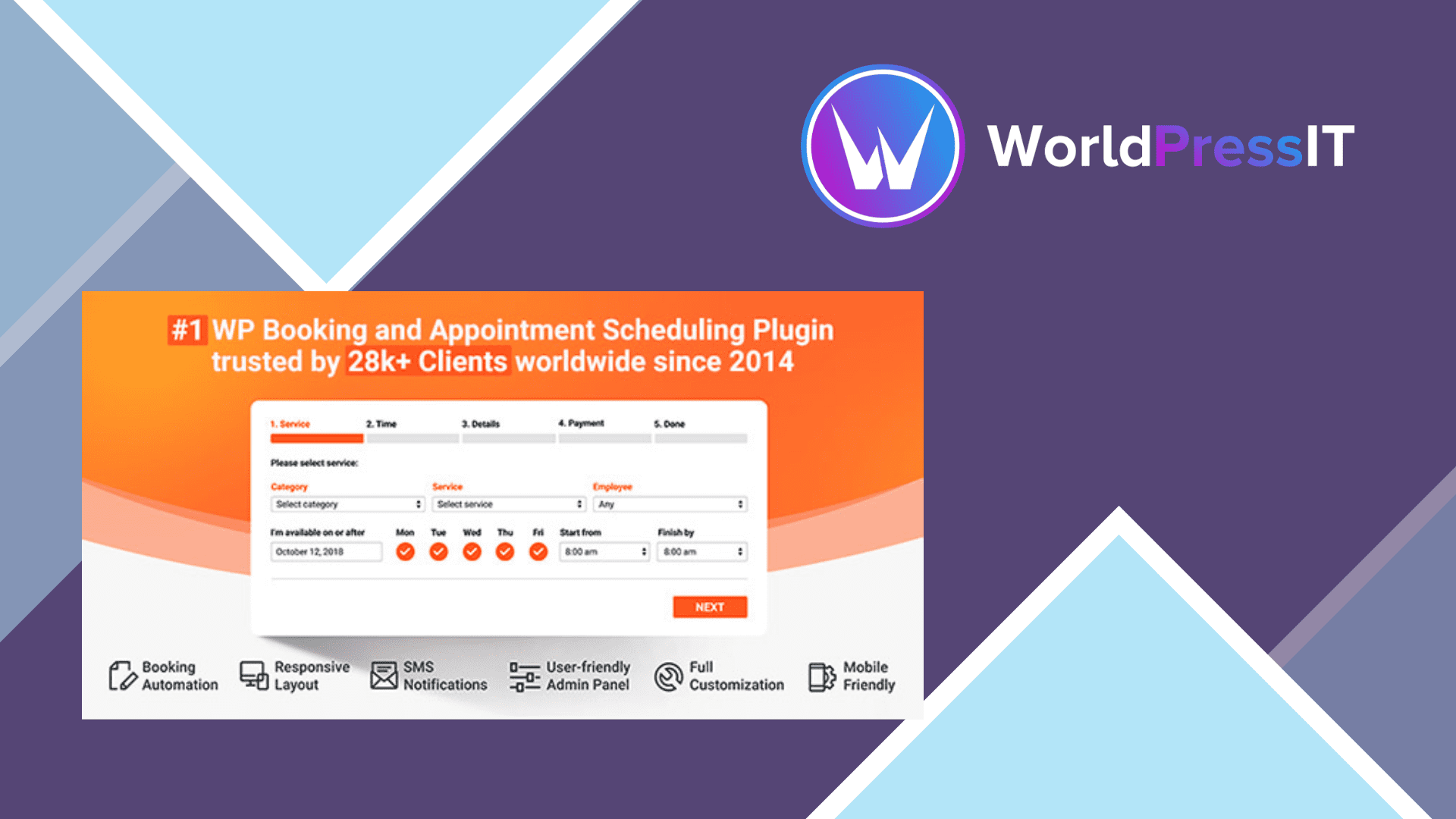
Bookly PRO is a serious appointment-management system rather than a simple contact form with a calendar. It adds unlimited staff and services, online payment support, detailed working schedules, customizable booking forms, customer management, notifications, and integrations for services such as Google Calendar, Zoom, Google Meet, and WooCommerce. The free Bookly plugin is useful for testing the workflow, but WordPress.org explicitly excludes online payments, unlimited staff and services, and add-on installation from the free version. For a business with several employees or a growing service catalog, PRO is the version that makes Bookly commercially useful.
Its strongest point is flexibility. You can give staff members different services, prices, working hours, days off, and payment options. That makes Bookly a good fit for salons, clinics, tutors, photographers, repair businesses, and agencies that need more than one generic appointment type. The form can be customized extensively, and the back end includes a proper calendar, appointment list, customer records, and payment records. WordPress.org currently lists more than 60,000 active installations and a 4.4-out-of-5 rating from 576 reviews, which is meaningful evidence that the product is mature and widely used rather than an abandoned niche plugin.
The main catch is that “Bookly PRO” does not necessarily mean every advanced feature is included. Bookly uses a large add-on ecosystem for capabilities such as advanced Google Calendar synchronization, group bookings, packages, deposits, special days, and extra payment providers. The documentation confirms that PRO provides one-way Google Calendar sync and a front-end-only two-way mode, while full two-way synchronization requires the separate Advanced Google Calendar Add-on. That add-on also requires HTTPS and a Google Cloud OAuth setup, so calendar integration is not a one-click feature.
This modular approach can be financially sensible if you only buy what you need, but it can become frustrating when a seemingly ordinary requirement turns into several purchases and separate configuration screens. Discussions and support threads also show recurring practical problems around email notifications, forms getting stuck before submission, payment-status integration, JavaScript conflicts, and updates that temporarily break functionality. These are not proof that Bookly is unreliable, but they do show why staging tests, backups, and careful compatibility checks matter before using it for a busy business.
Compared with Amelia, Bookly is usually the more granular and expandable system, while Amelia presents a more polished all-in-one experience for many service businesses. Simply Schedule Appointments is easier to configure and better for solo consultants, coaches, and small teams, but it does not match Bookly’s depth. WooCommerce Bookings makes more sense when bookings are tightly connected to WooCommerce products, whereas Bookly is more purpose-built for staff-based appointments. Calendly is simpler and hosted, but it does not give you the same WordPress-native control over services, staff, and booking records.
Verdict: buy Bookly PRO when booking is a core business process and you are prepared to configure it properly. Skip it for a basic calendar, where Amelia, Simply Schedule Appointments, or even a hosted tool will deliver a faster and less complicated result.
Questions people ask
- Is Bookly PRO worth it for a small business?
- Yes, if the business has multiple staff, services, schedules, or payment requirements. For a solo business with one appointment type, Simply Schedule Appointments is usually easier and better value.
- Does Bookly PRO include Google Calendar sync?
- It includes one-way sync and a front-end-only two-way mode. Full two-way synchronization requires the separate Advanced Google Calendar Add-on, plus HTTPS and Google Cloud configuration.
- Does Bookly PRO include online payments?
- It supports online payments and WooCommerce integration, but some gateways require separate add-ons. Check the exact gateway before committing because payment support is not uniform across the package.
- Is Bookly better than Amelia?
- Bookly is better when you need granular staff, service, and scheduling rules. Amelia is generally the better choice when you prioritize a more unified setup and polished administration over maximum configurability.
Get Bookly PRO: worth it for complex appointment businesses, not simple scheduling 10.5
Complete package, ready to install, via WorldPressIT.