Prelude: worth it for classic WPBakery sites, not modern WordPress builds
- agency and corporate brochure sites
- WPBakery users
- portfolio-heavy websites
- one-page marketing sites
- Gutenberg-first websites
- performance-focused builds
- RTL projects
- sites needing independently updated premium plugins
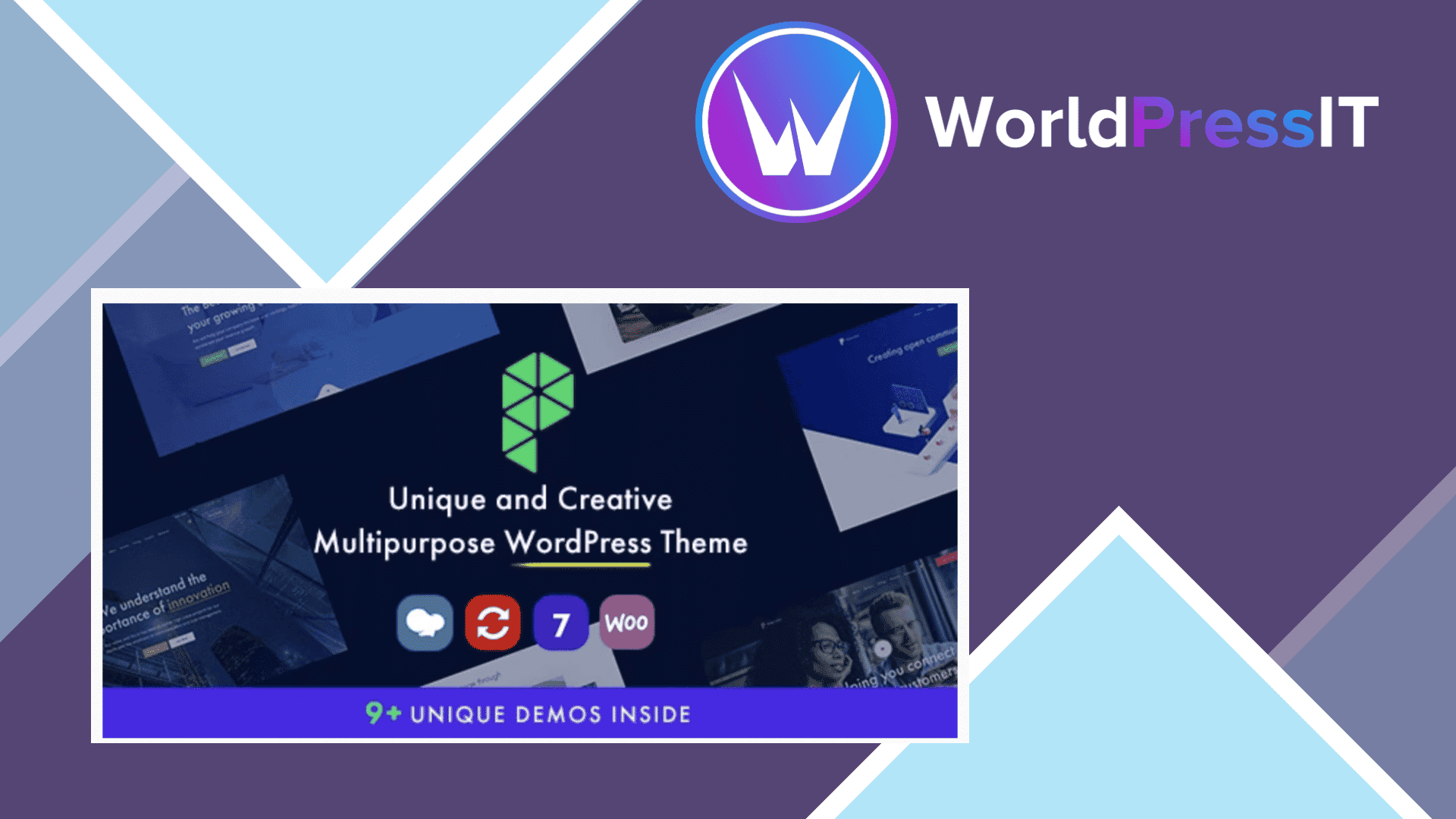
Prelude does one thing well: it gives you a large, pre-styled starting point for an agency, studio, consultancy, portfolio, startup, or corporate website. The package includes more than nine demos, 70-plus theme-specific WPBakery elements, multiple header styles, portfolio and team post types, one-page layouts, WooCommerce templates, Contact Form 7 integration, and Revolution Slider. That is a useful bundle if your priority is launching a visually distinctive marketing site without designing every section from scratch. The product page also lists responsive layouts, WPML compatibility, child-theme support, and ongoing theme updates as part of the package. ([themeforest.net](https://themeforest.net/item/prelude-creative-multipurpose-wordpress-theme/25515664))
The strongest part is the combination of demos and custom elements. Prelude is more flexible than a narrowly designed theme because you can mix its homepages, headers, portfolio layouts, blog formats, and page-builder components. The live Customizer handles many global settings, while WPBakery handles page content, and the documentation explains how to assign different header versions to individual pages. For a freelancer building a conventional services website, that can be faster than assembling a bare theme and several design plugins. Customer reviews are also consistently positive about the visual design and the author’s support, although the sample size is small. ([ninzio.com](https://ninzio.com/prelude/help/))
The weakness is the technology stack. The marketplace listing explicitly says Prelude is not Gutenberg optimized. Its editing workflow depends on WPBakery shortcodes and custom theme elements, so changing themes later can leave behind difficult-to-clean content. The bundled WPBakery and Revolution Slider copies do not update directly through their own dashboards; the developer says you must download a newer theme package and update the bundled plugins manually. That is manageable for a maintained client site, but annoying for owners who expect normal WordPress plugin updates. ([themeforest.net](https://themeforest.net/item/prelude-creative-multipurpose-wordpress-theme/25515664))
Setup is also heavier than the “one-click” pitch suggests. The official documentation says Revolution Slider demo files must be imported separately, and it recommends raising max_input_vars to 3000, max_execution_time to 180 seconds, and memory_limit to 3000M when demo importing fails. Those are concrete signs that the full demo stack can exceed ordinary shared-hosting limits. The support discussions show recurring questions about slider imports, plugin updates, mobile display problems, hard-to-edit design controls, and support-ticket access. The author usually responds with a workaround or asks for dashboard access, but that is not the same as a frictionless product. ([ninzio.com](https://ninzio.com/prelude/help/))
Compared with Astra or Kadence, Prelude is less future-facing: both alternatives are better fits for Gutenberg, block extensions, and starter-template workflows, while Kadence documents block-based starter sites directly. Compared with Avada, Prelude offers fewer signs of a unified builder ecosystem and a smaller support and product footprint, although Avada also creates its own builder lock-in. Choose Prelude only when one of its demos is close to the desired design and WPBakery is already part of your workflow. Otherwise, Astra or Kadence will usually be the safer foundation, and Avada is the more coherent all-in-one alternative for buyers who deliberately want a proprietary builder. ([kadencewp.com](https://www.kadencewp.com/kadence-theme/starter-templates/?utm_source=openai))
Questions people ask
- Is Prelude compatible with Gutenberg?
- It can run on current WordPress, but the marketplace listing says Prelude is not Gutenberg optimized. Its intended editing workflow is WPBakery rather than the block editor.
- Does Prelude include WPBakery and Revolution Slider?
- Yes. Both are bundled with the theme, but their included versions are tied to theme updates rather than normal independent plugin licensing and automatic updates.
- Is Prelude good for WooCommerce?
- It includes WooCommerce integration and custom shop layouts, so it is suitable for a small branded store. It is less compelling if your store needs a modern block-based editing workflow or a highly performance-focused frontend.
- Can I use Prelude for an RTL website?
- Not without extra work. The developer says RTL is not supported by default and may require an RTL plugin plus custom CSS.
Get Prelude: worth it for classic WPBakery sites, not modern WordPress builds 1.32
Complete package, ready to install, via WorldPressIT.