TheCraft: worth it for classic builder sites, not Gutenberg projects
- agency-built business websites
- WPBakery users
- portfolio and corporate sites
- WooCommerce brochure stores
- buyers who want demo layouts
- you want full-site editing
- you prefer Elementor
- you need a lightweight theme
- you dislike bundled plugin maintenance
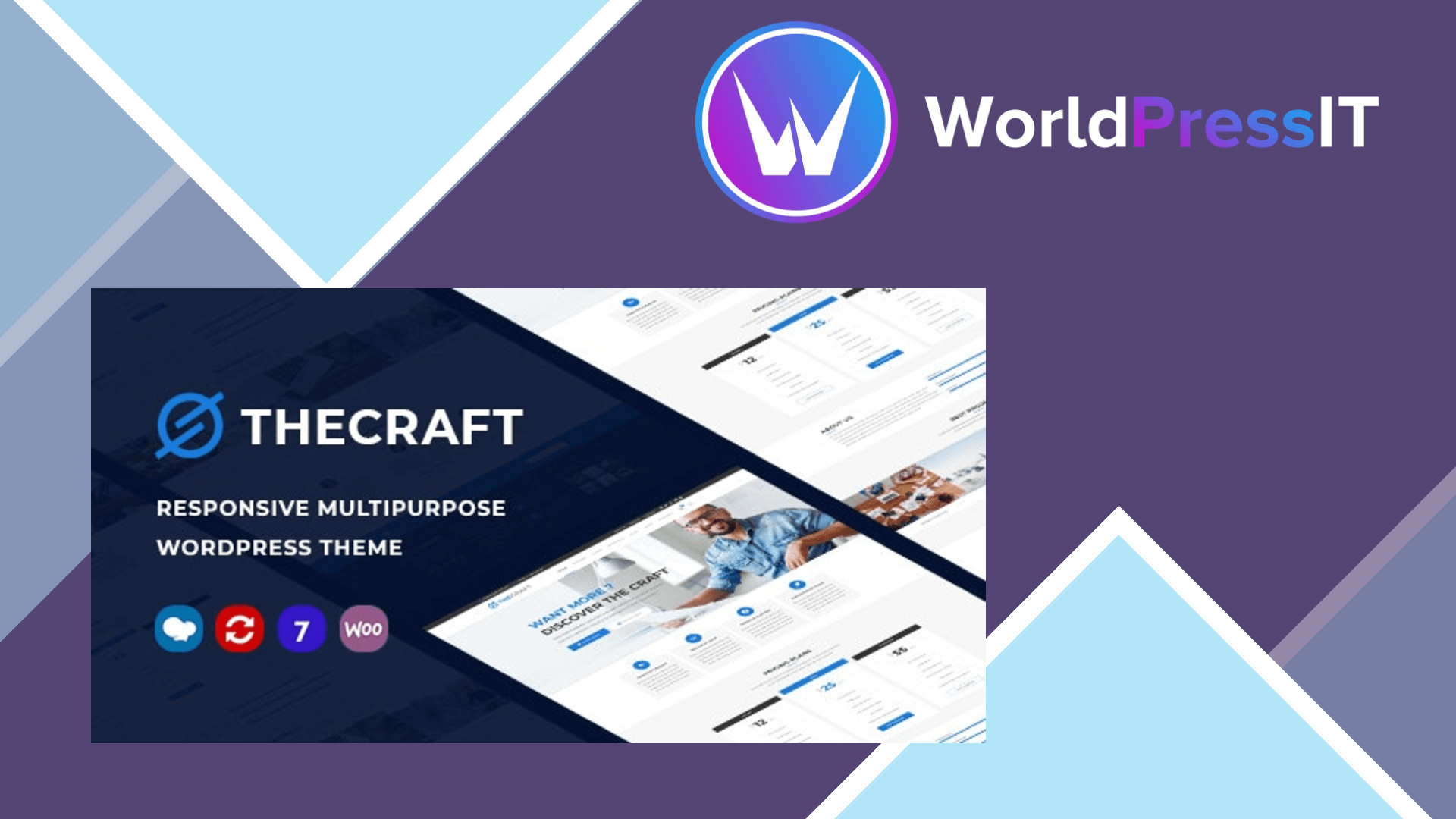
TheCraft is a classic ThemeForest-style multipurpose theme, and that description is both its selling point and its limitation. It bundles WPBakery Page Builder, Revolution Slider, custom content elements, WooCommerce layouts, portfolio and gallery post types, multiple headers, mega menus, one-page support, and one-click demo import. The developer says the theme includes more than 70 custom elements, multiple homepages, and a live Customizer-based options panel. In practical terms, it is designed to get a business, agency, portfolio, or small shop looking close to a demo quickly rather than to provide a clean, minimal foundation.
Its strongest case is speed of assembly for a conventional marketing site. The demos give you complete page structures, while the custom elements cover the sort of sections agencies repeatedly build: sliders, feature rows, testimonials, teams, portfolios, maps, and calls to action. The documentation explains the installation path, demo import, header variants, custom post types, translation, menus, and WPBakery workflows. The developer also documents child-theme use, which is important because direct theme-file edits would be lost during updates. Customer reviews are mostly positive about the design flexibility, installation process, and responsive support, although one reviewer reported that the add-on plugin crashed a WordPress installation; the developer attributed that to outdated theme and add-on versions. ([ninzio.com](https://ninzio.com/craft/help/))
The main weakness is that TheCraft is still built around an older editing model. The marketplace listing explicitly says it is not Gutenberg optimized. You are expected to work through WPBakery, theme-specific elements, and custom post types rather than the native block editor. That can be productive if you already know WPBakery, but it creates lock-in: pages are harder to rebuild cleanly in another theme, and the editing experience is less aligned with modern WordPress than Kadence, GeneratePress, or Astra. Compared with Elementor-oriented themes such as Hello Elementor, TheCraft offers more bundled styling and ready-made content, but it gives you less freedom to choose your preferred page-building stack.
Maintenance is the more serious concern. TheCraft includes premium plugins, but updates are not always as smooth as ordinary WordPress plugin updates. Its own documentation recommends increasing max_input_vars to 3000, post_max_size to 2000M, max_execution_time to 180, and memory_limit to 3000M when installation or demo import fails. Those are unusually demanding recommendations for a theme and a warning that hosting configuration can become part of the setup work. Public discussions also describe delays or confusion around updates for Revolution Slider and WPBakery, including users raising security concerns about outdated bundled versions and being directed to request newer plugin files through support. ([ninzio.com](https://ninzio.com/craft/help/))
The current listing shows a regular price of $59, six months of included support, lifetime updates, and a recent changelog claiming PHP 8.x support plus updates for WordPress, WooCommerce, Revolution Slider, WPBakery, and the theme add-ons plugin. That ongoing development is reassuring, but it does not remove the architectural trade-off. Choose TheCraft when its demos and WPBakery workflow save you substantial build time. Otherwise, Astra, Kadence, or GeneratePress are safer starting points for a leaner, block-friendly site, while a modern Elementor theme is a better fit if visual front-end editing is your priority. ([themeforest.net](https://themeforest.net/item/thecraft-responsive-multipurpose-wordpress-theme/21311431))
Questions people ask
- Is TheCraft compatible with Gutenberg?
- It can run on current WordPress installations, but the marketplace listing says TheCraft is not Gutenberg optimized. Its intended editing workflow is WPBakery rather than the block editor.
- Does TheCraft include WPBakery Page Builder?
- Yes. WPBakery is bundled with the theme, along with theme-specific custom elements. That is useful for matching the demos but increases dependence on the theme's bundled plugin versions.
- Does TheCraft work with WooCommerce?
- Yes. TheCraft includes custom shop layouts and is advertised as compatible with WooCommerce. Test the exact WooCommerce and WordPress versions on a staging site before launching a store.
- Is TheCraft easy to install?
- The one-click demo importer can make setup fast, but the developer's documentation says failed imports may require substantial PHP configuration changes, including a 3000M memory limit and 2000M post size.
- Who should avoid TheCraft?
- Avoid it if you want a Gutenberg-first workflow, a lightweight theme, or freedom from bundled page-builder and slider updates. Astra, Kadence, GeneratePress, or a modern Elementor theme will usually be a better starting point.
Get TheCraft: worth it for classic builder sites, not Gutenberg projects 1.37
Complete package, ready to install, via WorldPressIT.