WooCommerce Order Barcodes: useful for simple check-in, limited beyond that
- WooCommerce Bookings sites
- small event organizers
- reservation-based businesses
- stores checking orders at pickup
- packing and fulfillment teams
- you need one code per product or ticket
- you want built-in mobile camera scanning
- you need attendee management
- you expect a complete POS system
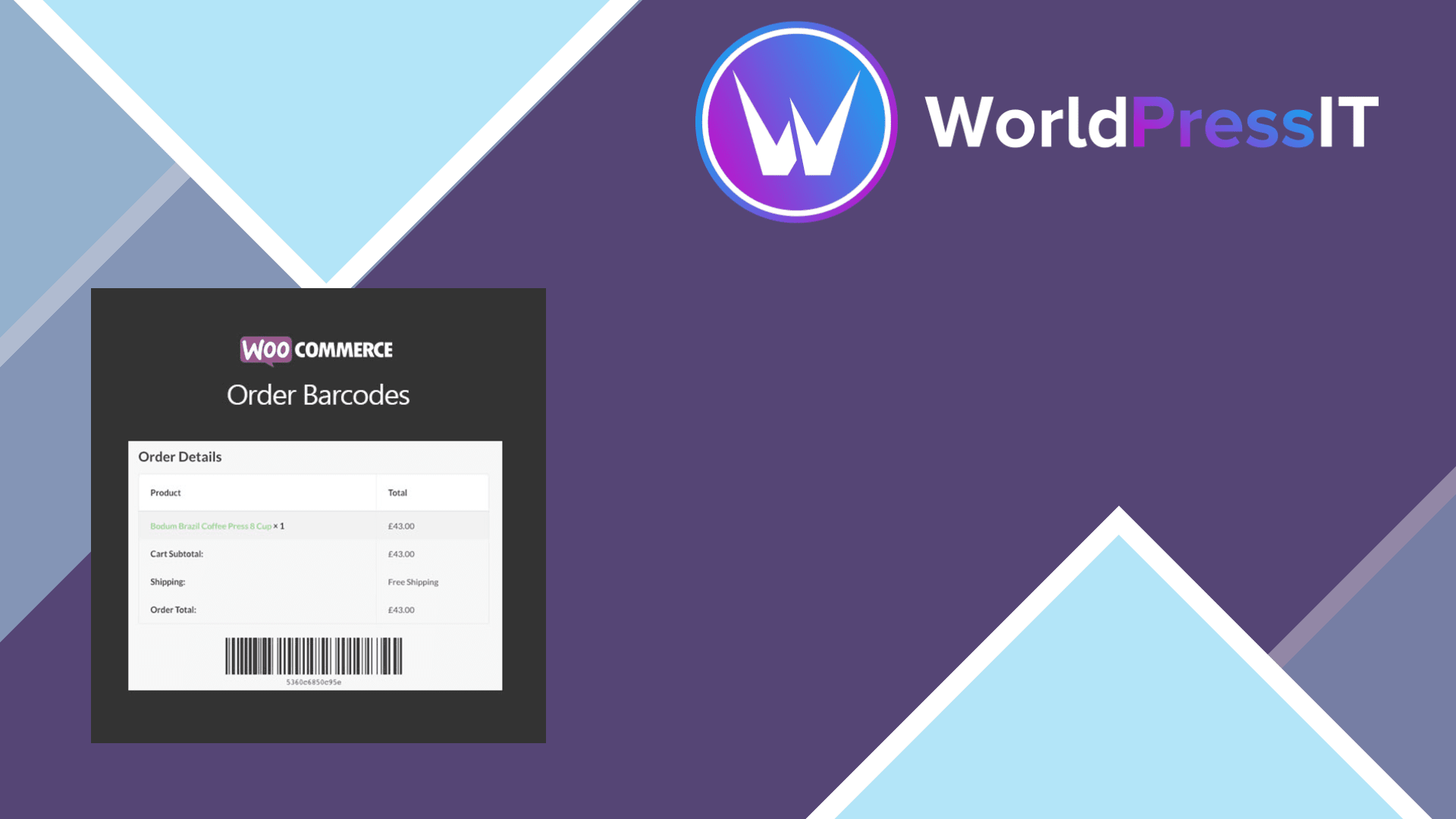
WooCommerce Order Barcodes solves a narrow problem: it creates one barcode for each WooCommerce order, places that code in customer order emails and the account area, and lets staff use it to look up, complete, check in, or check out the order. That is enough for simple reservations, event entry, customer pickup, or a packing station that needs to retrieve an order quickly.
The strongest part is the automatic order connection. New orders receive a barcode without extra setup, and the extension also works with WooCommerce Bookings, making it possible to check in customers for appointments, classes, tours, or rentals. It supports five formats: Code 39, Code 93, Code 128, Data Matrix, and QR Code. Standard USB scanners work with the Code 39, 93, and 128 formats, while QR and Data Matrix codes are intended for digital scanners and mobile devices.
It is also reasonably flexible for a small operation. You can choose barcode colors, display the code on order screens and emails, and add the [scan_barcode] shortcode to a page. The scanner form can be configured to look up an order, complete it, check it in, or check it out. Actions run through Ajax, so a USB scanner can process a queue without reloading the page after every scan.
Where it falls short
The scanning experience is less polished than the product description suggests. On phones and tablets, WooCommerce’s documentation tells you to use a third-party scanning app that enters the scanned value into the form. The extension itself does not automatically open a result or provide a native camera scanner. In practice, that means additional app setup and a workflow that can feel more like keyboard emulation than modern ticket scanning.
The bigger limitation is that the plugin creates one barcode per order, not one barcode per item or ticket. A customer buying four event tickets gets an order-level code unless you add another ticketing system. WooCommerce Box Office is the more appropriate alternative when you need individual ticket holders and ticket-level codes; Order Barcodes can complement it, but does not replace it. For appointments and rentals, WooCommerce Bookings handles the scheduling while Order Barcodes adds the scan-based check-in.
It is also a poor choice for product inventory barcoding. A product-focused tool such as Barcode Generator for WooCommerce, or the barcode features in a dedicated POS system, is better suited to stock control and product-level scanning. The extension’s existing-order behavior is another annoyance: older orders do not receive codes in bulk automatically; opening each order in the dashboard generates its barcode.
Is it worth the price?
The listed price is $99 for one year, including updates, support, and a 30-day money-back guarantee. That can be reasonable if scanning saves staff time at a recurring event or pickup counter. However, the official marketplace currently shows a 1.7 rating from three verified reviews, including complaints about bugs, compatibility problems, slow support, and custom coding needed for more advanced QR-code behavior. That small sample is not conclusive, but it is a meaningful warning for a plugin whose main value depends on reliable scanning.
Verdict: buy it for a straightforward WooCommerce order check-in workflow, especially alongside WooCommerce Bookings. Skip it if you want a complete ticketing, inventory, or mobile POS solution; the limitations become expensive once you need anything beyond one code attached to one order.
Questions people ask
- Does WooCommerce Order Barcodes create a barcode for each item?
- No. It creates one barcode per order. Individual ticket barcodes require an integration such as WooCommerce Box Office.
- Can I scan WooCommerce Order Barcodes with a phone?
- Yes, but the documented workflow uses a third-party scanning app that enters the code into the scan form. The extension does not provide a fully native camera-scanning experience.
- Does WooCommerce Order Barcodes work with WooCommerce Bookings?
- Yes. It attaches a scannable barcode to booking orders and can be used for check-in and check-out workflows.
- Can WooCommerce Order Barcodes manage product inventory?
- Not effectively. It is built around order-level barcodes, so a product barcode or POS extension is a better choice for stock management.
- Do existing orders automatically receive barcodes?
- No. Existing orders receive a barcode when you open their order page in the WordPress dashboard, so older orders are not populated automatically in bulk.
Get WooCommerce Order Barcodes: useful for simple check-in, limited beyond that 2.1.0
Complete package, ready to install, via WorldPressIT.