SecuPress Pro: worth it for guided hardening, not as your only security layer
- agencies securing client sites
- business sites needing scheduled checks
- owners who prefer guided settings
- French-speaking WordPress users
- sites needing white-label reports
- you want the strongest free firewall
- you need dependable public support
- you run a large multisite network
- you only need basic login protection
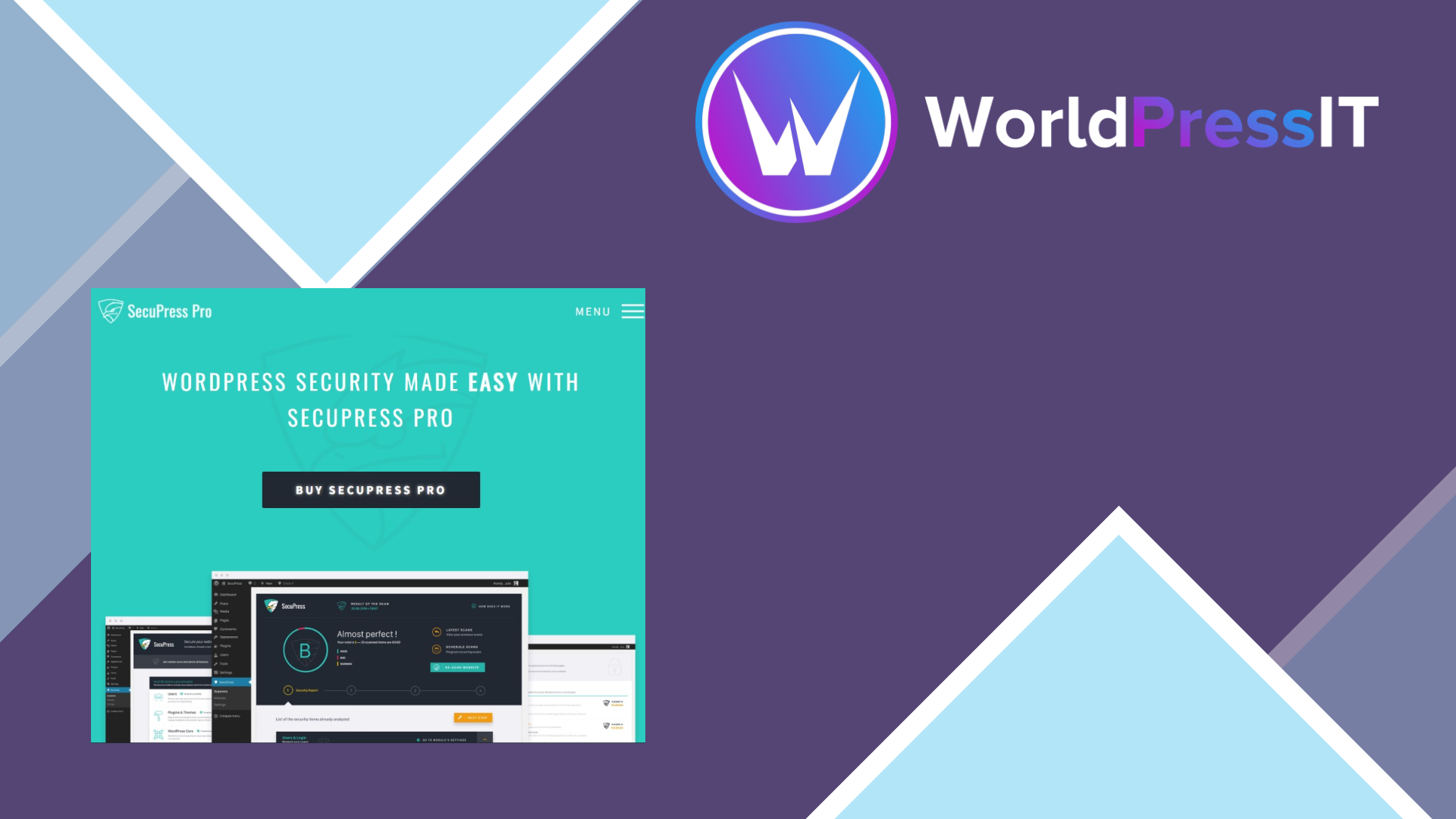
SecuPress Pro is a capable security toolkit, but it is not an automatic buy. Its main appeal is the way it turns WordPress hardening into a guided checklist rather than a wall of technical settings. The official product flow says the scanner checks 35 security points, walks you through fixes, applies changes through modules, and produces a final report. That is genuinely useful for owners who know their site needs better protection but do not want to assemble separate plugins or edit server files by hand. ([secupress.me](https://secupress.me/))
The free version already covers a surprisingly large amount of baseline hardening: login-attempt limits, a custom captcha, hiding WordPress and PHP details, XML-RPC blocking, sensitive-file protection, bad-bot blocking, security constants, and critical-action logging. Pro adds the features that matter more for revenue-generating sites: two-factor authentication, a PHP malware scanner, vulnerable extension and theme detection, IP and country blocking, email or Slack alerts, scheduled scans and backups, database and file backups, session controls, password-lifespan rules, white labeling, and priority support. ([secupress.me](https://secupress.me/features/))
That makes SecuPress Pro strongest as a security-management and hardening product. Its interface and modular approach are easier to explain to a client than the more technical dashboards in Wordfence or the sprawling settings found in Solid Security. The PDF reports and white-label option are practical for agencies, and scheduled actions reduce the risk that security checks are forgotten. The documentation is also substantial, with separate sections for modules, users and login, WordPress core, plugins and themes, firewall checks, and malware scans. ([docs.secupress.me](https://docs.secupress.me/))
The weaknesses are more consequential. SecuPress Pro costs €60 per year for one site, and the standard plan is explicitly not multisite- or agency-compatible; larger site bundles and agency accounts are handled separately. There is no free trial, although the developer advertises a 14-day refund window. ([secupress.me](https://secupress.me/pricing/)) More importantly, the public support picture is uneven. WordPress.org shows a 4.1-out-of-5 average from 107 reviews, but also lists recent threads about license deactivation, captcha failures, database errors, critical errors, and a WooCommerce conflict. One detailed user report describes performance problems and unexplained title changes after enabling action logs, followed by an apparent lack of support response. ([wordpress.org](https://wordpress.org/support/plugin/secupress/reviews/?utm_source=openai))
Compared with Wordfence, SecuPress is cleaner and more focused on guided hardening, but Wordfence Free supplies an endpoint firewall, malware scanner, 2FA, brute-force protection, vulnerability alerts, and centralized management without a paid license; its trade-off is a 30-day delay for new firewall rules and malware signatures. ([wordfence.com](https://www.wordfence.com/products/wordfence-free/?utm_source=openai)) Solid Security is the closer alternative if you prioritize user-security workflows, trusted devices, password policies, and broad account controls. SecuPress Pro is therefore a reasonable purchase for a managed business or client site, but most independent site owners should start with Wordfence Free and spend the saved money on reliable backups, updates, and hosting-level protection.
Questions people ask
- Is SecuPress Pro better than Wordfence?
- Not generally. SecuPress Pro has a cleaner guided-hardening experience and useful agency features, but Wordfence Free offers a stronger default firewall-and-scanner package, so it is the better starting point for most sites. ([wordfence.com](https://www.wordfence.com/products/wordfence-free/?utm_source=openai))
- Does SecuPress Pro scan for malware?
- Yes. Pro includes a PHP malware file scanner, while the free version does not include that scanner or the content-injection scanner. ([secupress.me](https://secupress.me/features/))
- How much does SecuPress Pro cost?
- The official pricing page lists SecuPress Pro at €60 per year for one site. The displayed standard plan is not compatible with multisite or agency use. ([secupress.me](https://secupress.me/pricing/))
- Is SecuPress Pro easy to configure?
- It is easier than many security plugins because it organizes protection into modules and provides a guided scan-and-fix process. You still need staging or backups before enabling aggressive login, firewall, or blocking rules. ([secupress.me](https://secupress.me/))
- Does SecuPress Pro replace backups?
- No. It includes database and file backup features, but security-plugin backups should not be your only recovery plan. Keep independent, tested backups through your host or a dedicated backup service.
Get SecuPress Pro: worth it for guided hardening, not as your only security layer 2.6.3
Complete package, ready to install, via WorldPressIT.