Smart Admin Assistant Pro: promising toolkit, but not ready to trust
- BdThemes-heavy WordPress installs
- agencies managing several client dashboards
- admins wanting many small utilities in one panel
- staging sites and internal projects
- security-critical production sites
- sites needing one mature specialist plugin
- teams bothered by admin promotions
- clients who need predictable long-term maintenance
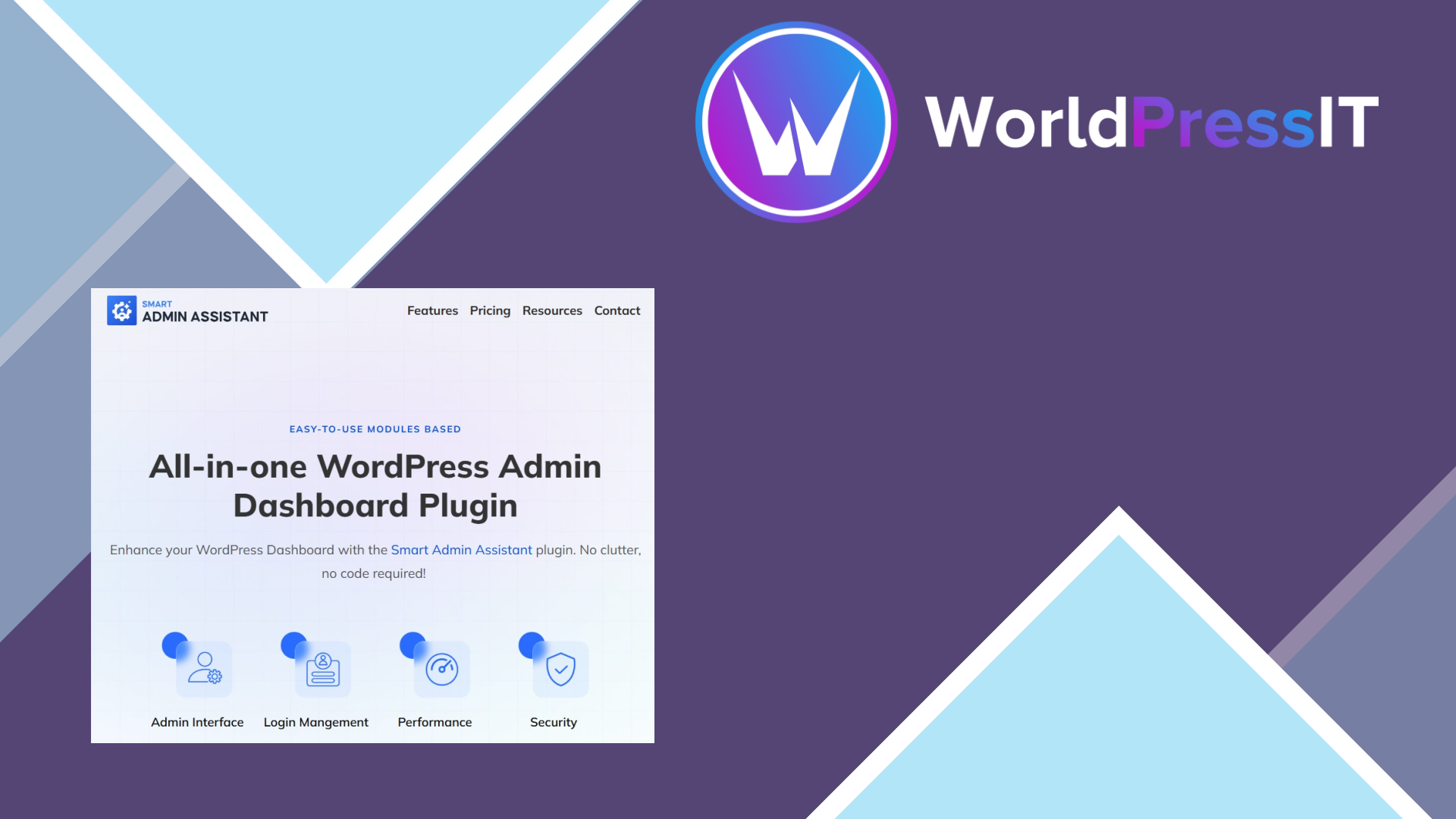
Smart Admin Assistant Pro is an all-in-one WordPress administration plugin. It combines dashboard and menu cleanup with content duplication, login controls, security hardening, code snippets, redirects, SMTP settings, database maintenance, and performance toggles. The official product page advertises 42 features across six areas, while the documentation shows a large collection of individual switches rather than one tightly focused workflow.
Where it is genuinely strong
The appeal is convenience. An agency can hide or rename admin-menu items, remove dashboard widgets, add custom CSS or JavaScript, duplicate posts, control Gutenberg, manage external permalinks, and configure several login or maintenance behaviours from one settings area. The Pro documentation also describes import and export for plugin settings and custom-code snippets, which is useful when standardising several client sites. Its content tools are more practical than the marketing language suggests: post duplication can retain metadata and taxonomies, media replacement keeps the existing media ID, and missed scheduled posts can be triggered automatically.
There are also worthwhile admin details. The plugin can add columns such as post ID, featured image, last-modified date, excerpt, word count, media dimensions, and file type. Its login protection includes configurable maximum attempts, lockout duration, progressive lockouts, CAPTCHA options, and manual IP blocking. For an administrator who would otherwise install several small utility plugins, that breadth can reduce dashboard clutter.
Where it falls short
The problem is that breadth is doing most of the selling. Many features are basic versions of functions already handled better by dedicated plugins. Wordfence or Solid Security are more credible choices when security is the primary concern; WP Mail SMTP is the obvious specialist for deliverability; Code Snippets is a cleaner choice for safely managing snippets; and Admin Menu Editor is more established if the real need is role-based menu control. Smart Admin Assistant should not be treated as a replacement for a complete security suite, backup system, or performance stack.
The user experience also raises concerns. WordPress.org reviews describe intrusive promotional notices, missing or unfinished functionality, bugs, and slow responses. One May 2026 review specifically said promised login-page customisation was still showing as “Coming Soon”; later product updates added login templates, but that history illustrates the wider issue: features appear to be arriving while the product is still being stabilised. The WordPress.org support page currently shows no support topics, and the plugin listing has been closed since August 7, 2026, pending a complete review. That is a meaningful warning for anyone buying primarily for dependable updates.
Verdict
The concrete price is $39 per year for one website, with a five-site Business plan at $89 per year and a 1,000-site Agency plan at $349 per year on the official page. Those prices are not outrageous, but they are difficult to justify when mature alternatives can cover the important jobs more reliably and when the free version already exposes much of the basic admin cleanup. Smart Admin Assistant Pro is interesting as a consolidation tool for agencies and BdThemes users, but for a live business site the safer verdict is to skip it and assemble a smaller, better-supported stack.
Questions people ask
- Is Smart Admin Assistant Pro worth buying?
- Not for most production sites. Its feature range is attractive, but unfinished functionality, intrusive notices reported by users, and the temporary WordPress.org closure make it a poor choice when reliability matters.
- What does Smart Admin Assistant Pro do?
- It centralizes WordPress admin customization, content duplication, login controls, security settings, custom code, redirects, SMTP tools, and maintenance features in one dashboard.
- Can Smart Admin Assistant Pro replace Wordfence?
- No. It includes useful login protection, CAPTCHA, IP blocking, and hardening toggles, but it is not a like-for-like replacement for a mature security plugin such as Wordfence.
- How much does Smart Admin Assistant Pro cost?
- The official pricing page lists $39 per year for one website, $89 per year for five websites, and $349 per year for up to 1,000 websites.
- Is Smart Admin Assistant Pro available on WordPress.org?
- Its WordPress.org listing has been temporarily closed since August 7, 2026, pending a complete review. That status is a reason to wait rather than make it a dependency on a critical site.
Get Smart Admin Assistant Pro: promising toolkit, but not ready to trust 2.4.0
Complete package, ready to install, via WorldPressIT.