Unero: worth buying for a focused WooCommerce store, not a modern rebuild
- fashion and furniture stores
- catalog-heavy WooCommerce shops
- WPBakery users
- stores needing AJAX filtering
- site owners who want ready-made demos
- you want Elementor
- you prefer full-site editing
- you need a very lightweight theme
- you dislike bundled theme plugins
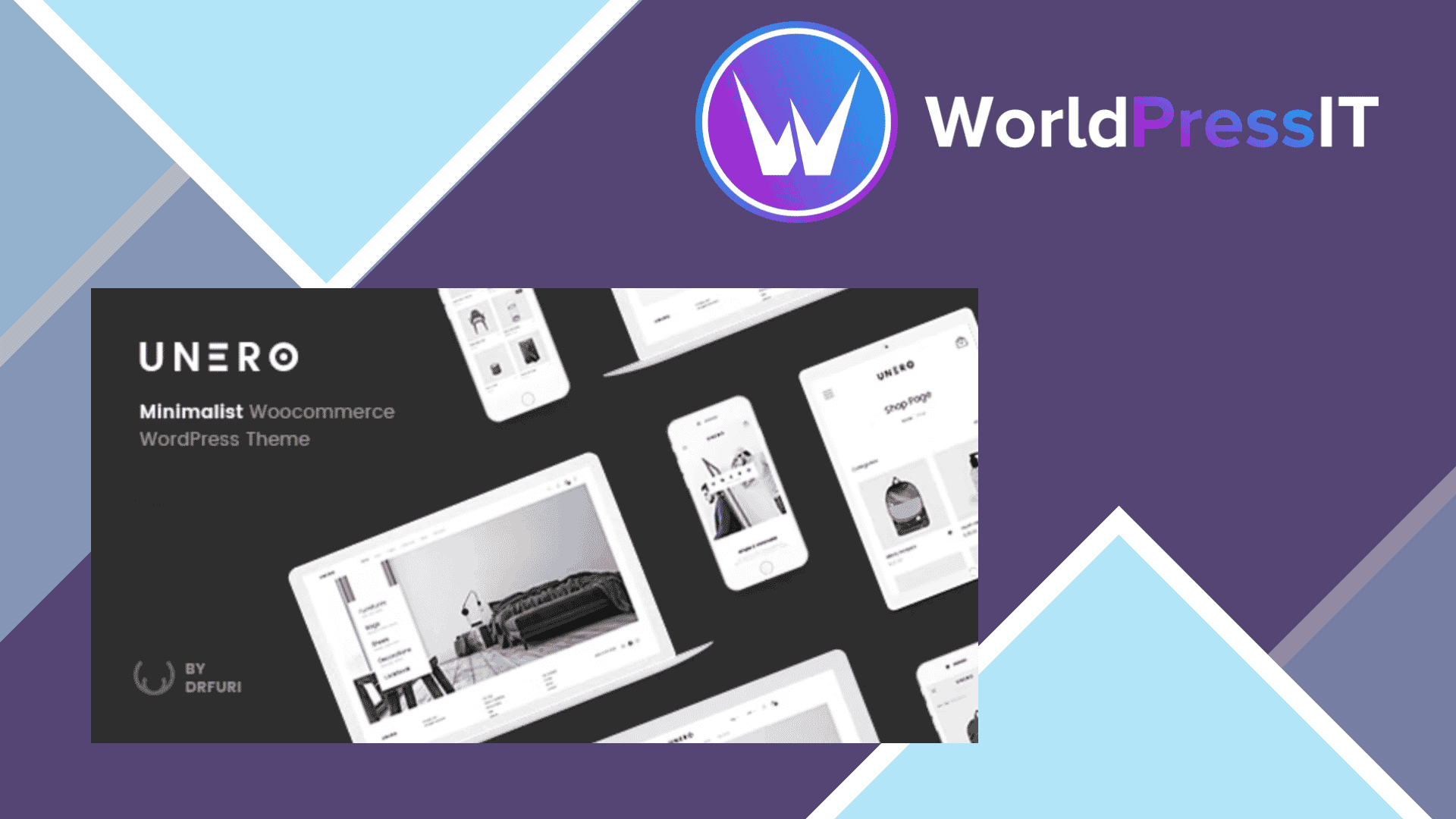
Unero is a capable WooCommerce theme, but it is not an automatic recommendation. It is designed around a clean, image-led storefront where products, filters, quick view, swatches, and shopping interactions do most of the work. That makes it a sensible fit for fashion, furniture, home décor, and other visual catalogs that need more than a plain WooCommerce layout without requiring a completely custom build.
The strongest part of Unero is its commerce feature set. The theme includes AJAX product filtering, AJAX add-to-cart, live product search, quick view, color, label and image swatches, product badges, lazy-loaded product images, wishlist compatibility, mega menus, and several single-product layouts. It also supports variable, downloadable, external, and affiliate products through WooCommerce. These are useful store features rather than decorative demo claims, although they still need testing with the payment, marketing, and catalog plugins used on a real site.
There is also a practical amount of starter material. Unero advertises 15 predefined homepages, four header layouts, five footer layouts, one-click demo import, multiple shop layouts, a child theme, RTL support, and compatibility with WPML, Contact Form 7, Mailchimp for WordPress, and selected wishlist and currency-switcher plugins. The current ThemeForest listing shows a regular $59 price and six months of included author support. Its changelog also shows recurring WooCommerce and WPBakery compatibility updates, including fixes for single-product AJAX add-to-cart and mini-cart refresh problems.
That changelog reveals the main caution. Unero has been around since 2017 and remains built around WPBakery, historically called Visual Composer, rather than Elementor or WordPress’s Site Editor. The approach can work well when you import a demo and make moderate changes, but it is less comfortable for owners who expect modern visual theme-building tools. Customizing a heavily modified WooCommerce theme can also become awkward: the attractive AJAX behavior, product grids, headers, and templates are precisely the parts most likely to need compatibility checks after plugin updates.
Unero is not the obvious choice for a performance-first store. AJAX filters, live search, quick view, sliders, image galleries, swatches, and bundled theme functionality can add front-end scripts and configuration overhead. The theme’s long changelog includes fixes for mobile cart updates, infinite shop loading, variation image sizing, quick view, Instagram feeds, menu editing, and filter results. That does not make it unreliable, but it does mean you should test checkout, variation selection, filtering, and mobile navigation on a staging site before launch.
Compared with Flatsome, Unero offers a similarly ready-made retail experience but has a less modern editing workflow. WoodMart is the stronger alternative if you need a broader feature set, more current store-building controls, and extensive catalog tooling. Kadence and Blocksy are better starting points for lighter, more flexible WordPress builds, especially if you want Gutenberg or Elementor compatibility. Choose Unero when its visual demos and AJAX catalog behavior match your store closely; otherwise, the convenience is not enough to offset its older foundation.
Questions people ask
- Is Unero a good WooCommerce theme?
- Yes, for product-focused stores that want AJAX filtering, quick view, swatches, and ready-made retail layouts. It is less appealing if you want a modern Elementor or Site Editor workflow.
- Does Unero work with Elementor?
- Unero is built around WPBakery rather than Elementor. You may be able to use Elementor for selected content, but it is not the theme's intended page-building workflow.
- How many demos does Unero include?
- The official listing advertises 15 predefined homepages, plus four header layouts, five footer layouts, and one-click demo import.
- Is Unero still updated?
- Yes. Its changelog shows ongoing WooCommerce and WPBakery compatibility updates, along with fixes for issues such as AJAX add-to-cart, mini-cart refreshes, and product-image sizing.
- Is Unero faster than Flatsome or WoodMart?
- There is no reliable basis for declaring it faster. Unero includes many AJAX, search, filtering, slider, gallery, and swatch features, so performance will depend heavily on your hosting, images, plugins, and configuration.
Get Unero: worth buying for a focused WooCommerce store, not a modern rebuild 2.3.1
Complete package, ready to install, via WorldPressIT.