Konte: worth it for a polished WooCommerce launch, not every store
- fashion and lifestyle shops
- design-led WooCommerce stores
- agencies launching client shops
- stores needing demo layouts quickly
- you want a block-first theme
- you need a very lean stack
- you dislike page builders
- you cannot maintain theme updates
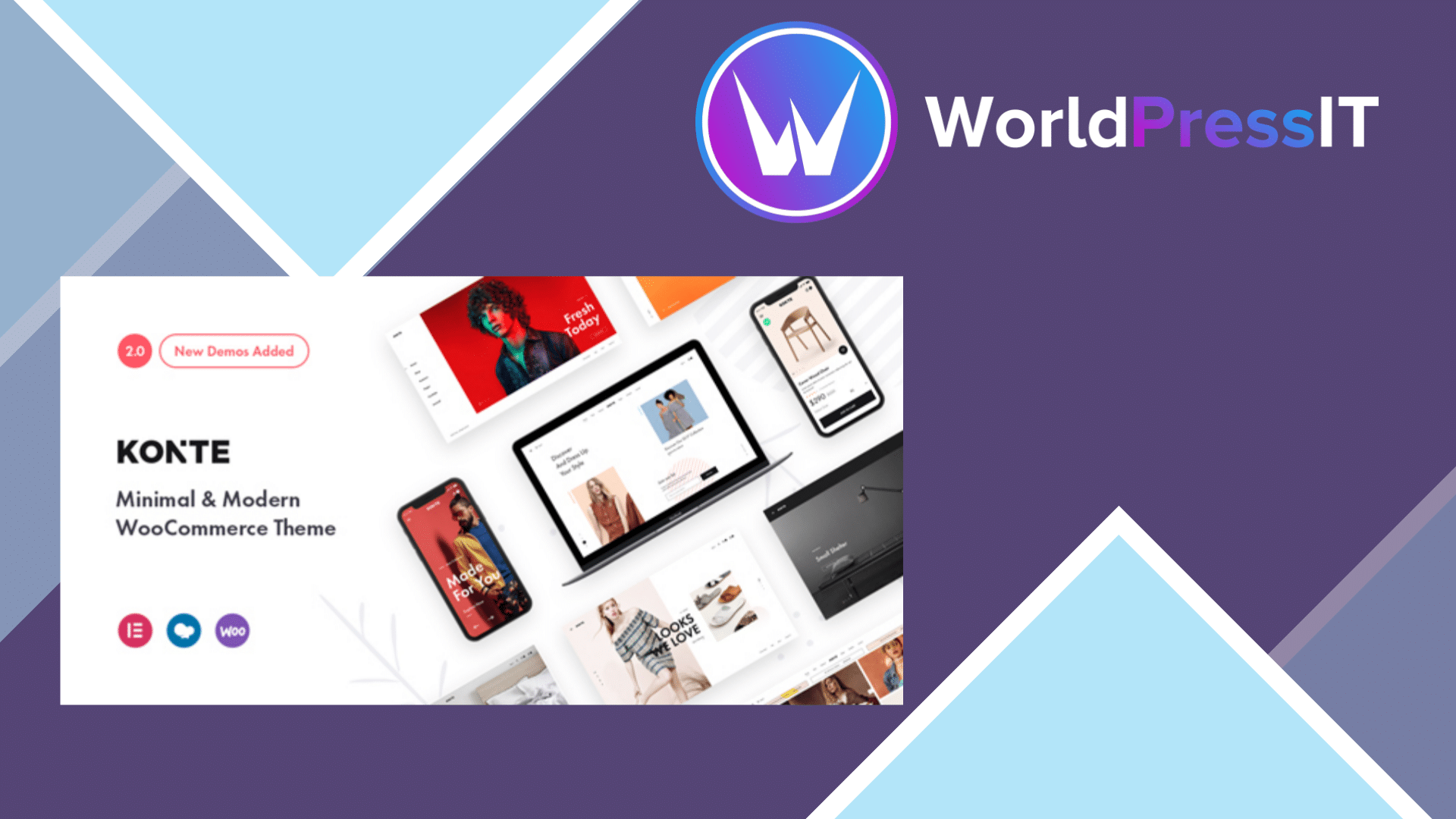
Konte is a visual WooCommerce theme first and a general WordPress theme second. Its appeal is easy to understand: the developer ships a deliberately minimal, editorial-looking design system aimed at fashion, furniture, cosmetics, jewelry, technology, and other product-led shops. The theme includes WooCommerce templates, several shop and product layouts, mega menus, quick view, sticky headers, product comparison, wishlist support, variation swatches, Mailchimp support, and demo content. The design language is clean enough to make ordinary catalog pages look more premium without starting from a blank canvas. ([themeforest.net](https://themeforest.net/item/konte-minimal-modern-woocommerce-wordpress-theme/23162599?utm_source=openai))
The strongest reason to choose Konte is speed of visual launch. The official listing documents 14 predefined homepage layouts, 10 header layouts, three shop layouts, and seven single-product layouts. That is useful for a store owner or agency that wants a credible first version online quickly and expects to customize an existing direction rather than design every component. The included header and footer controls, product presentation options, and mobile-responsive layouts are more valuable here than the generic claim that the theme is “modern.” ([themeforest.net](https://themeforest.net/item/konte-minimal-modern-woocommerce-wordpress-theme/23162599%3Fsrsltid%3DAfmBOopsLvitwnHjKXNjarkCRWBrfeoN1YX3BVT4HiWOBhuICej3uGa2?utm_source=openai))
Its main weakness is architectural clutter. Konte supports Elementor and WPBakery, while also bundling or integrating several WooCommerce add-ons and theme-specific controls. That gives you flexibility, but it also creates more dependencies, more places to look when a layout breaks, and more lock-in than a lightweight block theme or a WooCommerce-focused framework. Using both Elementor and WPBakery on the same project would be especially poor practice: choose one editing workflow before importing demos and stick with it. If you later switch themes or builders, content stored in builder shortcodes and theme-specific modules may require cleanup or rebuilding.
Maintenance is the point that stops this being an easy recommendation. The changelog specifically records fixes for outdated WooCommerce templates, and the security record for Konte reports a missing-authorization vulnerability affecting versions through 2.4.6, with 2.4.7 listed as the patched version. The current official listing shows version 2.5.1 and a recent update, which is reassuring, but it does not remove the need to update promptly and test checkout, account pages, product variations, and cart behavior after updates. ([themeforest.net](https://themeforest.net/item/konte-minimal-modern-woocommerce-wordpress-theme/23162599?utm_source=openai))
Compared with Storefront, Konte gives you a much more finished visual identity and more presentation features, while Storefront is simpler, free, and closer to WooCommerce’s official baseline. Compared with Flatsome, Konte has a similar marketplace-style all-in-one approach but generally offers less of a unified proprietary design environment. Compared with Astra or Kadence, Konte is more opinionated: better if its demos match your brand, worse if you want a neutral foundation that can evolve across many site types.
Verdict: buy Konte for a design-led store when one of its demos is already close to your target and you accept the builder-based workflow. Skip it for a performance-sensitive, block-first, or heavily customized shop where long-term portability matters more than an attractive launch.
Questions people ask
- Is Konte a good WooCommerce theme?
- Yes, for design-led shops that want polished product, catalog, header, and homepage layouts quickly. It is less attractive if you want a minimal dependency stack or a block-first editing experience.
- Does Konte work with Elementor?
- The official listing identifies Elementor compatibility, while also supporting WPBakery. Choose one builder for the project rather than mixing both, because doing so increases maintenance and migration problems. ([themeforest.net](https://themeforest.net/item/konte-minimal-modern-woocommerce-wordpress-theme/23162599?utm_source=openai))
- Is Konte still maintained?
- The official listing shows a recent update and version 2.5.1, including fixes for outdated WooCommerce templates. You should still verify compatibility in a staging site before updating a live store. ([themeforest.net](https://themeforest.net/item/konte-minimal-modern-woocommerce-wordpress-theme/23162599?utm_source=openai))
- Was the Konte theme affected by a security vulnerability?
- Yes. Wordfence reports a missing-authorization vulnerability in versions up to and including 2.4.6, patched in 2.4.7. Sites running older versions should update immediately. ([wordfence.com](https://www.wordfence.com/threat-intel/vulnerabilities/wordpress-themes/konte/konte-246-missing-authorization?utm_source=openai))
- Is Konte better than Storefront?
- Konte is better for a visually distinctive shop launched from a ready-made design. Storefront is better when you want WooCommerce’s simpler official foundation, fewer theme-specific features, and maximum flexibility for custom development.
Get Konte: worth it for a polished WooCommerce launch, not every store 2.5.0
Complete package, ready to install, via WorldPressIT.