StreamTube: worth it for a serious video community site
- multi-author video platforms
- paid video libraries
- YouTube-style community sites
- video marketplaces
- sites using Bunny Stream or Cloudflare Stream
- you only embed occasional videos
- you want a Gutenberg-first theme
- you need minimal server configuration
- you want video hosting included
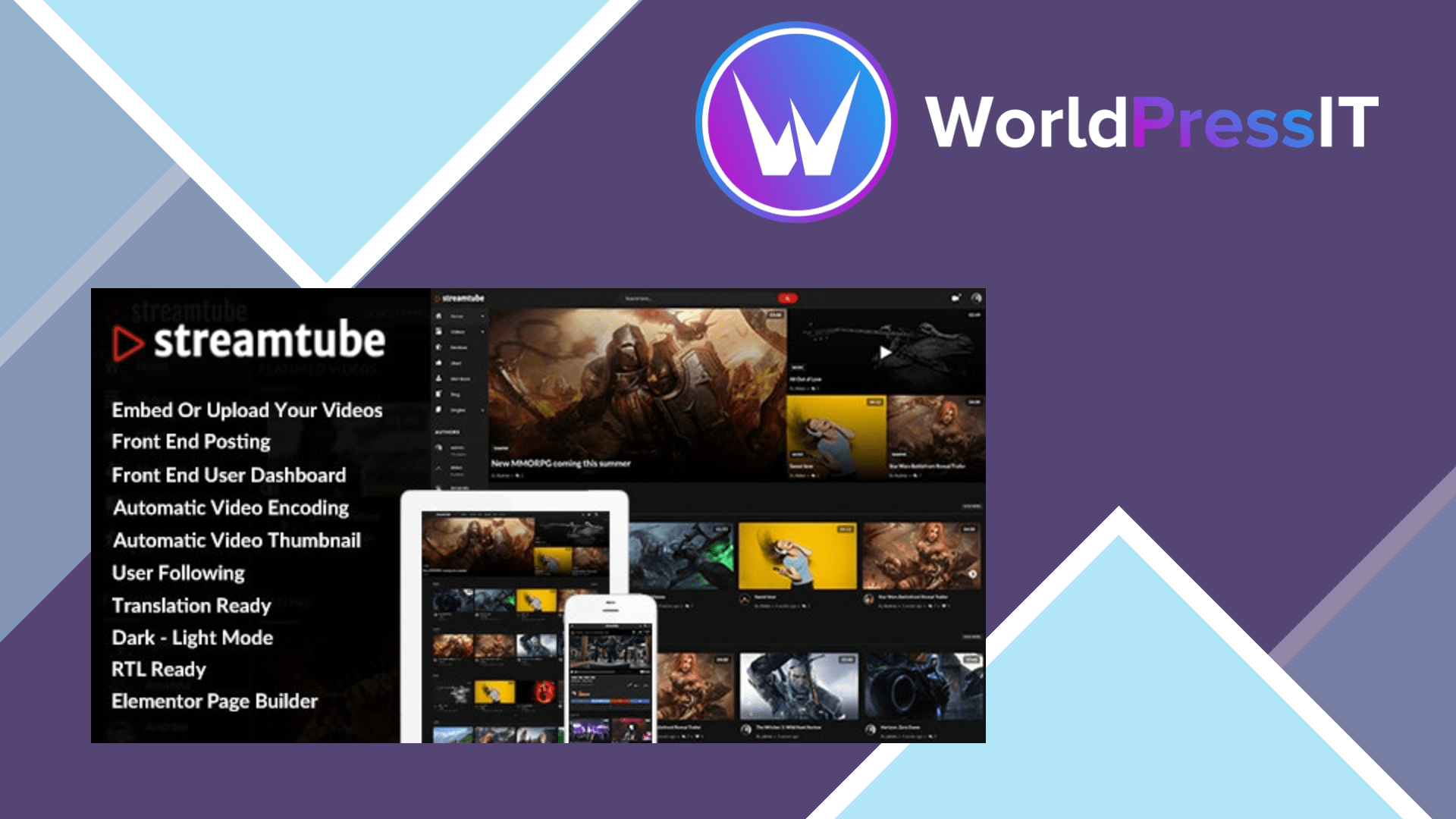
StreamTube is a specialized video-platform theme, not a general-purpose WordPress design. Its purpose is to turn WordPress into a video-sharing site with front-end uploads, member profiles, likes, follows, comments, playlists, watch history, content restriction, advertising, and WooCommerce support. That makes it unusually ambitious for a ThemeForest theme, and it is a much closer fit for a small YouTube-style project than ordinary magazine themes such as VideoTube.
The strongest part is the video workflow. StreamTube supports YouTube, Vimeo, Dailymotion, oEmbed content, self-hosted files, and automatic thumbnails. It can also transcode uploaded videos to HLS through FFmpeg. More importantly, the current feature set integrates with Bunny Stream and Cloudflare Stream for direct or resumable uploads, background processing, multiple resolutions, token protection, thumbnails, and publishing after encoding. The developer documents a REST upload endpoint at /wp-json/streamtube/v1/upload, which is a useful foundation if you want to connect a mobile app or custom uploader.
It also gives site owners practical community controls. Storage quotas can be assigned to users or roles, and the theme can sell additional storage. Front-end dashboards keep contributors out of wp-admin, while Paid Memberships Pro, Patreon, myCred, WooCommerce, Dokan, BuddyPress, bbPress, and Better Messages integrations cover several monetization and community models. The built-in player includes subtitles, quality selection, watermarks, advertising support, and 360-video support. These are meaningful capabilities rather than merely decorative demo features.
The catch is complexity. StreamTube is not Gutenberg-optimized and leans on Elementor for page building. A large installation may also require the theme’s core plugin plus separate plugins for encoding, likes, follows, locations, hashing, reviews, and video integrations. That creates more update and compatibility points than a theme such as Kadence or GeneratePress. The documentation explicitly separates StreamTube support from third-party plugin setup, so configuring WooCommerce, membership rules, Bunny, Cloudflare, or FFmpeg is still your responsibility.
Self-hosted encoding is another potential headache. FFmpeg jobs consume CPU, storage, and temporary disk space, so cheap shared hosting is a poor match. Using Bunny Stream or Cloudflare Stream reduces the server burden but introduces separate accounts, usage charges, API credentials, and another service to troubleshoot. A WordPress.org forum presence is not part of the product’s support model; support is handled through the developer’s documentation and ticket system. The changelog also records a security fix involving user registration, which is a reminder to update the theme and its bundled plugins together.
Verdict: StreamTube is worth it when the video-community features are the reason you are using WordPress. Compared with the older VideoTube, it offers a more complete upload, membership, monetization, and streaming stack. Compared with a hosted platform such as Vimeo or a simpler theme paired with a video plugin, it gives you more ownership but also far more technical maintenance. For a serious video site with a capable host and a willingness to configure several services, it is a reasonable buy; for anything smaller, it is overbuilt.
Questions people ask
- Does StreamTube host my videos for me?
- No. It supports self-hosted video and integrations with services such as Bunny Stream and Cloudflare Stream, but you must provide the hosting, storage, bandwidth, or streaming account.
- Does StreamTube require Elementor?
- Its feature list includes Elementor page-builder integration, and the theme is not Gutenberg-optimized. You can use WordPress without Elementor, but the advertised layout-building workflow is centered on Elementor.
- Can users upload videos from the front end?
- Yes. StreamTube includes front-end posting and a user dashboard for managing videos, comments, and profiles. Upload processing may require FFmpeg or a configured Bunny Stream or Cloudflare Stream integration.
- Is StreamTube good for selling video content?
- Yes, especially when combined with WooCommerce, Paid Memberships Pro, Patreon, or myCred. The theme supports content restriction and WooCommerce-based access, but payment rules and memberships still need to be configured separately.
- Is StreamTube suitable for cheap shared hosting?
- Usually not if you plan to encode videos on the server. FFmpeg processing can be resource-intensive, so a managed video service or a stronger VPS is the safer setup.
Get StreamTube: worth it for a serious video community site 4.15
Complete package, ready to install, via WorldPressIT.