Pressroom: worth it for traditional news sites, not modern builders
- online newspapers
- content-heavy magazine sites
- publishers using WPBakery
- review and video blogs
- WooCommerce-enabled editorial sites
- you want Elementor
- you prefer native block editing
- you need a lightweight theme
- you want minimal theme lock-in
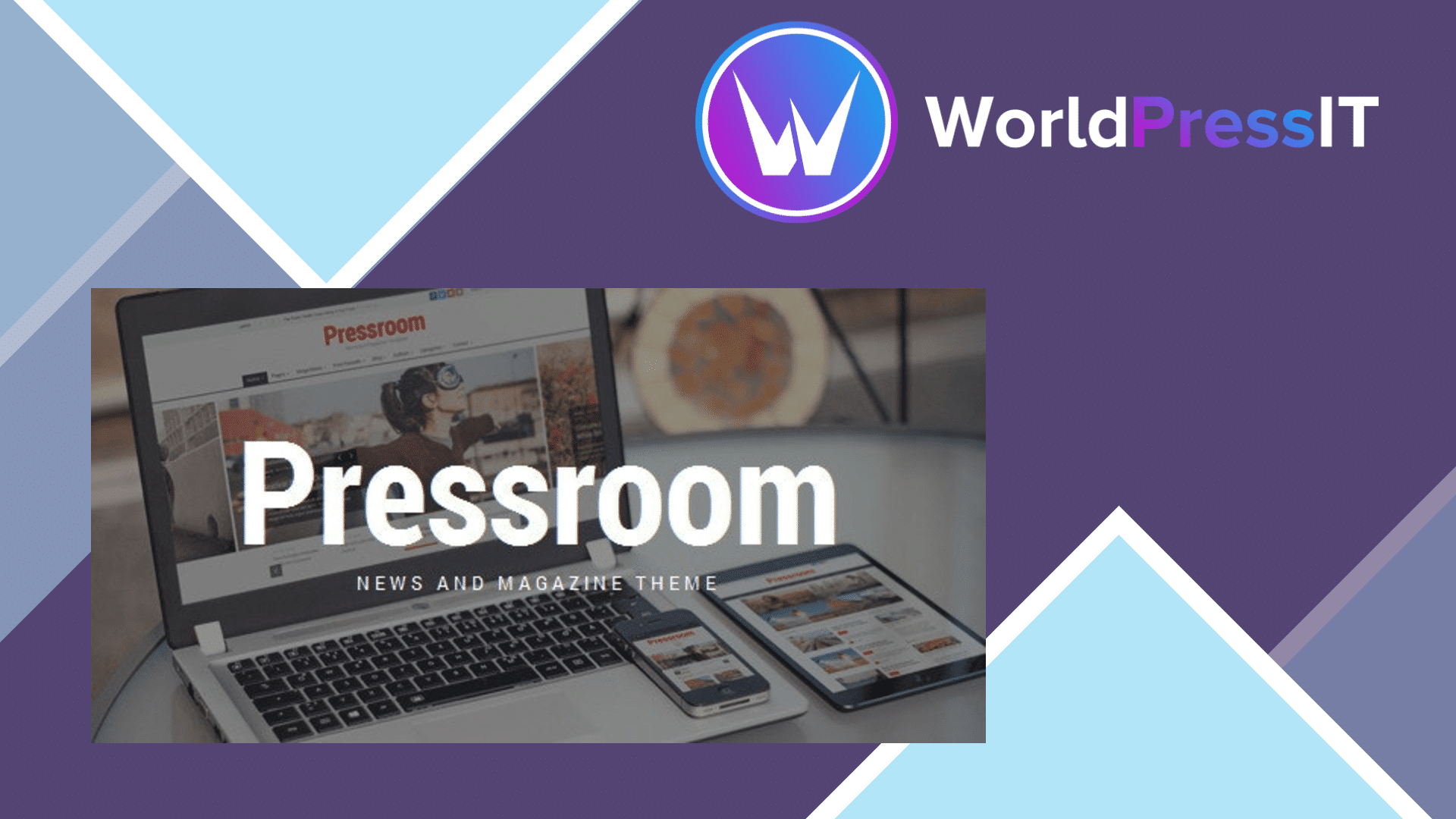
Pressroom is still a credible magazine theme, but it is no longer an obvious default purchase. Its strengths are concentrated in a specific type of project: a news, publishing, review, or video site that needs a dense homepage, multiple content blocks, featured stories, category-led layouts, and a familiar newspaper-style presentation.
The feature set is substantial. The theme includes more than 60 content elements, over 25 custom Pressroom components, seven blog layouts, six homepage approaches, 15 predefined header styles, multiple post formats, sticky columns, offset posts, featured posts, RTL support, WooCommerce integration, and light, dark, and high-contrast skins. Its one-click demo importer can bring in pages, posts, sliders, widgets, and other demo content, which is useful when you want to reproduce the theme’s editorial layouts rather than design everything from scratch.
Pressroom is also being maintained rather than abandoned. The marketplace page lists version 7.7, updated on September 12, 2026, and advertises compatibility with current WordPress and WooCommerce branches. QuanticaLabs also runs a dedicated support forum; the Pressroom section currently contains more than 1,200 topics and 6,000 replies. That is a meaningful advantage over genuinely abandoned marketplace themes, especially for a site whose homepage depends on theme-specific components.
Where Pressroom is genuinely strong
The theme’s editorial toolkit is more useful than a generic business theme’s collection of sliders. You can mark posts as featured independently of sorting, offset posts inside page-builder components, display reviews and media-specific post formats, and assemble magazine grids without custom development. The predefined headers and color skins also make it possible to launch a recognizable publication quickly. If your team already knows WPBakery, Pressroom can produce a complex front page faster than starting with a blank block theme.
It is a reasonable fit for a publication that wants WooCommerce alongside its content. The shop integration is not the reason to buy Pressroom, but it can support merchandise, subscriptions sold through another system, or a small store without requiring a separate visual theme.
Where it is weak
The main drawback is architectural. Pressroom relies on a classic theme options panel, theme-specific shortcodes and components, and bundled WPBakery workflows. That gives you control inside Pressroom, but it increases the cost of leaving it. The marketplace discussion includes reports of WPBakery editing failures after WordPress updates, galleries and sliders not working, mobile menus failing under some jQuery combinations, and confusion over the bundled builder’s missing template-library license. QuanticaLabs has responded to these issues through its support forum, but the recurring pattern shows that the theme is not maintenance-free.
WPBakery is included, but not as a fully activated standalone license. The developer explains that the premium template library belongs to WPBakery and cannot be enabled through the theme package. That is fine if you only need the theme’s bundled elements, but it is a poor fit if you expect every WPBakery feature to be unlocked.
How it compares
Compared with Newspaper or Jannah, Pressroom offers a smaller and more old-school ecosystem, but its layouts are straightforward and its support history is visible. Compared with GeneratePress, Kadence, or a modern block theme, Pressroom is far more opinionated and much less portable, although it gets a magazine homepage running faster. Buy it when its demo structure matches your publication and you are comfortable with WPBakery. Otherwise, choose a block-first theme and avoid building a new publication around legacy shortcodes.
Questions people ask
- Is Pressroom a good WordPress theme for a news website?
- Yes, if you want a traditional newspaper-style layout with featured stories, post grids, multiple homepage styles, and editorial post formats. It is less attractive for a block-first or highly custom publishing workflow.
- Does Pressroom include WPBakery Page Builder?
- Yes. WPBakery is bundled with the theme and Pressroom adds more than 25 custom components, but the bundled copy does not unlock WPBakery's separate premium template library.
- Is Pressroom compatible with WooCommerce?
- Yes. The developer lists WooCommerce integration, so the theme can support a shop alongside a magazine or news site. It is primarily an editorial theme rather than a dedicated e-commerce design.
- Is Pressroom easy to move away from later?
- Not especially. Its layouts depend heavily on WPBakery, theme-specific components, and shortcodes, so changing themes can leave cleanup work and require rebuilding parts of the homepage.
Get Pressroom: worth it for traditional news sites, not modern builders 7.4
Complete package, ready to install, via WorldPressIT.