JetFormBuilder Advanced Color Picker: worth it only for opacity and format control
- JetEngine user-meta forms
- front-end design request forms
- custom product or packaging forms
- developers needing RGB or HEX output
- Crocoblock-based client websites
- you only need a basic color input
- you do not already use JetFormBuilder
- you need HSL, CMYK, or named colors
- you want a complete standalone form plugin
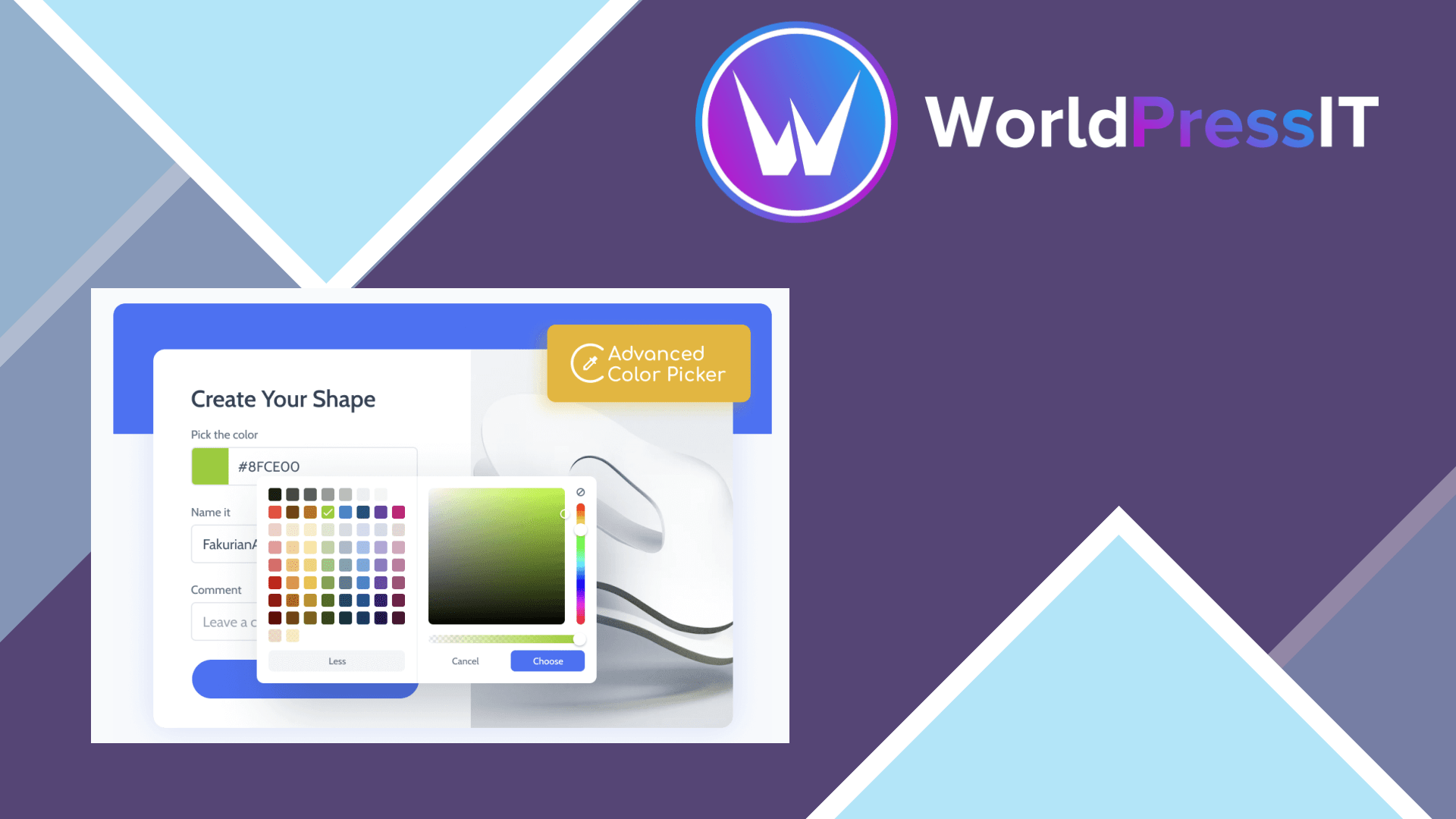
JetFormBuilder Advanced Color Picker is a small extension that improves the existing Color Picker Field block rather than adding a separate form system. After installation and activation from the JetFormBuilder dashboard, it adds extra controls to the field settings. Users can choose colors through a palette or picker interface, return values in HEX or RGB format, and optionally adjust opacity with an alpha control.
That narrow purpose is also the reason this addon is difficult to recommend broadly. JetFormBuilder already includes a standard Color Picker Field. The default field uses the browser’s native HTML color control, supports selecting colors in HEX, RGB, and HSL interfaces, and stores the submitted value as a seven-character hexadecimal value. If all you need is a visitor choosing a color for a simple form, the free built-in field is usually sufficient.
Where it is genuinely strong
The addon becomes useful when the format of the submitted value matters. Its documented settings include HEX and RGB output, plus a Show Alpha option for opacity. That is practical for user-registration forms, product customization requests, vendor applications, packaging choices, and design briefs where the submitted color will be saved and reused later.
The strongest use case is a Crocoblock workflow involving JetEngine. JetFormBuilder’s documentation specifically recommends HEX when connecting the field to JetEngine meta fields. In that setup, the picker is not just visual decoration: it can collect a color that is written to user or post metadata and later used to style profiles, listings, posts, or other content.
It also fits sites already committed to JetFormBuilder’s Gutenberg-based form builder. The parent plugin provides conditional logic, calculated fields, post and user actions, webhooks, payment integrations, and more than 20 field blocks. The addon inherits that ecosystem instead of forcing another form plugin into the project.
Where it is weak or annoying
The value proposition is limited because the addon changes one existing field. It does not add validation, conditional logic, storage, styling, or integrations by itself. You still need JetFormBuilder, and the most useful metadata workflow may also require JetEngine. That creates extra plugin dependency for a feature many sites can handle with a native input and a little formatting code.
The supported formats are also narrow. The official documentation lists HEX and RGB for returned values, while the base picker can expose HSL during selection. There is no documented CMYK, named-color, saved swatch library, eyedropper workflow, or advanced palette management. Opacity is available, but only as part of the color field; it is not a broader design-token system.
The wider JetFormBuilder feedback is mixed. WordPress.org reviews praise its flexibility and support, but also mention a steep learning curve, confusing complexity, Gutenberg frustrations, translation problems, and occasional update-related errors. Those complaints concern the parent plugin rather than this addon specifically, but they matter because the picker cannot be used independently.
Compared with the alternatives
Compared with the native HTML color input, Advanced Color Picker wins on saved RGB/HEX control and opacity, but loses on simplicity and cost. WPForms, Gravity Forms, and Formidable Forms are more sensible choices when the real requirement is a complete standalone form builder with broad field and integration options; this addon is not a replacement for them. Choose it when JetFormBuilder is already the foundation and its extra output controls solve a real data-handling problem. Otherwise, keep the built-in field and spend the money elsewhere.
Questions people ask
- Does JetFormBuilder already have a color picker field?
- Yes. JetFormBuilder includes a basic Color Picker Field. The Advanced Color Picker addon adds extra output-format and opacity controls to that existing field.
- What formats does JetFormBuilder Advanced Color Picker support?
- The addon documents HEX and RGB as return-value formats. It also provides a Show Alpha option for collecting opacity.
- Can it save a selected color to user or post metadata?
- Yes, but the documented JetEngine workflow requires linking the JetFormBuilder field to JetEngine user or post meta fields.
- Is JetFormBuilder Advanced Color Picker worth $49?
- Only if you specifically need opacity or controlled HEX/RGB output in a JetFormBuilder form. For a basic color input, the built-in field is the better value.
Get JetFormBuilder Advanced Color Picker: worth it only for opacity and format control 1.0.5
Complete package, ready to install, via WorldPressIT.