Flatsome: worth it for WooCommerce stores, not every new site
- WooCommerce store owners
- Visual-first site builders
- Product catalog businesses
- Agencies launching stores quickly
- You want native block editing
- You prioritize the leanest possible theme
- You dislike proprietary builders
- You are building a non-store content site
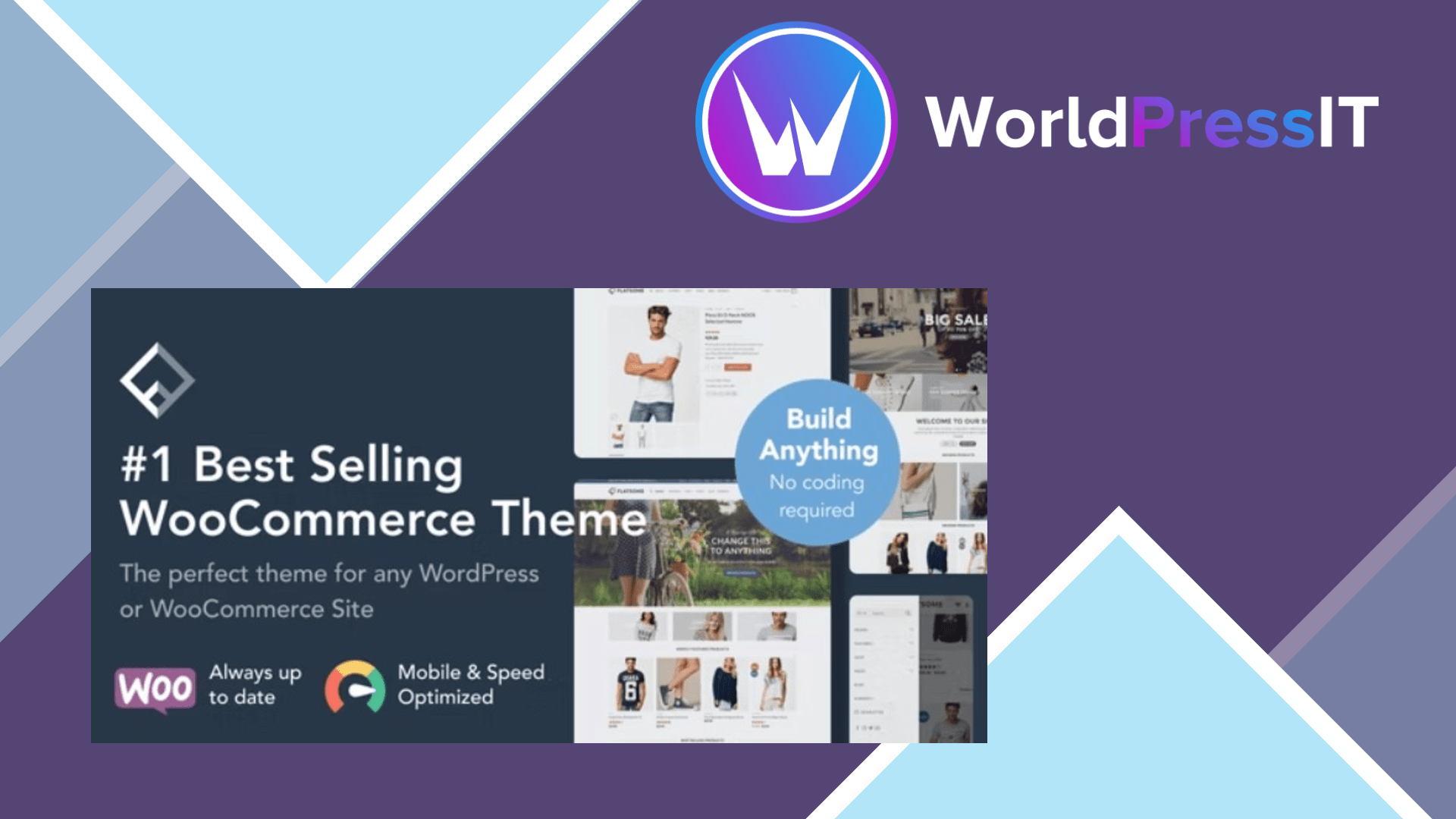
Flatsome is still worth it for the right WooCommerce project. It gives store owners a polished visual system instead of forcing them to assemble a theme, page builder, product-layout plugin, and collection of styling extensions. The regular license is currently listed at $59 and includes lifetime updates, a child theme, demo content, catalog mode, WPML-ready translation files, and the proprietary UX Builder. The developer’s current changelog also lists compatibility with WooCommerce 11.1 in version 3.20.10, released September 15, 2026. ([themeforest.net](https://themeforest.net/item/flatsome-multipurpose-responsive-woocommerce-theme/5484319))
The genuine strength is speed of execution. UX Builder is designed around sections, rows, columns, banners, sliders, tabs, product grids, and other elements that are especially useful for online shops. Flatsome also has unusually deep theme-level WooCommerce controls: product galleries, swatches, quick views, sticky purchasing elements, catalog layouts, shop filters, and header components can be configured without writing templates from scratch. For a business owner who wants to launch a branded store quickly, that is more valuable than having an extremely clean theme architecture.
Its visual polish is another reason people keep choosing it. The demos are built around commercial storefront patterns rather than generic corporate pages, so it is easier to produce a convincing product catalog, fashion shop, restaurant store, or promotional landing page without starting from a blank canvas. The one-time pricing also makes the value proposition clearer than subscription-based alternatives when you expect to run one store for several years.
Where Flatsome falls short
The main drawback is UX Builder lock-in. Content created with Flatsome’s elements is not as portable as standard WordPress blocks. If you later move to Storefront, Astra, Kadence, or Blocksy, the products remain in WooCommerce, but much of the custom page structure and visual content may need rebuilding. That makes Flatsome a poor fit for publishers, developers, and agencies that want the theme to remain replaceable.
It is also not the leanest modern option. Flatsome bundles a large visual system, many theme settings, and substantial WooCommerce behavior. A carefully configured site can perform well, but the theme will not automatically be as minimal as a basic GeneratePress, Kadence, or Blocksy setup. The public WordPress.org discussions show the practical cost of that complexity: users have reported UX Builder loading problems, mobile-menu issues, styling failures for logged-out visitors caused by caching or optimization, and conflicts involving WooCommerce extensions. WordPress.org moderators repeatedly redirect Flatsome users to the commercial developer because Flatsome is not hosted in the official theme directory. ([wordpress.org](https://wordpress.org/support/topic-tag/flatsome/?utm_source=openai))
Compared with the alternatives
Storefront is the safer compatibility baseline and is better if you want WooCommerce’s own minimal foundation, but it requires more design work. Astra has a broader ecosystem and stronger page-builder flexibility. Kadence is the better choice for block-editor users who want modern headers and WooCommerce controls without as much proprietary content. Blocksy is the closest modern alternative for stores that want strong theme-level shopping features with a more block-native approach. Flatsome wins when visual merchandising and prebuilt store behavior matter more than portability.
Verdict: buy Flatsome for a conventional WooCommerce store that will stay on Flatsome and benefit from its visual workflow. Skip it for a new long-lived WordPress build where native blocks, lean loading, and an easy future migration are higher priorities.
([themeforest.net](https://themeforest.net/item/flatsome-multipurpose-responsive-woocommerce-theme/5484319))
Questions people ask
- Is Flatsome a good WooCommerce theme?
- Yes. It is particularly strong for visually merchandised stores that need product grids, promotional sections, catalog controls, and a polished storefront without assembling several separate tools.
- Does Flatsome use Gutenberg?
- It supports the WordPress block editor, but its main design workflow is the proprietary UX Builder. That means it is not as naturally block-first as Kadence, Blocksy, or Storefront.
- Is Flatsome fast enough for an online store?
- It can be fast enough when images, scripts, hosting, and plugins are properly configured, but it is not a minimal theme by default. A lightweight alternative may be easier to optimize on a small or content-heavy site.
- What happens if I stop using Flatsome?
- WooCommerce products, orders, and core store data remain available, but pages built with UX Builder elements may require substantial rebuilding in another theme or editor.
- Is Flatsome better than Astra or Kadence?
- Flatsome is better for an all-in-one visual WooCommerce workflow. Astra and Kadence are better choices when you want broader builder flexibility, a more modern block workflow, or less dependence on one theme’s proprietary system.
Get Flatsome: worth it for WooCommerce stores, not every new site 3.20.11
Complete package, ready to install, via WorldPressIT.