Bailly: worth it for fashion stores, but not a low-maintenance choice
- Fashion and accessories shops
- Jewelry retailers
- Elementor-based WooCommerce builds
- Stores needing quickview and swatches
- Freelancers starting from a demo
- You want a block-first theme
- You need the smallest plugin footprint
- You avoid custom theme framework lock-in
- Security and maintenance risk must be minimal
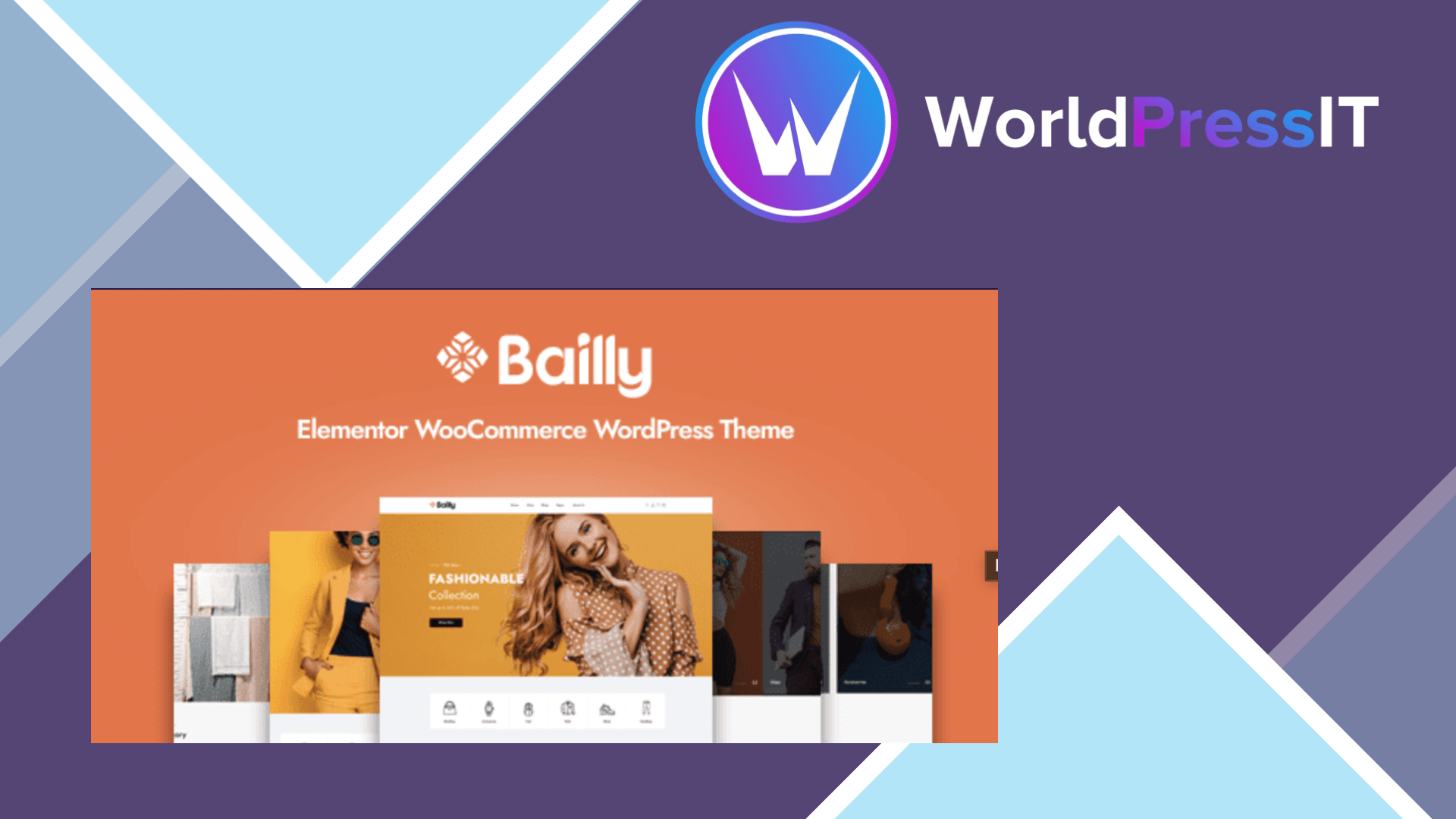
Bailly is a niche WooCommerce theme that earns its keep through presentation rather than simplicity. Its target is clear: fashion, accessories, jewelry, and visually led stores that want a polished starting point instead of building every shop template from scratch. The theme combines Elementor with its own header and footer builders, multiple homepages, shop and product layouts, Ajax add-to-cart, quickview, wishlist, compare, live search, product swatches, and grid/list shop views.
That feature set is genuinely useful for a small catalog where browsing and merchandising matter. The documentation shows a one-click demo import flow, Elementor-based page editing, separate header and footer builders, megamenu profiles, shop settings, and child-theme guidance. The developer also documents translation through WPML and recommends caching, image compression, database optimization, and reducing unnecessary plugins for speed. Those details make Bailly easier to launch than a bare theme when the demo design already resembles the store you want.
The strongest practical argument is the amount of WooCommerce detail packed into the package. The marketplace listing advertises more than 10 product-detail layouts and more than 10 shop layouts, while the changelog shows repeated WooCommerce template updates. The current listing shows a $59 price and six months of included support, which is reasonable for a ready-made storefront if it saves real development time.
The weakness is that Bailly is not a particularly clean foundation. Its documented setup recommends a long list of dependencies, including Goal Framework, Elementor, Revolution Slider, WooCommerce Variation Swatches, YITH Wishlist, YITH Compare, Ajax add-to-cart, Contact Form 7, and MailChimp for WordPress. More plugins mean more update surfaces and more opportunities for conflicts. The theme documentation also still lists PHP 5.6 and a 64 MB recommended memory limit, guidance that feels dated for a new production store.
Buyer discussions identify the kinds of friction you should expect: demo images not appearing, imported widgets being unsupported, Redux settings failing to import, headers and footers changing after updates, mobile menus not matching desktop menus, duplicated wishlist buttons, mobile carousel problems, and a reported incompatibility involving the WooCommerce swatches plugin. One buyer also reported shop product links failing on mobile. These are not proof that every installation will break, but they show that troubleshooting can become part of the ownership cost.
There is also a serious security caveat. Bailly versions through 1.3.4 were reported for an unauthenticated local file inclusion vulnerability, CVE-2025-69039. The marketplace now lists a much newer release, but you should verify the exact package version, review the changelog, and test updates on staging rather than assuming an update is safe. Bailly has no meaningful WordPress.org review or support trail to compensate for that uncertainty.
Compared with Astra, Kadence, or GeneratePress, Bailly gives you more store-specific styling immediately but offers a heavier, less portable setup. Compared with Flatsome, it is more Elementor-oriented but has a smaller ecosystem and less established reputation. Choose Bailly when its demo and built-in commerce features fit your brief closely. Otherwise, Astra or Kadence is the safer long-term foundation.
Questions people ask
- Is Bailly a good WooCommerce theme?
- Yes, for fashion, accessories, and jewelry stores that want ready-made layouts and merchandising features. It is less attractive if you want a lightweight, minimally dependent WooCommerce setup.
- Does Bailly require Elementor?
- Elementor is central to Bailly's page-building workflow, including its page layouts and megamenu tools. The theme documentation also recommends several companion plugins for the full feature set.
- Is Bailly fast?
- The developer markets it as fast, but the setup includes Elementor, Revolution Slider, a theme framework, wishlist, compare, swatches, Ajax, and other plugins. Real-world speed will depend heavily on hosting, image sizes, caching, and which features you enable.
- Does Bailly have security issues?
- Versions through 1.3.4 were reported with CVE-2025-69039, an unauthenticated local file inclusion vulnerability. Use a current release, confirm the changelog, and test the update on staging before deploying it.
- How does Bailly compare with Astra or Kadence?
- Bailly provides more fashion-store styling out of the box, while Astra and Kadence are cleaner, more general-purpose foundations with broader ecosystems. Bailly wins on immediate visual packaging; Astra and Kadence usually win on long-term flexibility and maintenance.
Get Bailly: worth it for fashion stores, but not a low-maintenance choice 1.4.9
Complete package, ready to install, via WorldPressIT.