Acadia: worth it for polished LMS sites, not lean WordPress builds
- online course businesses
- universities and training centers
- Elementor users
- Tutor LMS or LearnPress projects
- multi-instructor course marketplaces
- you want a Gutenberg-first theme
- you need a lightweight performance-focused build
- you already have a finished WordPress site
- you want LMS features without extra plugin setup
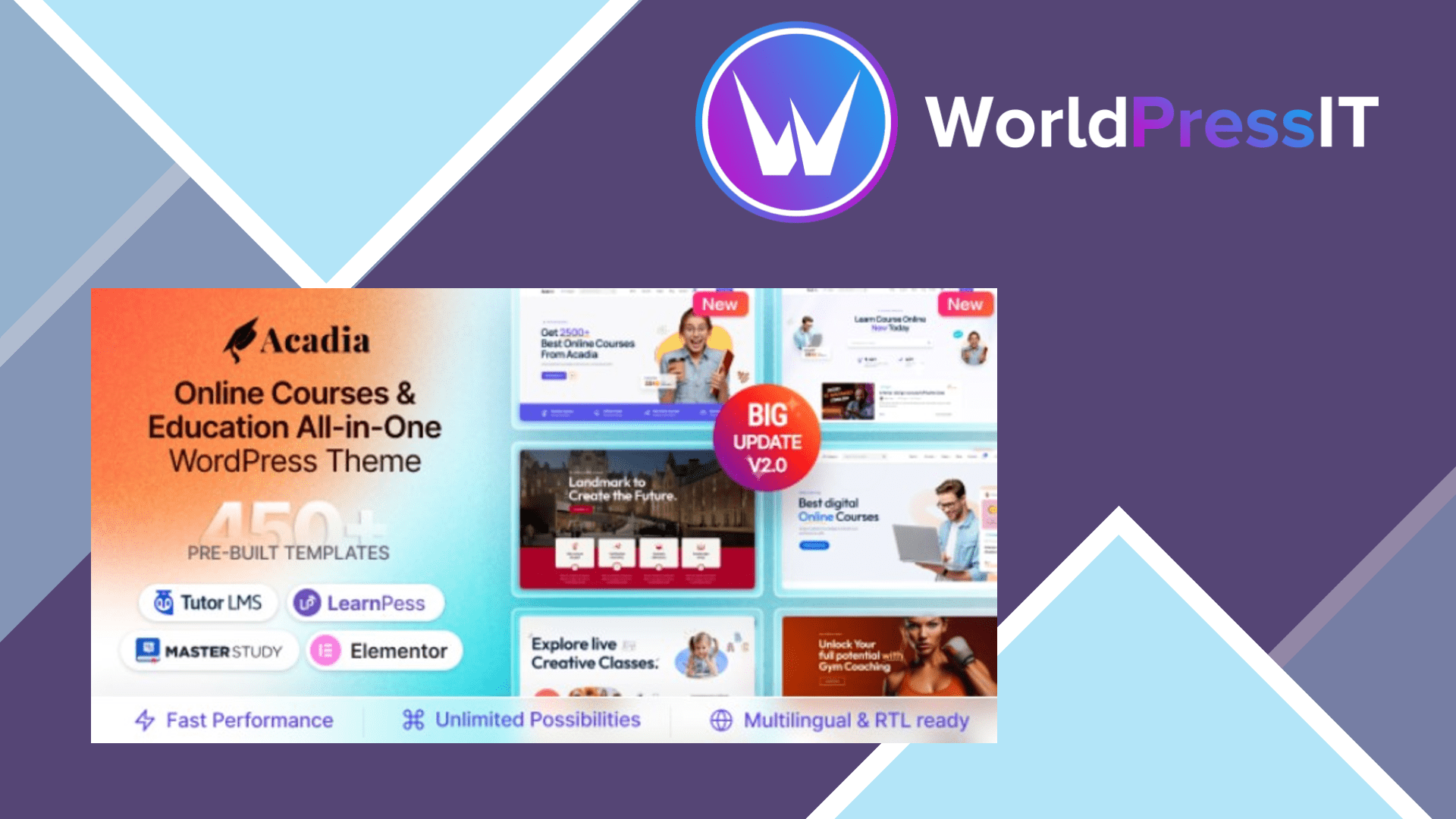
Acadia is a capable education theme, but it is not an all-in-one LMS. Its main job is to provide the design layer: course archives, single-course layouts, instructor profiles, student and teacher dashboards, university pages, events, shop templates, blog layouts, and Elementor widgets. The actual learning features come from compatible LMS plugins such as Tutor LMS, LearnPress, and MasterStudy, with WooCommerce available for selling courses.
The strongest reason to choose Acadia is the amount of prepared design work. The developer documents more than 100 custom Elementor widgets, 68-plus inner pages, 17 header variations, 16 footer variations, RTL support, and multiple education-focused homepages. The layouts are substantially more specific than those in a general-purpose theme such as Astra or Kadence. If your priority is launching a credible academy, university, coaching, or course marketplace quickly, the templates can save a large amount of design and CSS work.
Acadia also has useful LMS-facing presentation details. Its supported layouts cover course ratings, wishlists, prerequisites, assignments, quizzes, instructor pages, progress tracking, course bundles, dashboards, and marketplace-style instructor features. The product page lists 10 quiz question types, including multiple choice, true or false, matching, ordering, short answer, and fill-in-the-blanks. Those capabilities are supplied by the LMS integration rather than invented by the theme, but Acadia does a good job giving them a consistent front-end.
The weaknesses are mostly architectural. You need Elementor, the theme’s core plugin, and the selected LMS and commerce plugins to reproduce the demos. The documentation explicitly says the required plugins must be installed for the theme to function correctly and that all plugins should be updated after a theme update. That creates more moving parts than a simpler theme paired with one LMS. Certificate building is also not included in the free LMS setup; the product documentation identifies it as a pro feature. In practice, the total cost and maintenance burden can be higher than the headline theme price.
Demo importing requires care. The documented one-click importer removes existing data and is intended for a fresh installation. The developer also acknowledges that imports can fail because of hosting limits, while manual import is recommended for an existing site. That is a serious annoyance for agencies migrating a live project. Acadia is also marked as not Gutenberg optimized, so it is a poor fit if you want native block editing rather than Elementor.
Against Eduma, Acadia offers a similarly education-specific visual system but gives you a broader set of Elementor-oriented layouts. Against MasterStudy, it is less of a tightly integrated LMS product and more dependent on the chosen plugin. Against Astra or Kadence, Acadia wins on ready-made course and university screens but loses on simplicity, portability, and likely performance overhead. The regular listed license is $39, which is reasonable for the amount of design material, provided you are comfortable with Elementor and plugin maintenance. Verdict: buy Acadia for a design-led LMS launch, but avoid it for a lean, block-based, or already-established WordPress site.
Questions people ask
- Does Acadia include an LMS?
- No. Acadia is a theme that integrates with LMS plugins including Tutor LMS, LearnPress, and MasterStudy. Course management, quizzes, enrollments, and certificates depend on the selected LMS and its extensions.
- Is Acadia compatible with Elementor?
- Yes. Elementor is central to the theme, including its headers, footers, templates, and large widget library. Elementor Pro may be needed for some advanced editing features.
- Can I import the Acadia demo onto an existing website?
- You can use the manual import method, but the documented one-click importer is intended for a fresh site and can replace existing menus, customizer settings, and content. Make a complete backup before importing.
- Is Acadia optimized for Gutenberg?
- No. The product listing marks Acadia as not Gutenberg optimized. It is designed primarily around Elementor, so block-editor users should consider a more native WordPress theme.
Get Acadia: worth it for polished LMS sites, not lean WordPress builds 3.2.3
Complete package, ready to install, via WorldPressIT.