All-In-One WooCommerce Import Export Suite: worth it for serious catalog operations
- large WooCommerce catalogs
- stores syncing supplier feeds
- agencies handling migrations
- recurring stock and price updates
- stores moving orders and customers
- you need one simple product import
- your store has a small catalog
- you rely heavily on WPML translations
- you want a one-time purchase
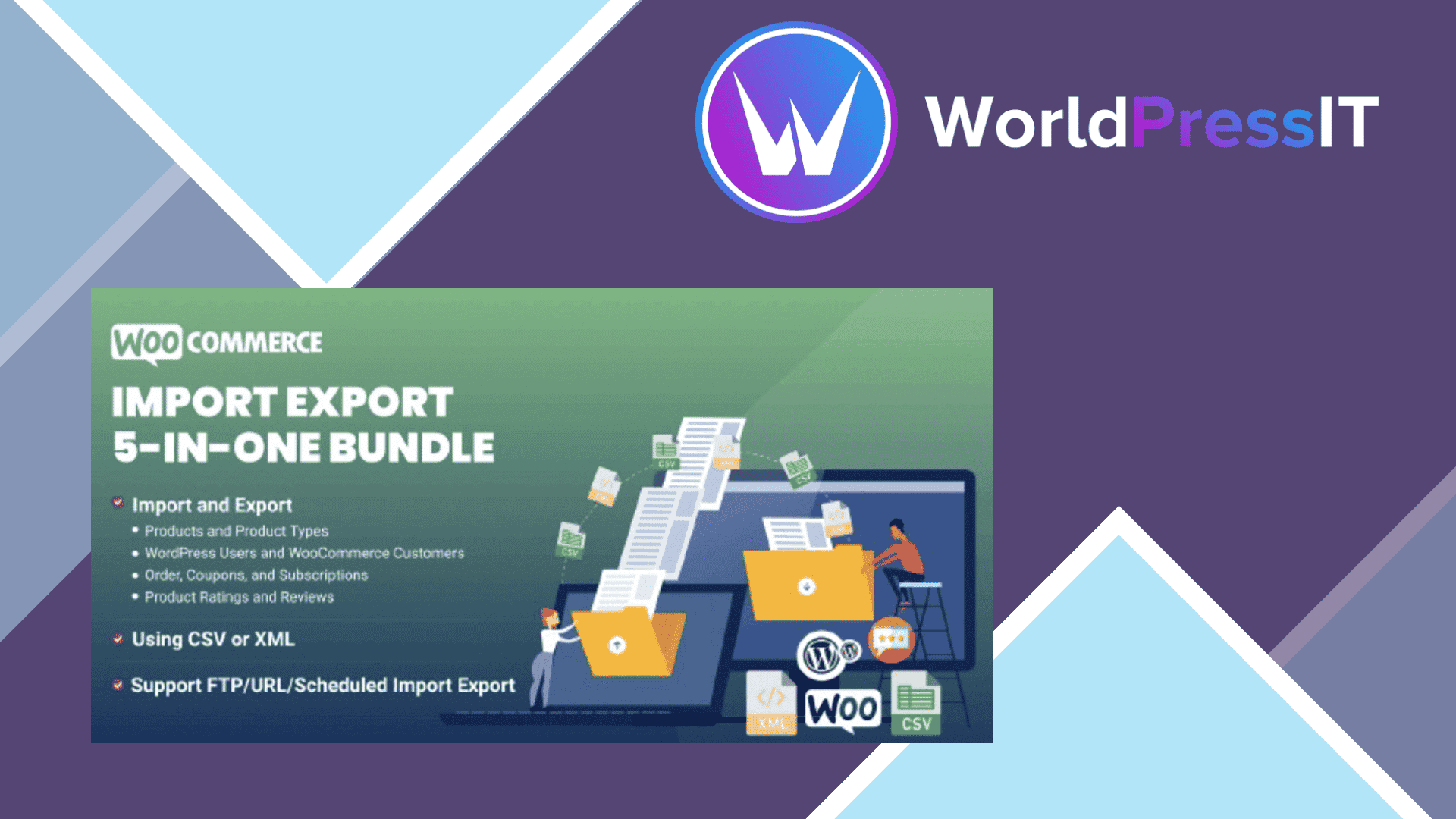
All-In-One WooCommerce Import Export Suite is a serious data-management plugin, not just a nicer CSV importer. It can import and export products, variations, orders, coupons, subscriptions, reviews, categories, users, and customers using CSV, XML, TSV, XLS, or XLSX files. The useful distinction is that it also provides filtering, field mapping, saved templates, bulk-update rules, and scheduled jobs, so it can become part of a store’s ongoing operations.
The strongest use case is a store that receives regular data from a supplier, ERP, warehouse, or another WooCommerce site. The plugin can fetch files from a remote URL, FTP, or SFTP, and recurring jobs can run daily, weekly, monthly, or on a custom schedule. You can filter exports by fields such as category, stock status, product type, order status, date range, customer email, or payment method. Mathematical formulas can also be applied during imports, which is practical for changing prices or stock-related values in bulk.
It is also unusually broad. Instead of buying separate WebToffee tools for products, orders, and customers, the suite combines those functions. Customer migrations can retain hashed passwords, allowing imported users to log in without a forced reset. Product imports support images, categories, attributes, custom fields, and third-party metadata, including data from plugins such as Yoast SEO, ACF, and WooCommerce Bookings. The documented workflow offers quick imports, advanced imports, and pre-saved templates, which gives experienced administrators plenty of control.
There are meaningful drawbacks. The interface and mapping process are more technical than the short “upload and click import” presentation suggests. The documentation warns that incorrectly mapped fields can produce unexpected results, and image imports depend on direct image URLs rather than pages containing images. Order migration also has an important limitation: order IDs are retained only when the destination does not already contain a post or order using the same ID. A WordPress.org support case describes an unresolved order-ID conflict during a staging migration, so this is not a tool to run casually on a live store.
Compatibility needs testing too. A public discussion involving WPML reported that deleting products absent from an import file also removed translated products sharing the same SKU. That does not prove the suite is generally incompatible with WPML, but it does show why multilingual stores should test destructive update options on staging. The plugin’s commercial support is separate from the WordPress.org forum, where users may be redirected to WebToffee’s own support channel.
At the current listed price, a single-site license is $129 per year, with higher tiers for up to five and 25 sites. That is considerably more than WooCommerce’s native product CSV importer, which is enough for straightforward product work, but the native tool does not match this suite’s cross-data coverage or scheduled FTP/SFTP automation. WP All Import is the obvious alternative for highly customized imports and complex XML structures; it is often more flexible, while WebToffee is more convenient when you want one WooCommerce-focused suite. Buy this when recurring data operations save real staff time. For a single migration or occasional spreadsheet edit, it is overkill.
Questions people ask
- Can All-In-One WooCommerce Import Export Suite import orders and customers?
- Yes. It supports WooCommerce orders, customers, WordPress users, coupons, subscriptions, products, reviews, and categories, with separate import and export workflows.
- Does it support scheduled WooCommerce imports?
- Yes. Imports and exports can be scheduled through WordPress Cron or server cron, including recurring daily, weekly, monthly, and custom schedules from FTP or SFTP.
- Can migrated customers keep their existing passwords?
- Yes. The documentation says imported users can retain their hashed passwords, so they can log in on the new store without resetting them.
- Is All-In-One WooCommerce Import Export Suite better than WooCommerce’s built-in importer?
- It is better for recurring jobs, advanced filters, orders, customers, subscriptions, remote files, and bulk-update rules. WooCommerce’s built-in importer is the better choice for a simple product CSV task.
- Does it work with WPML?
- It may work for basic imports, but multilingual stores should test carefully. A public WPML discussion reported translated products being deleted when a destructive import was matched by SKU.
Get All-In-One WooCommerce Import Export Suite: worth it for serious catalog operations 1.5.0
Complete package, ready to install, via WorldPressIT.