JetFormBuilder PayPal Recurring Payments: worth it only for PayPal-first forms
- JetFormBuilder users adding PayPal subscriptions
- custom membership registration forms
- course and coaching subscriptions
- tiered or quantity-based billing
- PayPal-first donation campaigns
- you need Stripe or multiple gateways
- you run a WooCommerce store
- you need a complete membership platform
- you want simple no-code subscription setup
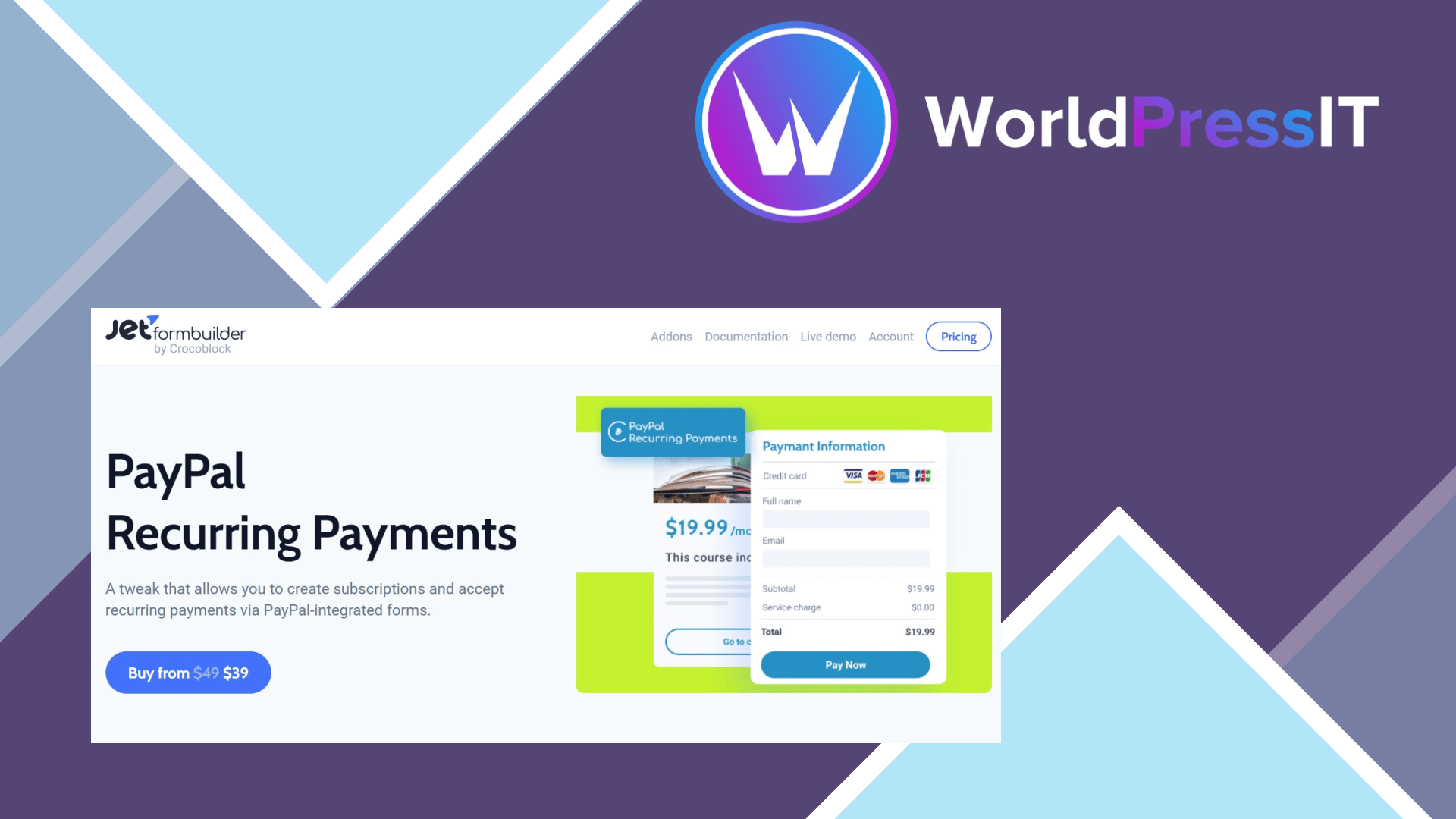
JetFormBuilder PayPal Recurring Payments does one job reasonably well: it adds recurring PayPal billing to forms built with JetFormBuilder. You create a subscription plan in PayPal, connect the PayPal app credentials to the form, choose the subscription plan and quantity fields, and send the visitor through PayPal checkout. The addon supports fixed, quantity-based, volume-based, and tiered payment types, which is more flexible than a simple recurring donation button.
That flexibility is the strongest reason to buy it. A custom registration form can collect profile details, select a membership level, assign a WordPress role after payment, redirect the customer, and react to later subscription events. The documentation exposes events for cancellation, expiry, suspension, renewal, and other gateway changes. The RENEWAL.PAYMENT event can trigger post-submit actions when a recurring payment succeeds, although it is not available for the Save Form Record action. That makes the addon useful for lightweight courses, coaching plans, paid directories, recurring services, or donations where the form itself is the main user experience.
The subscription dashboard is also practical. It can show subscriber details, billing cycle, status, and date, while allowing administrators to cancel or suspend subscriptions and issue refunds. The addon starts at $49, which is defensible if it saves you from adopting a full ecommerce system. It is especially appealing when your site already depends on JetFormBuilder’s conditional fields, calculated values, user registration, and post-submit actions.
The weaknesses are substantial. This is not a general WordPress subscription engine; it is compatible with JetFormBuilder only and does not provide an independent membership architecture. Setup involves PayPal Developer credentials, a PayPal business account, subscription-plan configuration, sandbox testing, and webhook-style communication between PayPal and your site. The developer explicitly recommends using it on remote hosting because some features will not work on a local installation. That is normal for payment integrations, but it is a poor fit for beginners expecting a plug-and-play checkout.
There are also operational traps. A refund can mark the subscription inactive inside JetFormBuilder while PayPal still shows it as active, allowing a later payment to reactivate the status. A suspended subscription can be activated only through PayPal, while a cancelled subscription cannot be restored. The main JetFormBuilder plugin has generally positive reviews, but recurring-payment users still face the broader complaints about a steep learning curve and confusing configuration.
Compared with WooCommerce Subscriptions, this addon is lighter and better for custom forms but weaker for product catalogs, orders, taxes, and customer accounts. MemberPress and Paid Memberships Pro are better choices when access rules, member dashboards, protected content, and subscription management are central to the business. If you already use JetFormBuilder and specifically need PayPal-based recurring billing, it is a sensible focused purchase. Otherwise, choose a complete membership or commerce solution instead.
Questions people ask
- Does JetFormBuilder PayPal Recurring Payments support Stripe?
- No. This addon is for PayPal recurring payments. If you need Stripe subscriptions, use JetFormBuilder’s separate Stripe payment functionality or choose a platform built around Stripe.
- Can I use it without JetFormBuilder?
- No. The developer states that the addon is compatible with JetFormBuilder only, so it is not a standalone PayPal subscription plugin.
- Can customers cancel or pause subscriptions?
- Administrators can cancel or suspend subscriptions from JetFormBuilder, and customers can manage relevant billing actions through PayPal. A cancelled subscription cannot be restored, while a suspended subscription must be reactivated through PayPal.
- Is it suitable for a membership website?
- It can handle the payment trigger and help change WordPress user roles, but it is not a full membership system. For protected content, member accounts, and detailed access rules, MemberPress or Paid Memberships Pro is usually a better fit.
- Does it work on a local WordPress installation?
- Testing basic form setup may be possible, but the developer says some features require a remotely accessible website because PayPal must send subscription and payment events back to it.
Get JetFormBuilder PayPal Recurring Payments: worth it only for PayPal-first forms 1.1.4
Complete package, ready to install, via WorldPressIT.