JetFormBuilder Hierarchical Select: worth it for taxonomy-driven forms
- front-end listing submission forms
- directory and marketplace websites
- custom post type workflows
- Crocoblock and JetEngine users
- taxonomy-heavy product forms
- you only need a basic contact form
- your options are not WordPress taxonomies
- you want a drag-and-drop form builder
- you do not want another paid add-on
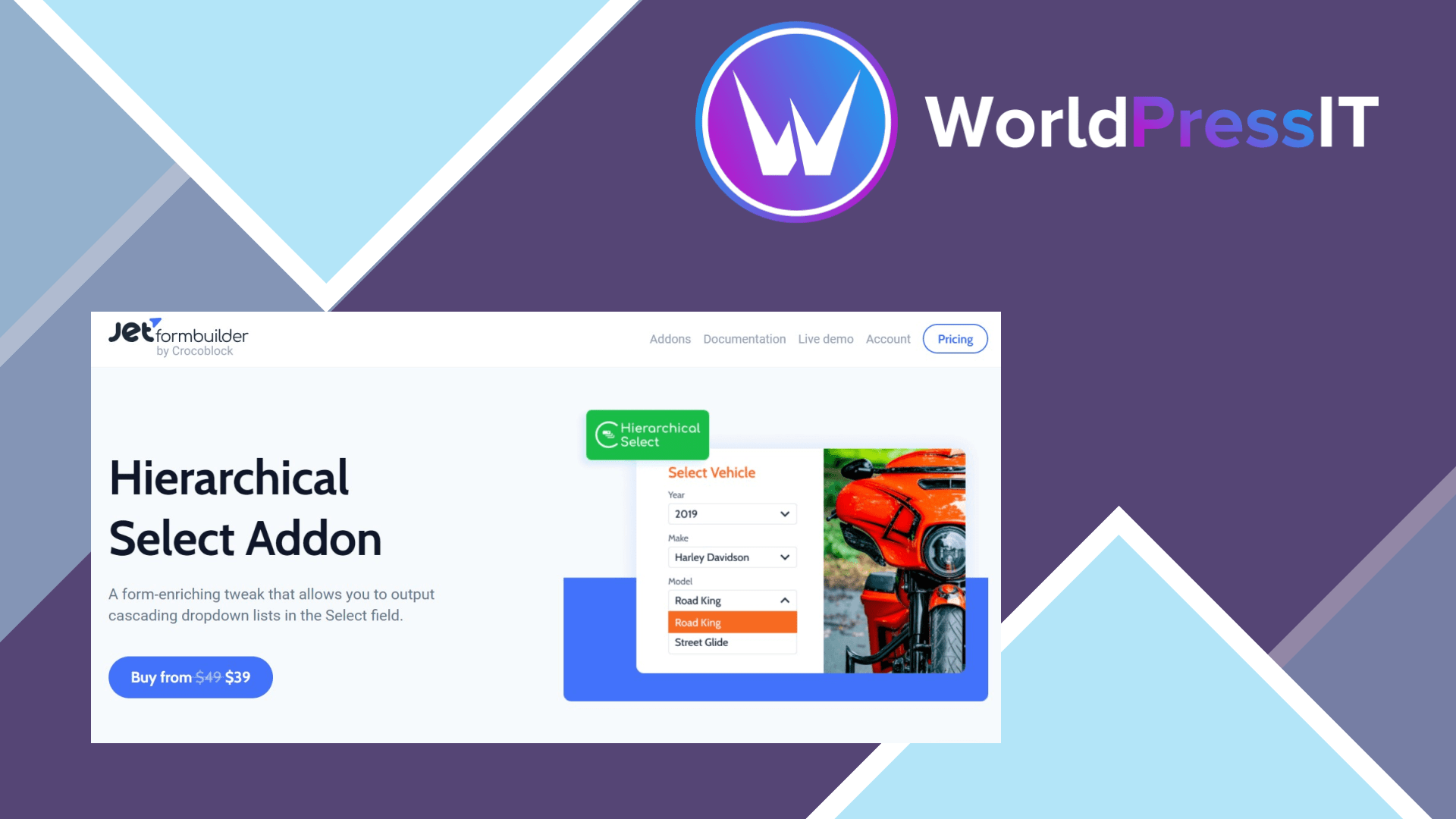
JetFormBuilder Hierarchical Select is a specialist add-on, not a general form-builder upgrade. It adds a Hierarchical Select field to JetFormBuilder, allowing visitors to choose terms through cascading dropdowns. A parent selection reveals the relevant child terms, so a user can choose Cars, then BMW, then a related model or category instead of scrolling through one enormous list.
The important distinction is that this add-on is built around WordPress hierarchical taxonomies. The official documentation shows it being used with a custom post type and a Vehicle Type taxonomy, then mapping the selected parent and child terms to a newly submitted post. That makes it particularly useful for classified ads, real-estate submissions, service directories, product catalogs, and membership or profile forms where users assign structured categories to content.
Where it is genuinely strong
The best part is the connection to existing WordPress data. You do not have to maintain a separate spreadsheet of every parent-child combination: the field can use a hierarchical taxonomy and return term IDs for post-processing. The add-on also includes an option to hide child levels until the parent is selected. That produces a cleaner front-end experience and prevents users from seeing irrelevant choices.
It is also a practical fit for the wider Crocoblock stack. If your site already uses JetEngine for custom post types, taxonomies, listings, or dynamic data, Hierarchical Select fills a real gap in front-end submission and editing forms. The official product page currently lists the add-on from $49, which is reasonable when it replaces custom JavaScript or a bespoke taxonomy-selection workflow.
Where it is weak or annoying
The setup is more technical than the promotional description suggests. You need the free JetFormBuilder core plugin, the add-on, a properly configured hierarchical taxonomy, and a form that maps the selected terms correctly. The documentation specifically warns that every level needs a field name; leaving the name blank makes the field fail, even if the label and placeholder look correct. That is the kind of small configuration trap that can waste time during implementation.
This is also a narrow field type. It does not turn unrelated data sources into a universal dependent dropdown system, and it is not a replacement for a complete form builder. You are buying into JetFormBuilder’s block-editor workflow, which some WordPress.org reviewers describe as powerful but confusing or overcomplicated. The broader plugin has a 4.1 out of 5 rating from 70 reviews, but its support forum also contains reports involving validation, caching, integrations, migrations, and unresolved localization issues. Those complaints are about the ecosystem rather than proof that this add-on is broken, but they are a reason to test the full submission flow on your stack.
How it compares
Compared with the standard JetFormBuilder Select field, this add-on is substantially better for nested taxonomies and much less suitable for ordinary lists. Gravity Forms is the more obvious alternative for teams already using that platform: its Chained Selects add-on supports cascading fields and CSV imports, with a documented default limit of 5,000 unique values per column and a 1 MB CSV file limit. Gravity Forms is more flexible for externally maintained datasets, while JetFormBuilder is the cleaner choice when WordPress taxonomy terms are the source of truth.
Verdict: buy it for a real taxonomy-driven workflow, especially a front-end submission form. Skip it for basic forms, manually maintained option lists, or sites that are not already comfortable with JetFormBuilder.
Questions people ask
- What does JetFormBuilder Hierarchical Select do?
- It adds cascading dropdowns to JetFormBuilder forms. Later dropdowns show child terms based on the parent selection, usually from a hierarchical WordPress taxonomy.
- Does JetFormBuilder Hierarchical Select work with custom post types?
- Yes. The documented workflow uses a custom post type and maps the selected parent and child taxonomy terms through the Insert/Update Post action.
- Is JetFormBuilder Hierarchical Select worth $49?
- Yes, if it replaces custom dependent-dropdown code in a taxonomy-based submission workflow. No, if you only need a basic form or a small static list of choices.
- Do I need JetFormBuilder to use Hierarchical Select?
- Yes. The add-on requires the JetFormBuilder core plugin, and the field is added inside the JetFormBuilder form editor.
Get JetFormBuilder Hierarchical Select: worth it for taxonomy-driven forms 1.0.9
Complete package, ready to install, via WorldPressIT.