WP Extended Pro: worth it for agencies, not as a specialist replacement
- Freelancers managing client sites
- Agencies standardising WordPress builds
- Developers needing admin utilities
- Site owners replacing several small plugins
- You need full security monitoring
- You only need one simple feature
- You prefer dedicated specialist plugins
- You rarely manage WordPress settings
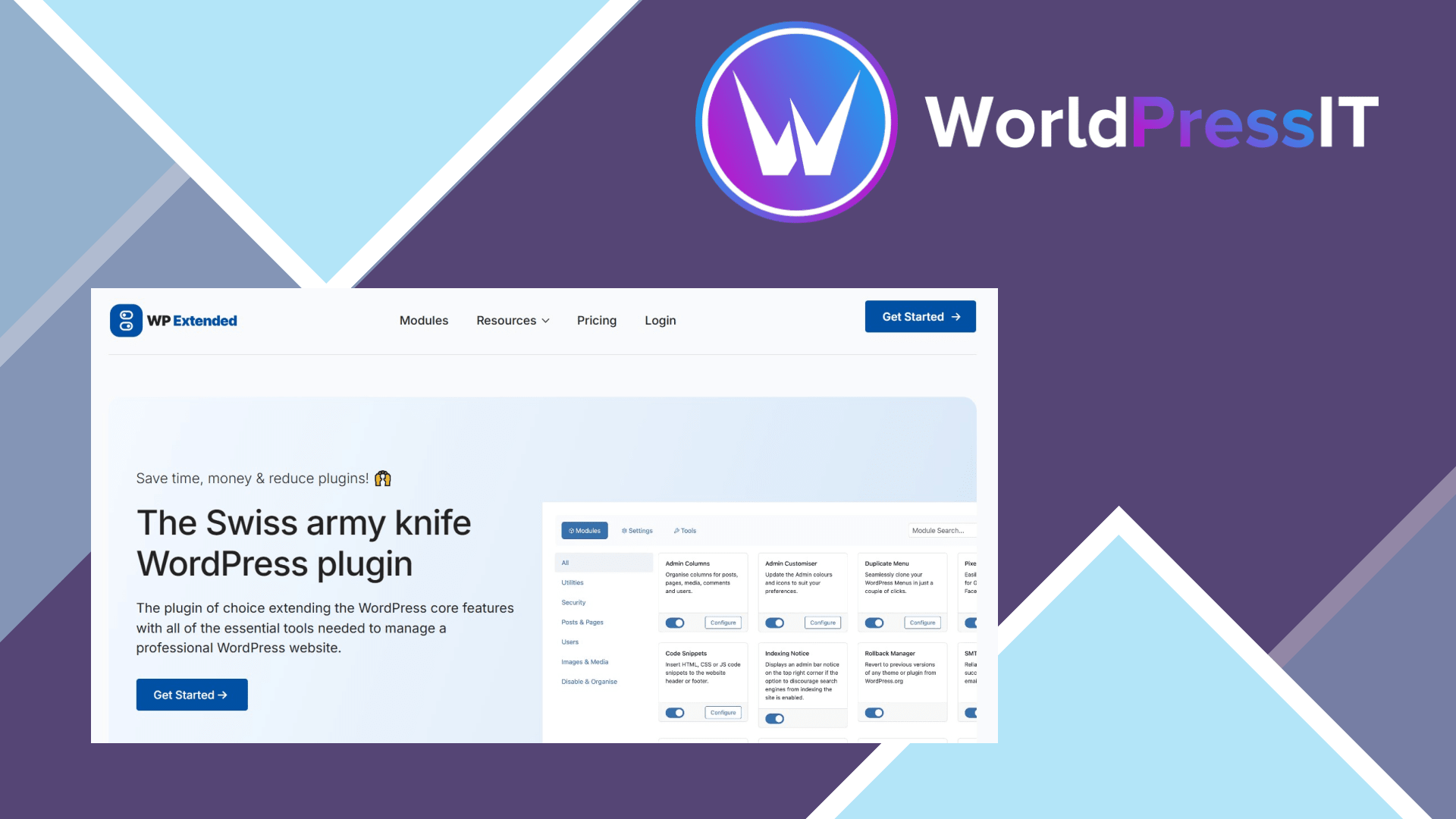
WP Extended Pro is a consolidation product. It gathers a large set of WordPress administration, content, media, login, export, email, and developer utilities inside one modular plugin. The current documentation lists 51 modules, with 36 available in the free version and 15 marked Pro-only. You enable only the modules you need, which is a sensible answer to the common problem of collecting one small plugin for every minor administrative task.
The strongest case is for freelancers and agencies. Admin Columns, Admin Customiser, Clean Dashboard, Quick Search, Duplicate Posts & Pages, Post Type Switcher, Media Replace, User Switching, SMTP Email, Code Snippets, Maintenance Mode, Rollback Manager, and several login controls can all live behind one settings area. That makes it easier to create a repeatable baseline for client sites and gives you one update channel instead of maintaining a collection of unrelated utilities.
The modular design is more than marketing. The developer documents each feature separately and provides hooks and filters across the modules. Unused features can remain disabled, and the plugin has a searchable module interface. Recent changelog entries also show active maintenance: the 3.3.0 release added a single settings screen, a Code Snippets Safe Mode switch, additional translations, and fixes for SMTP logging and access-control behaviour. That level of ongoing work is a meaningful positive for a toolkit that touches many parts of wp-admin.
Several modules are genuinely useful. Admin Columns can reduce the need for a separate list-table plugin, Post Type Switcher is convenient during content migrations, Media Replace avoids awkward delete-and-reupload workflows, and SMTP Email includes integrations for providers such as Brevo, SendGrid, Postmark, SparkPost, Emailit, and ToSend. Code Snippets is also practical for small PHP, HTML, CSS, and JavaScript changes when you do not want to edit a theme or maintain a separate snippets plugin.
The limitations are just as important. WP Extended is not a full security suite: its own WordPress.org description says it should be used alongside dedicated security software when you need malware scanning, firewall protection, or advanced monitoring. It also does not make specialist alternatives obsolete. Wordfence or Solid Security are better choices for security depth, WP Mail SMTP may be preferable when email delivery is the central concern, and Admin Columns remains the more focused choice if that is the only feature you need.
There is also a support caveat. The WordPress.org listing contains many positive reviews praising the interface, modularity, and support, but one May 2025 review described waiting several days without a response. The developer replied that forum notifications had been missed and promised better monitoring. That is not evidence of consistently poor support, but it is enough reason not to buy solely on the promise of premium assistance.
Pricing makes the value proposition clearer for multi-site users. The official pricing page lists a single-site plan at $15 per year, a 50-domain plan at $79 per year, and an unlimited plan at $125 per year, alongside lifetime options. For an agency that can remove several minor plugins from dozens of sites, that can be attractive. For one site needing only duplicate posts or a custom login URL, the free version or a dedicated free plugin is usually the better buy.
Verdict: buy WP Extended Pro when reducing plugin sprawl and standardising routine WordPress work are valuable outcomes. Do not buy it expecting a universal replacement for mature specialist products; its value comes from breadth, convenience, and consistency rather than maximum depth in any single category.
Questions people ask
- Is WP Extended Pro worth it for one WordPress website?
- Usually only if you will use several Pro modules. If you need one isolated feature, a dedicated plugin or the free WP Extended version is generally better value.
- Can WP Extended Pro replace Wordfence?
- No. WP Extended includes practical login and hardening controls, but it does not replace Wordfence or another full security plugin with malware scanning, firewall protection, and monitoring.
- Does WP Extended Pro replace WP Mail SMTP?
- It can replace a basic SMTP plugin when its supported provider integrations meet your needs. WP Mail SMTP is the more focused option if email delivery, diagnostics, and mail-provider compatibility are your main concern.
- How many modules does WP Extended Pro include?
- The current documentation lists 51 modules in total, with 36 free modules and 15 Pro-only modules. The exact feature mix can change as the developer adds or reclassifies modules.
Get WP Extended Pro: worth it for agencies, not as a specialist replacement 3.2.7
Complete package, ready to install, via WorldPressIT.