XT Variation Swatches for WooCommerce: worth it for catalog-heavy stores
- fashion and apparel stores
- color-based product catalogs
- stores needing archive-page swatches
- WooCommerce agencies
- stores using image variations
- you only need basic product-page dropdown replacement
- your site relies heavily on Oxygen Builder
- you need extensive public documentation
- your catalog has very complex variation logic
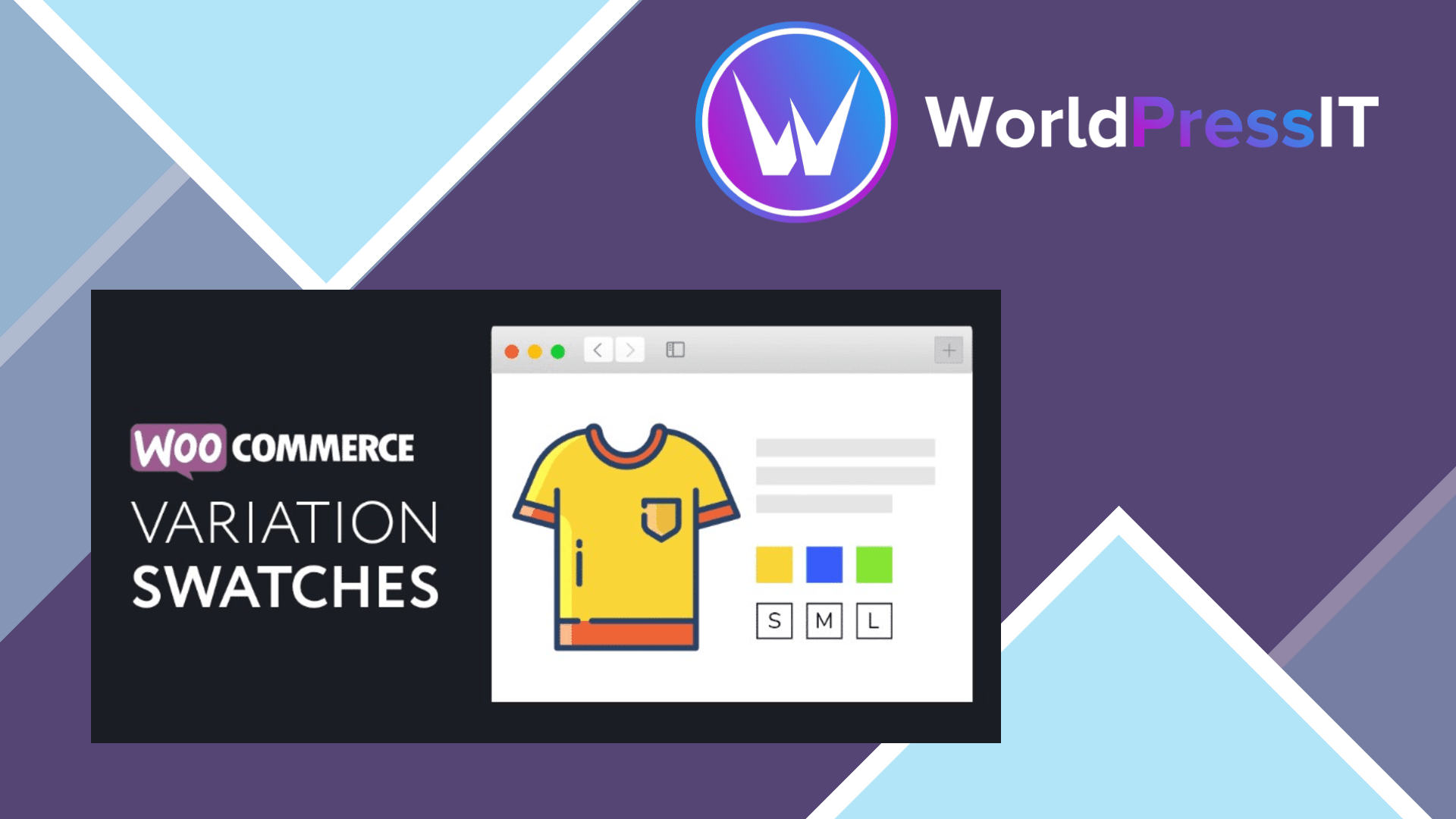
XT Variation Swatches for WooCommerce is a good buy when variation presentation is central to the store. It replaces standard WooCommerce dropdowns with color, image, and label swatches, then lets you control how those choices appear on single-product pages, shop archives, catalog pages, and compatible quick-view modals. That archive support is the main reason to choose it over simpler swatch plugins: customers can select options without opening every product page.
The plugin is strongest on visual control. Its Customizer includes square, circle, and rounded swatches, adjustable dimensions, spacing, alignment, font sizes, tooltips, label placement, and separate settings for product pages and archives. You can mix swatch types on one product, such as image swatches for color and label swatches for size. It can also hide, blur, or cross unavailable options, and the developer documents support for WooCommerce HPOS, bundled and composite products, AJAX variation loading, and mobile touch interactions.
There is evidence of ongoing maintenance rather than abandonment. The developer lists version 1.9.10, updated on July 16, 2026, with fixes for first-request fatal errors, repeated upgrade redirects, and restored Customizer settings. The published pricing is $49 annually for one site or $159 for a one-site lifetime license, with larger site tiers available. On WordPress.org, the plugin has a 4.7 out of 5 rating from 32 reviews, although many reviews are several years old and should not be treated as proof that every current theme combination works.
The weaknesses are mostly about compatibility and complexity. The support forum contains reports involving Oxygen Builder, untranslated framework strings, variation names containing quotes breaking the picker, add-to-cart failures after updates, and problems with notices or selected-value formatting. Some of those reports are old and the changelog shows fixes for several related issues, but they reveal the kind of edge cases that can turn a visual enhancement into a debugging task. The plugin also uses a broad Customizer-based settings system; one support thread specifically criticizes it for taking over the Customizer, which may annoy developers who prefer lean, narrowly scoped settings.
Compared with ThemeHigh Variation Swatches for WooCommerce, XT offers a similarly strong visual toolkit and a lower listed one-site annual price, while ThemeHigh adds options such as radio swatches, bicolor swatches, variation limits, lazy loading, and more shop-page merchandising controls. GetWooPlugins Variation Swatches is the more obvious alternative for stores prioritizing performance-oriented loading and a large theme-compatibility ecosystem. The official WooCommerce Variation Swatches and Photos extension is simpler and tightly aligned with WooCommerce, but its marketplace documentation says it does not natively display swatches on main shop or archive pages.
Verdict: XT Variation Swatches is worth it for apparel, cosmetics, furniture, and other stores where customers need to see product options before opening a product page. For a basic product-page swatch job, choose the simpler option; for a builder-heavy or highly customized store, run a staging test first.
Questions people ask
- Does XT Variation Swatches show swatches on WooCommerce shop pages?
- Yes. It can display swatches on shop and archive pages as well as individual product pages, with separate controls for each location.
- What types of swatches does XT Variation Swatches support?
- It supports color, image, label, and standard dropdown attributes. You can mix different swatch types on the same product.
- How much does XT Variation Swatches cost?
- The developer lists a one-site annual license at $49 and a one-site lifetime license at $159. Three-site and 30-site plans are also available.
- Does XT Variation Swatches hide out-of-stock variations?
- Yes. The Pro features include options to hide unavailable variations or show them blurred or crossed out.
- Does XT Variation Swatches work with every WooCommerce theme?
- It aims to support standard WooCommerce themes, but support reports mention issues with Oxygen Builder, add-to-cart behavior, translated strings, and unusual variation names. Test it with your theme and checkout flow before launch.
Get XT Variation Swatches for WooCommerce: worth it for catalog-heavy stores 1.9.10
Complete package, ready to install, via WorldPressIT.