Bit Social Pro: worth it for affordable WordPress social automation
- solo bloggers
- small WooCommerce shops
- content publishers
- budget-conscious site owners
- users wanting lifetime pricing
- you need team roles
- you require advanced analytics
- you manage many client accounts
- you cannot tolerate posting failures
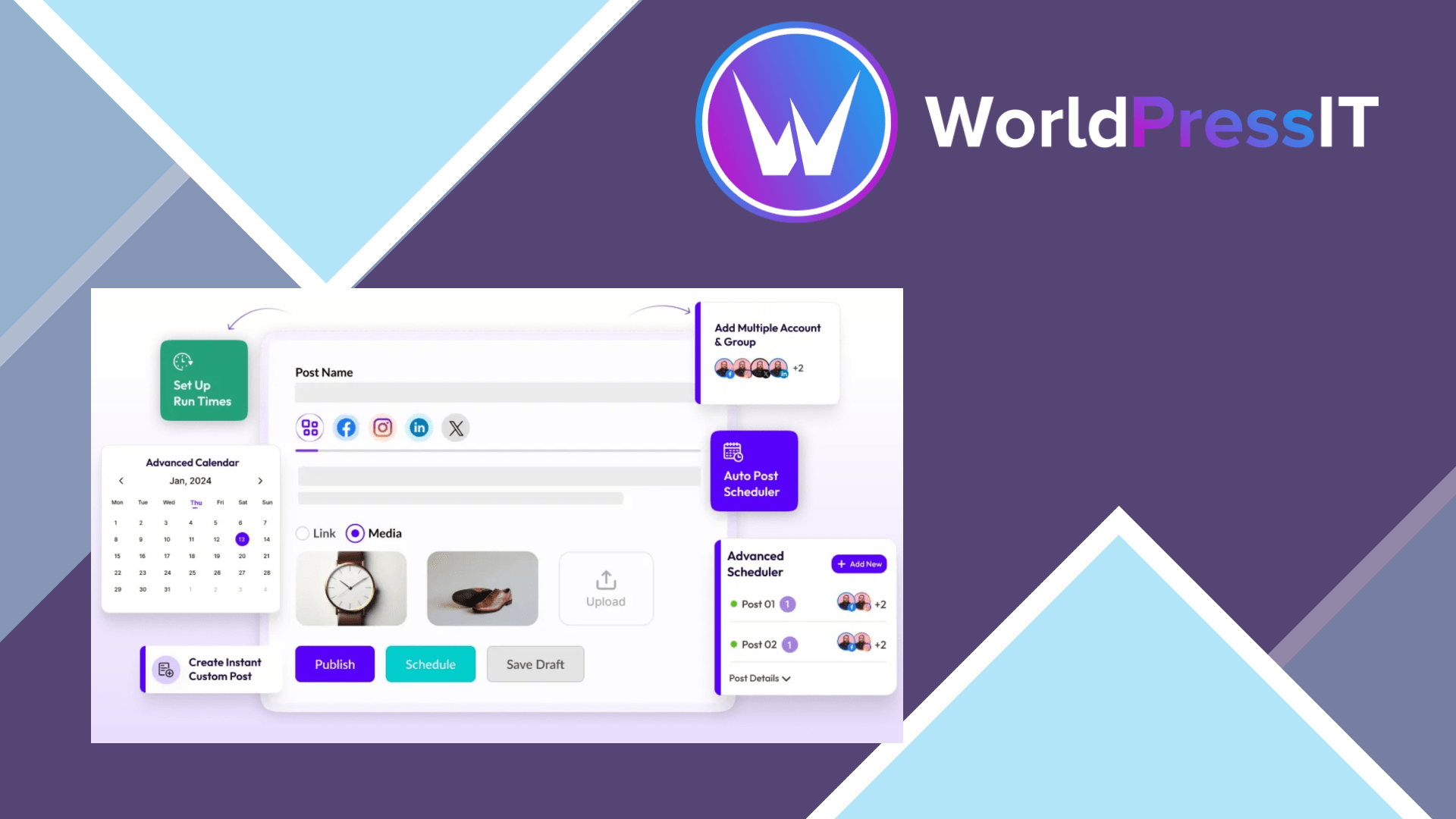
Bit Social Pro is a useful WordPress social auto-poster, but it is not a complete replacement for a mature social media management platform. Its main appeal is straightforward: connect social accounts, create platform-specific templates, and automatically share WordPress posts, pages, custom post types, or WooCommerce products without copying links into each network manually. The plugin also includes instant sharing, scheduled posts, a calendar, reusable templates, activity logs, older-content resharing, and AI-assisted captions or images.
The feature list is unusually broad for a WordPress-first tool. The official plugin listing says Bit Social supports 13 networks, including Facebook, LinkedIn, Instagram, Pinterest, TikTok, Threads, Bluesky, Telegram, Discord, Tumblr, Line, Google Business Profile, and X. The free edition, however, supports only Facebook and LinkedIn Profile, so the practical value of Pro depends on whether you actually need the additional networks. That distinction has caused user frustration: one WordPress.org reviewer described the product as making a feature appear free when it was locked to Pro, although the developer replied that the platform limits were documented.
Its strongest point is convenience. For a publisher who wants every new article to appear on Facebook, LinkedIn, Pinterest, Instagram, or several smaller networks, keeping the workflow inside WordPress is genuinely efficient. Pro adds more advanced scheduling controls, account grouping, first-comment automation for Instagram, Threads, and Bluesky, email notifications, digest reports, and external cron support. External cron is particularly relevant for low-traffic sites because scheduled tasks do not have to wait for visitors to trigger WordPress cron. The plugin also records publishing activity in logs, which gives you at least some way to diagnose failed posts.
There are important weaknesses. The developer’s installation documentation says Bit Social currently works only with the Administrator role. That is a serious limitation for agencies, editorial teams, and stores where writers should schedule social posts without receiving full WordPress control. The support record is mostly positive, but the WordPress.org listing also contains reports of Share Now failing even after cron adjustments. A recent hands-on comparison found the core posting and scheduling workflow functional, while also flagging a broken License & Support page in the tested Pro build. Those are not deal-breakers for a small site, but they are warnings against treating the plugin as mission-critical infrastructure.
Compared with FS Poster, Bit Social Pro is attractive when you prefer a simpler WordPress-native workflow and lifetime-style pricing, while FS Poster offers a more established feature set around scheduling, custom post types, manual sharing, intervals, and analytics. Blog2Social is the better-known choice for detailed platform customization, broader account and team management, UTM tracking, RSS sharing, and content planning, but its premium structure can be more expensive over time. Bit Social sits between them: broader than a basic auto-poster and cheaper-looking than a full social suite, but less mature in permissions, reporting, and operational polish.
Verdict: buy Bit Social Pro if your priority is affordable cross-posting from one WordPress site and you are comfortable checking logs when a network API misbehaves. Skip it for client work, multi-user publishing, or campaigns where reliable delivery, approvals, and analytics matter more than convenience.
Questions people ask
- Is Bit Social Pro worth buying?
- Yes, for solo site owners who want WordPress-to-social automation across several networks at a relatively low cost. It is a weaker purchase for agencies and teams because the documentation currently limits use to the Administrator role.
- What social networks does Bit Social Pro support?
- The official listing names 13 networks, including Facebook, LinkedIn, Instagram, Pinterest, TikTok, Threads, Bluesky, Telegram, Discord, Tumblr, Line, Google Business Profile, and X.
- Does Bit Social Pro support automatic scheduling?
- Yes. It supports scheduled posts, recurring automation controls, a social calendar, and external cron support in Pro. External cron is intended to make scheduled publishing less dependent on site traffic.
- Can multiple WordPress users manage Bit Social?
- The developer's installation documentation says the plugin currently works only with the Administrator role. That makes it unsuitable if writers or clients need limited access to social publishing.
Get Bit Social Pro: worth it for affordable WordPress social automation 1.18.0
Complete package, ready to install, via WorldPressIT.