WordPress Multilingual MailChimp: worth it if WPML already runs your site
- WPML-powered multilingual sites
- MC4WP newsletter forms
- Agencies managing several languages
- Sites needing language-based audiences
- WooCommerce stores with multilingual opt-ins
- You do not use WPML
- You use Mailchimp's official WordPress plugin
- You need multilingual emails managed in WordPress
- You want a simpler single-plugin setup
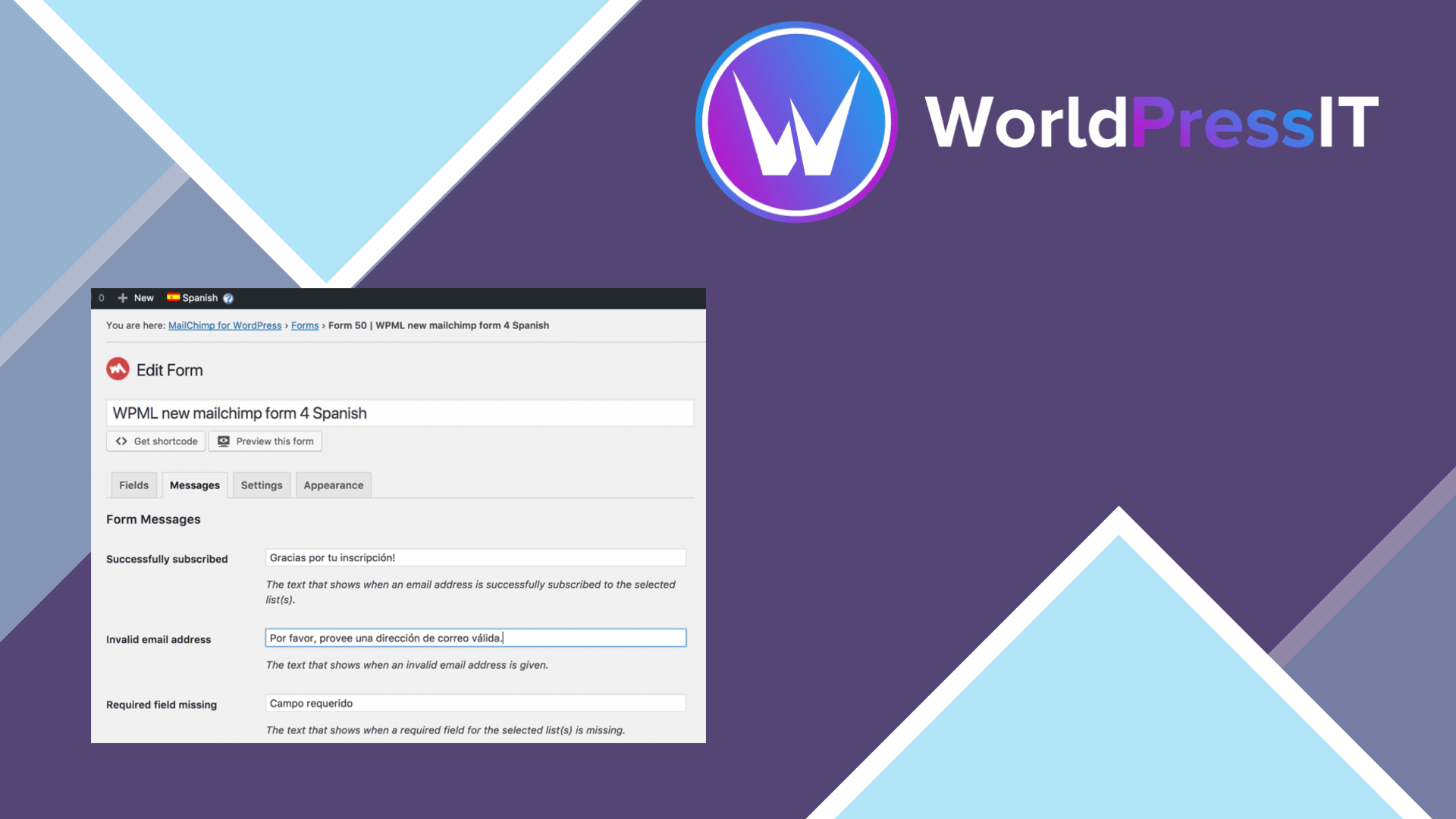
WordPress Multilingual MailChimp is a useful compatibility add-on, not a standalone Mailchimp solution. Its job is to make Mailchimp for WordPress forms work properly across WPML languages. It translates the visitor-facing parts of an MC4WP form, including field labels, placeholders, submit buttons, consent text, and success or error messages. That solves a real problem: a French, German, or Spanish page should not display an English newsletter form.
The strongest part is the connection with WPML’s translation workflow. Once an MC4WP form is saved, it becomes available in the WPML Translations dashboard without manually scanning and registering every string. The documented translation coverage is unusually practical: it includes custom HTML inside consent text and the messages shown after submission. The add-on also works with MC4WP placements such as content blocks, widgets, WooCommerce checkout opt-ins, comment-form checkboxes, and several supported form integrations.
There is an important catch. The complete multilingual flow currently needs three layers: WPML and its String Translation component, Mailchimp for WordPress, and the MailChimp Multilingual add-on. You also need the separate free MC4WP: WPML Integration plugin for language-based audience routing. That routing plugin maps each WPML language to a Mailchimp audience and can set the subscriber’s Mailchimp language field. WPML says the routing functionality is planned to be merged into this add-on, but until that release arrives, the setup is more complicated than the product name suggests.
This add-on also does not translate everything your subscribers receive. It handles the form inside WordPress, but double opt-in emails, welcome emails, automations, and campaigns are sent by Mailchimp. You must create the language-specific email logic there, using separate audiences, segments, tags, or conditional content. That division is sensible, but it means buying or installing this add-on will not magically produce a multilingual newsletter campaign.
The rough edges are specific rather than fatal. WPML support discussions show cases where forms remained in the source language because the wrong form ID was selected or the ID itself needed translation in String Translation. Documentation also warns that a privacy-policy link in consent text is rewritten only when the translated page already exists when the form is sent for translation. These are manageable issues, but they make testing every language and submission path essential. The underlying MC4WP plugin is well established and has a strong WordPress.org reputation, although user feedback also mentions confusing setup and limited form flexibility.
Compared with Mailchimp’s official WordPress plugin, this is the better choice only when you specifically use MC4WP: WPML states that its add-on supports MC4WP, not Mailchimp’s official plugin. Compared with TranslatePress or Polylang, it is not a general multilingual framework and does not replace either one; it is a targeted integration for WPML. For an existing WPML site, that focus makes it worthwhile. For a new site seeking the fewest moving parts, it is hard to recommend building around this stack solely for translated signup forms.
Questions people ask
- Does WordPress Multilingual MailChimp work without WPML?
- No. It is a WPML add-on and is designed to translate forms created with Mailchimp for WordPress.
- Do I need another plugin for language-based Mailchimp audiences?
- Yes, currently. The documented setup requires the separate MC4WP: WPML Integration plugin for routing subscribers by WPML language.
- Does it translate Mailchimp welcome emails?
- No. It translates the signup form and its WordPress messages. Double opt-in emails, welcome emails, automations, and campaigns must be configured in Mailchimp.
- Does it support Mailchimp's official WordPress plugin?
- No. The WPML documentation specifically supports MC4WP: Mailchimp for WordPress, not Mailchimp's separate official WordPress plugin.
Get WordPress Multilingual MailChimp: worth it if WPML already runs your site 0.1.0
Complete package, ready to install, via WorldPressIT.