OLX WooCommerce: worth it for six supported markets, not for marketplaces
- WooCommerce shops selling in OLX markets
- Catalogs with many repeat listings
- Stores with simple or variable products
- Sellers who need centralized ad management
- You need a multi-vendor marketplace
- You sell outside the six supported countries
- You only use free OLX categories
- You want a one-time purchase with lifetime updates
OLX WooCommerce is a focused sales-channel connector, not an online marketplace plugin. It takes products already stored in WooCommerce and helps you create, manage, update, and close OLX adverts from the WordPress dashboard. That distinction matters because the marketplace description overstates what the plugin does: it does not let third-party sellers register on your site, manage their own stores, or conduct user-to-user transactions. For those goals, Dokan, WCFM Marketplace, or WC Vendors is the more appropriate product category.
Where it is genuinely strong
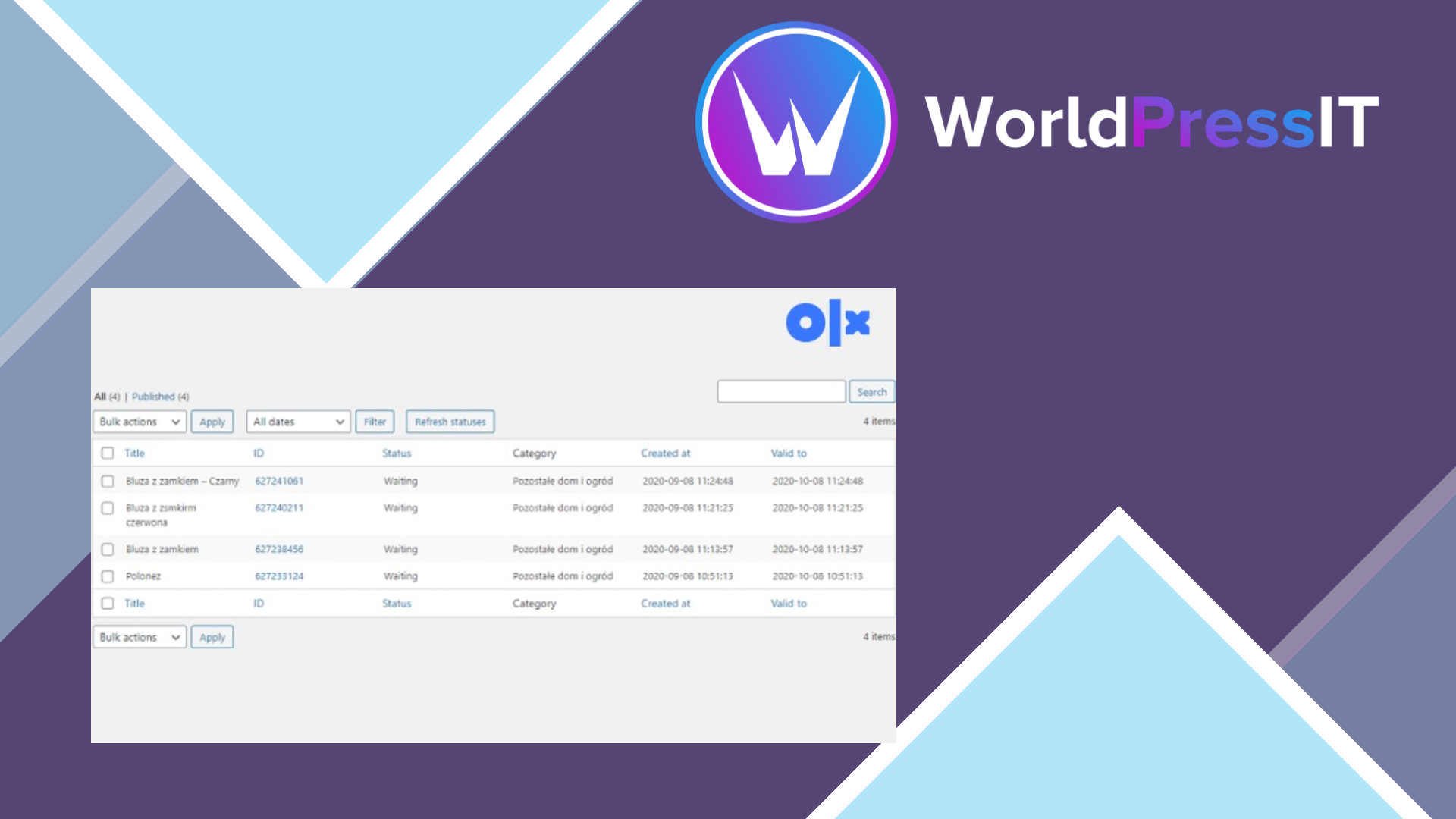
The plugin is useful when OLX is already an important source of demand and your product catalog is large enough that manual listing is painful. You can create reusable advert templates, map WooCommerce categories to OLX categories, insert product fields into titles and descriptions with shortcodes, attach product images, and list simple or variable products. Product variations can be published as separate adverts, and the dashboard records advert IDs, statuses, categories, and validity dates.
The management features are more practical than the headline marketing language suggests. You can refresh statuses, close selected adverts in bulk, and reuse templates for later listings. The documentation states that a maximum of eight product images can be downloaded to an advert. It also supports six markets: Bulgaria, Kazakhstan, Poland, Portugal, Romania, and Ukraine. If you operate in one of those countries and repeatedly publish similar products, the time saved can justify the subscription.
What makes it awkward
Setup is not plug-and-play. You need an approved OLX Developer account, a Client ID, a Client Secret, a correctly configured redirect URL, and seller details including a real phone number validated by the OLX API. OLX approval is moderated, and the documentation warns that some categories may be unavailable through the API. Another important restriction is that the API does not support free OLX categories, so the integration is limited to paid categories that OLX permits through its API.
The country limitation is the biggest weakness for international stores. There is no broad OLX network switch that makes the plugin useful everywhere OLX operates, and no promise that a category available in one country will be available in another. You also remain dependent on OLX moderation, API behaviour, advert validity rules, and changes outside WordPress. The plugin automates listing work; it does not turn OLX into a synchronized order, payment, or fulfillment system.
Price and alternatives
WP Desk lists the single-plugin plan at €79 per year for one site, with one year of updates and email support. Its all-plugins bundle is listed at €99 per year for one site, which may be better value only if you actually need the other WP Desk products. After a subscription expires, the plugin can continue working, but you lose updates, support, and the ability to move or activate the license on a new environment.
Compared with BaseLinker or EasySales, OLX WooCommerce is narrower but potentially simpler if your only requirement is pushing WooCommerce products to OLX. Those platforms may make more sense when you need several marketplaces, stock coordination, or broader channel management. A custom OLX API integration is more expensive but gives you control over workflows and unsupported requirements. Buy this plugin when its narrow job matches your business; skip it when the word “marketplace” is doing too much work.
Questions people ask
- Does OLX WooCommerce create a multi-vendor marketplace?
- No. It publishes products from your WooCommerce store to OLX. It does not add vendor registration, vendor dashboards, commissions, or user-to-user marketplace functionality.
- Which countries does OLX WooCommerce support?
- The documented markets are Bulgaria, Kazakhstan, Poland, Portugal, Romania, and Ukraine. Support is tied to the OLX API available in each country.
- Do I need an OLX API account to use the plugin?
- Yes. You need an approved OLX Developer account, Client ID, Client Secret, an application with the correct redirect URL, and seller details before publishing adverts.
- How many product images can it send to an OLX advert?
- The documentation says the plugin can download a maximum of eight product images to an advert.
- Can it publish products in free OLX categories?
- No. The documentation states that the OLX API does not support free categories, so publishing is limited to eligible paid categories.
- Is OLX WooCommerce better than BaseLinker?
- Only for a narrow OLX-focused setup. BaseLinker is the stronger choice when you need multiple sales channels, broader inventory coordination, or more centralized marketplace operations.
Get OLX WooCommerce: worth it for six supported markets, not for marketplaces 2.1.36
Complete package, ready to install, via WorldPressIT.