Meow Apps AI Engine Premium: worth it for serious WordPress AI work
- WordPress agencies building AI features
- Developers integrating WooCommerce with AI
- Sites needing document-based chatbots
- Teams using their own AI provider accounts
- Power users managing multiple WordPress sites
- You only need occasional AI writing
- You want a hosted chatbot with no setup
- You do not want to manage API keys
- You need unreviewed AI content published automatically
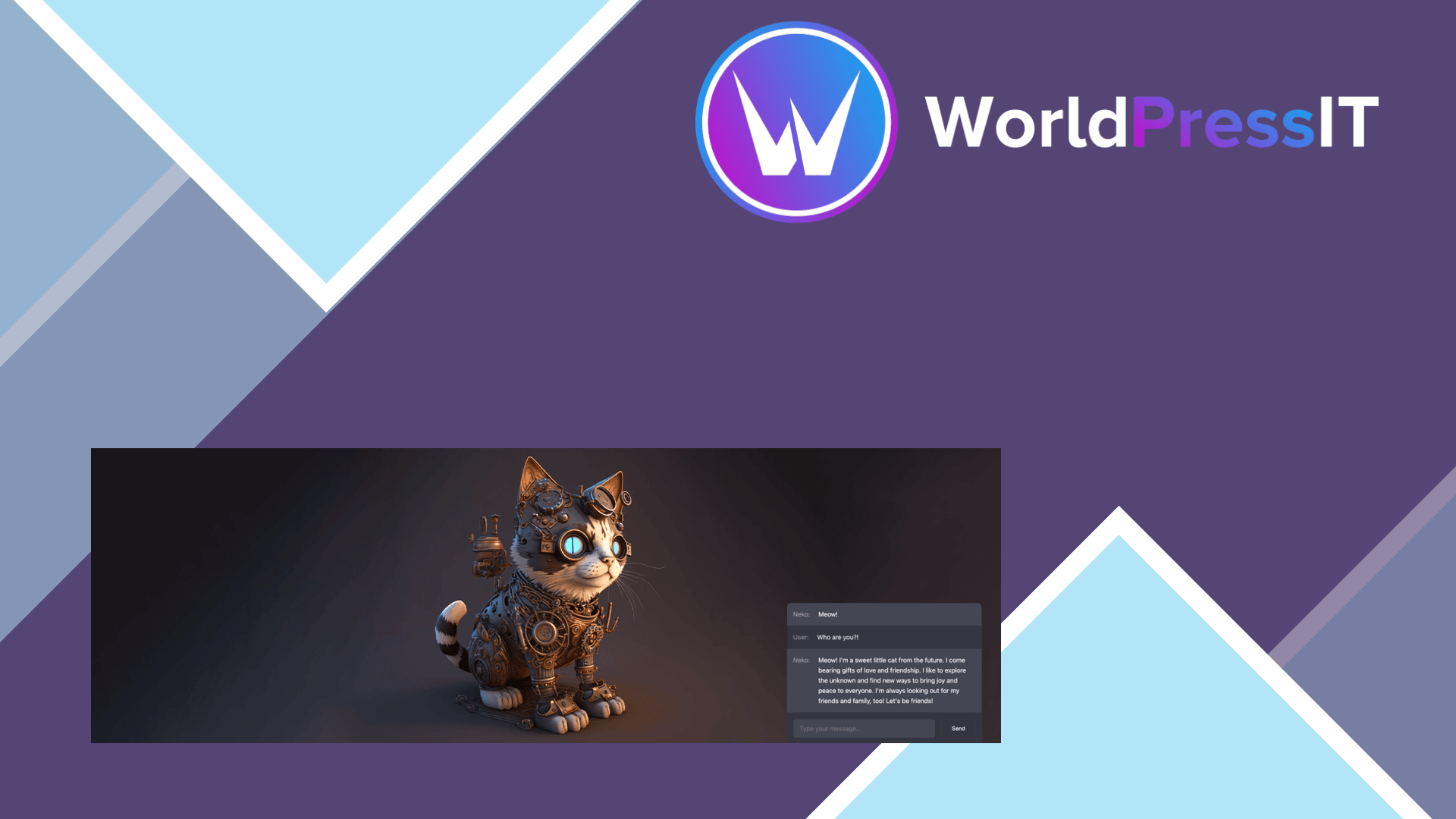
Meow Apps AI Engine Premium is a genuine WordPress AI framework, not just a button that sends text to ChatGPT. It connects WordPress to providers including OpenAI, Anthropic, Google, Mistral, and compatible services, then exposes that connection through chatbots, editor tools, AI Forms, image generation, knowledge bases, function calling, and MCP. The free plugin already covers chatbots, content generation, image tools, Copilot, and a WordPress MCP server, so Premium is mainly a purchase for the advanced building blocks.
The strongest feature is the way Premium turns site content into an AI knowledge source. Its embeddings and content-aware tools can create a knowledge base from WordPress content and PDFs, with support for vector services such as Pinecone, Chroma, Qdrant, and OpenAI Vector Store. That makes it suitable for documentation assistants, product-support bots, membership sites, and internal tools that need answers grounded in a site’s own material instead of generic model knowledge. The plugin’s tutorial also documents usage limits for users, guests, and the whole system; a practical example is a system-wide limit of 100 queries per day.
Premium is also unusually strong for developers. Function calling can connect an AI assistant to WordPress functions, WooCommerce, appointments, or custom APIs. Its MCP implementation lets external clients such as Claude or ChatGPT work with WordPress data and, when configured, perform site actions. That is far more useful than a standalone content writer when the goal is to let AI search products, create drafts, inspect media, or power a custom workflow. The WordPress.org listing documents internal APIs, REST endpoints, hooks, and MCP support, while the support forum shows the developer actively handling integration and security reports.
There are real costs beyond the license. You must supply and pay for your own provider API keys, so the plugin does not include AI usage. Configuration is broad enough to feel intimidating: models, environments, prompts, vector stores, permissions, limits, logging, and moderation all need decisions. The developer explicitly warns that generated output may be inaccurate and that data sent to providers is governed by those providers’ terms and privacy policies. Sensitive information therefore requires careful configuration and legal review.
AI Engine is a better fit for technical teams than Bertha AI, which is more focused on guided content creation. Compared with AI Puffer, AI Engine is stronger as a framework for custom integrations, retrieval, and site automation, while AI Puffer can be easier for users who mainly want a content generator and chatbot. ChatGPT or Claude directly remain simpler for general writing, but they do not automatically understand your WordPress content, editor workflow, permissions, or WooCommerce data. Dedicated chatbot plugins may be easier for one narrow use case, but they usually do not offer the same breadth of developer hooks and provider choice.
The verdict is positive: buy Premium when you have a specific WordPress AI project that needs knowledge retrieval, forms, automation, or agent-style control. Start with the free version first, because many headline features are already included there. If your requirement is only rewriting paragraphs or drafting posts, Premium adds complexity rather than value.
Questions people ask
- Does AI Engine Premium include ChatGPT or other AI usage?
- No. You connect your own provider account and API key, then pay OpenAI, Anthropic, Google, or another provider directly for usage.
- What does AI Engine Premium add to the free plugin?
- Premium adds AI Forms, embeddings and knowledge bases, function calling, cross-site chatbots, real-time audio chatbots, advanced MCP tools, editor assistance, usage analytics, and limits.
- Can AI Engine answer questions from PDFs?
- Yes. Premium can build knowledge bases from PDFs and other content, using embeddings and a supported vector database or vector-store environment.
- Is AI Engine Premium suitable for non-technical WordPress users?
- It can power a useful chatbot without coding, but the advanced features require decisions about models, API keys, privacy, permissions, limits, and sometimes custom functions.
Get Meow Apps AI Engine Premium: worth it for serious WordPress AI work 3.8.8
Complete package, ready to install, via WorldPressIT.