Asset CleanUp Pro: worth it for hands-on performance work
- WooCommerce sites with page-specific bloat
- developers managing several WordPress builds
- Elementor and page-builder sites
- sites already using a caching plugin
- technical users improving Core Web Vitals
- you want automatic optimization
- you cannot test changes safely
- your site is already lightweight
- you need full-page caching in one plugin
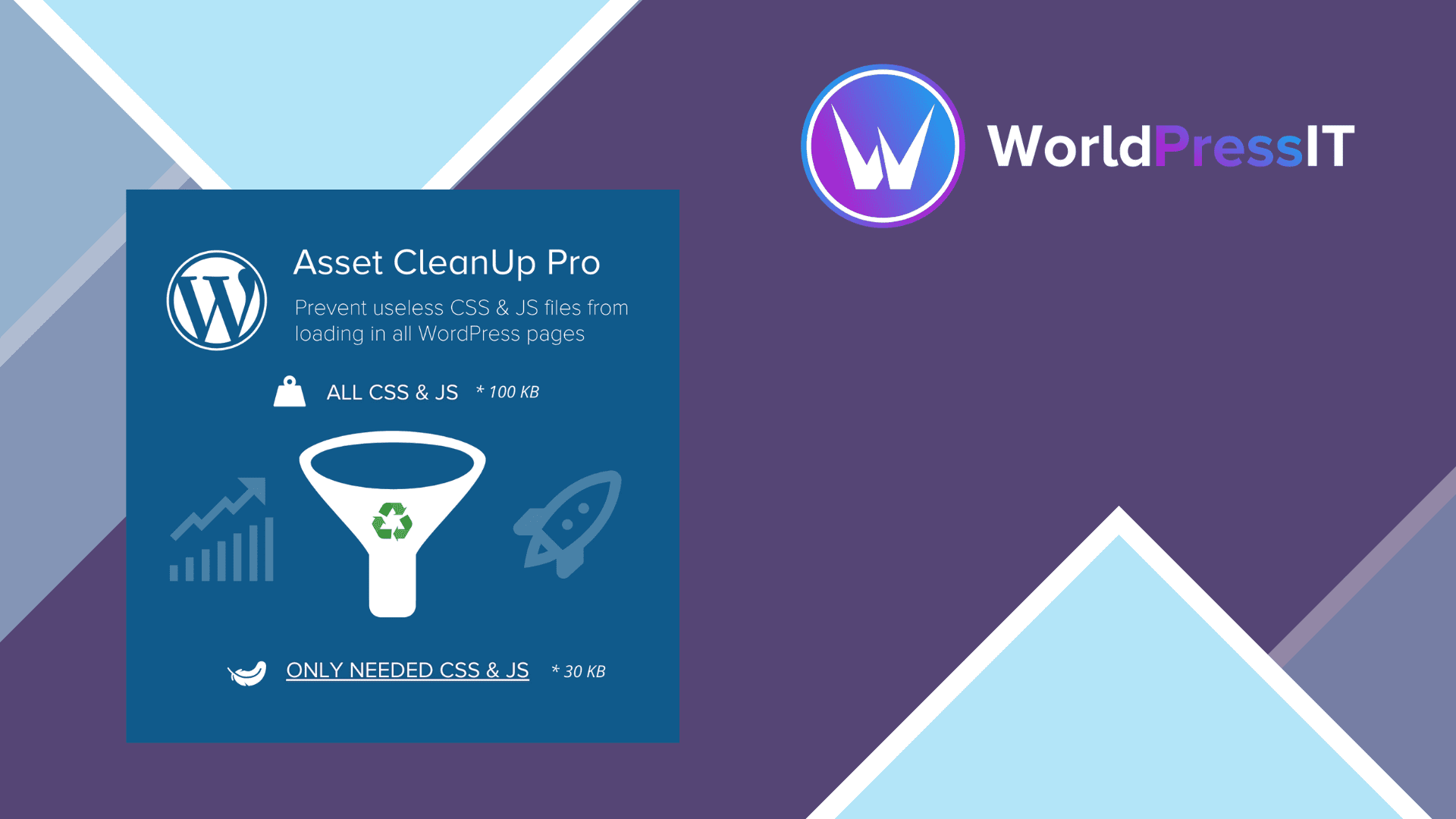
Asset CleanUp Pro solves a specific WordPress performance problem: plugins and themes often enqueue CSS and JavaScript globally even when a page does not use the related feature. The plugin lets you inspect those assets and unload them from the homepage, individual posts, pages, custom post types, taxonomy pages, and selected URL patterns. Its Pro edition can also unload entire plugins in chosen contexts, which goes beyond merely removing their front-end files. The developer explicitly warns that unloading a plugin can remove its PHP execution, HTML output, hooks, and cookies as though the plugin were deactivated on that request. ([wordpress.org](https://wordpress.org/plugins/wp-asset-clean-up/?utm_source=openai))
That is where the plugin is genuinely strong. It gives experienced administrators unusually granular control, including bulk rules, regular-expression URL matching, exceptions, asset attributes, preload controls, minification, combination, and manual Critical CSS management. Test Mode is especially valuable: selected changes can be applied only to the logged-in administrator before visitors see them. The documentation also makes clear that Asset CleanUp Pro is not a page-cache plugin; it is designed to remove or optimize what loads, while a tool such as WP Rocket handles caching and broader delivery work. ([assetcleanup.com](https://www.assetcleanup.com/docs/?utm_source=openai))
The free Asset CleanUp plugin already provides meaningful per-page CSS and JavaScript unloading, so Pro is not automatically necessary. The paid version becomes easier to justify when you need site-wide or regex-based rules, whole-plugin unloading, more extensive bulk controls, or advanced loading behavior. A concrete limitation is that the product does not automatically generate Critical CSS: it provides a manager for CSS you prepare yourself. That makes it a poor substitute for an automated optimization suite. ([wordpress.org](https://wordpress.org/plugins/wp-asset-clean-up/?utm_source=openai))
The main weakness is operational risk. Asset CleanUp Pro exposes technical decisions that simpler plugins hide. The WordPress.org support forum includes reports involving a broken HurryTimer integration, admin-bar or interface problems, critical errors after updates, Varnish-related blank pages, and WooCommerce carts failing on the homepage. Those reports do not prove the plugin is unreliable, but they do show why every unload, defer, combine, or minification change needs testing across logged-out pages, mobile layouts, forms, checkout, and logged-in workflows. ([wordpress.org](https://wordpress.org/support/plugin/wp-asset-clean-up/?utm_source=openai))
Compared with WP Rocket, Asset CleanUp Pro is less polished as an all-in-one performance package but more precise for deciding which assets exist on which pages. Compared with Perfmatters, it is similarly aimed at selective cleanup, though Asset CleanUp Pro is particularly strong when you need detailed asset inspection and bulk rules. Autoptimize is usually simpler for aggregation and delivery tweaks, while Asset CleanUp Pro is better when the real problem is unnecessary files being loaded at all. The official license page currently describes yearly billing, a 30-day money-back guarantee, and a 30% discount on renewal, so the cost is easier to defend for ongoing client or commerce work than for a small brochure site. ([gabelivan.com](https://www.gabelivan.com/items/wp-asset-cleanup-pro/?utm_source=openai))
Verdict: Asset CleanUp Pro is worth it for technically managed sites where removing unused assets produces measurable gains. It is not worth buying merely to chase a higher PageSpeed score, and it should not be installed by someone unwilling to use Test Mode, maintain exceptions, and retest after plugin or theme updates.
Questions people ask
- Is Asset CleanUp Pro a caching plugin?
- No. It primarily controls which CSS, JavaScript, and plugin functionality loads. The developer recommends pairing it with a caching plugin such as WP Rocket rather than treating it as a replacement.
- Can Asset CleanUp Pro remove an entire plugin from one page?
- Yes, the Pro version includes plugin unload rules. However, unloading a plugin can also remove its PHP code, hooks, HTML output, and cookies for that request, so the feature requires careful testing.
- Is Asset CleanUp Pro safe for WooCommerce?
- It can work well for WooCommerce, especially when shop assets appear on unrelated pages, but checkout, cart fragments, account pages, payment gateways, and product interactions must be tested after every rule change.
- Does Asset CleanUp Pro automatically create Critical CSS?
- No. It provides a structured manager for manually prepared Critical CSS. It does not automatically generate that CSS for you.
- Is Asset CleanUp Pro better than WP Rocket?
- Neither is a direct replacement for the other. WP Rocket is the easier all-in-one caching and delivery choice, while Asset CleanUp Pro is better when you need detailed control over which assets and plugins load on specific pages.
Get Asset CleanUp Pro: worth it for hands-on performance work 1.2.8.1
Complete package, ready to install, via WorldPressIT.